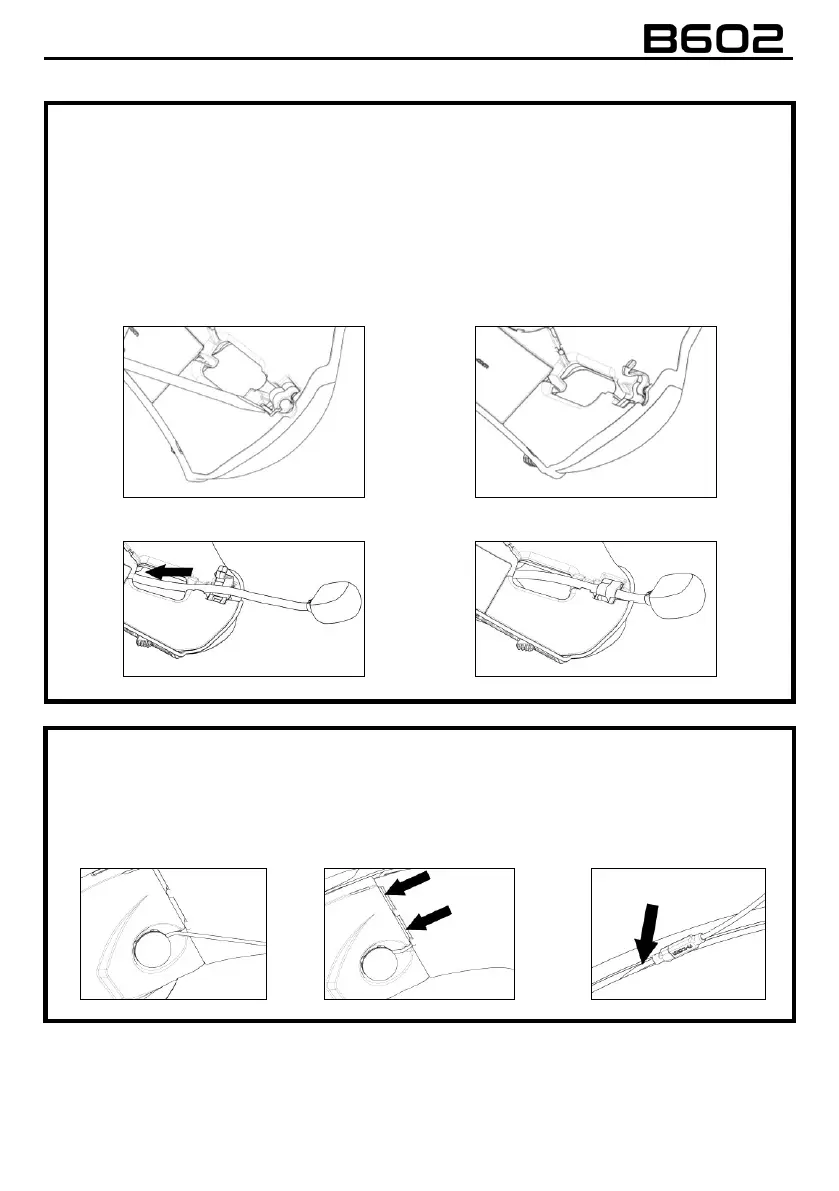
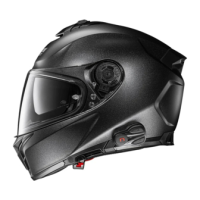
ONLY FOR X-1005 HELMETS
• With the help of the flat head tool supplied as standard equipment, open the microphone-holder
clip located on the right side of the helmet (Fig. 12-13).
• Position the microphone at the desired length, sliding the excess portion inside the cheek pad
lining (Fig. 14).
N.B.: To ensure good voice transmission quality, it is recommended to adjust the length of the
microphone so that the foam part is in front of your mouth.
• Close the clip. Make sure that the microphone side with the letter “n” is facing the inside of the
helmet (Fig. 15).
ONLY FOR X-903, X-552 HELMETS
• Hook up the specific microphone for full-face helmets in its seat in the chin guard (Fig. 16).
• Position the microphone wire in the vertical groove and afterwards behind the cheek pad lining
(Fig. 17 – 17B). If necessary, lift up the groove tabs and the cheek pad lining using a flat head tool
(supplied as standard equipment).



 To Next Page