18
Initial Setup
Choosing a Location - Projection Orientation
Personal preference and room layout will decide the installation location. Consider the following:
• Size and position of your screen.
• Location of a suitable power outlet.
• Location and distance between the projector and other equipment.
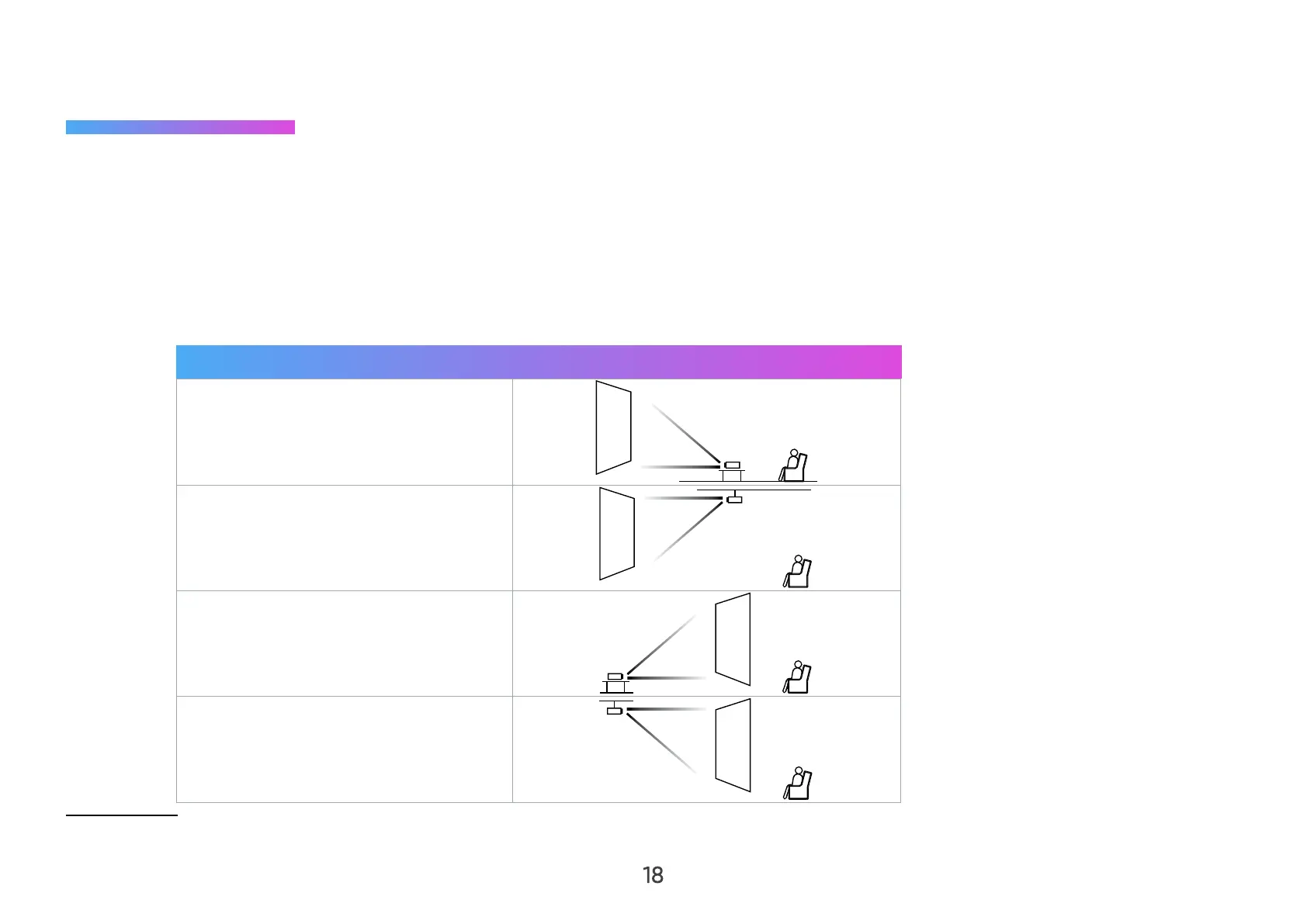
The projector is designed to be installed in one of the following locations:
Location
Front Table
The projector is placed near the
floor in front of the screen.
Front Ceiling
The projector is suspended upside-
down from the ceiling in front of the
screen.
Rear Table
The projector is placed near the
floor behind the screen.
Rear Ceiling
The projector is suspended upside-
down from the ceiling behind the
screen.
¹ A rear projection screen is required.



 To Next Page