20
Making Connections
Connecting to Power
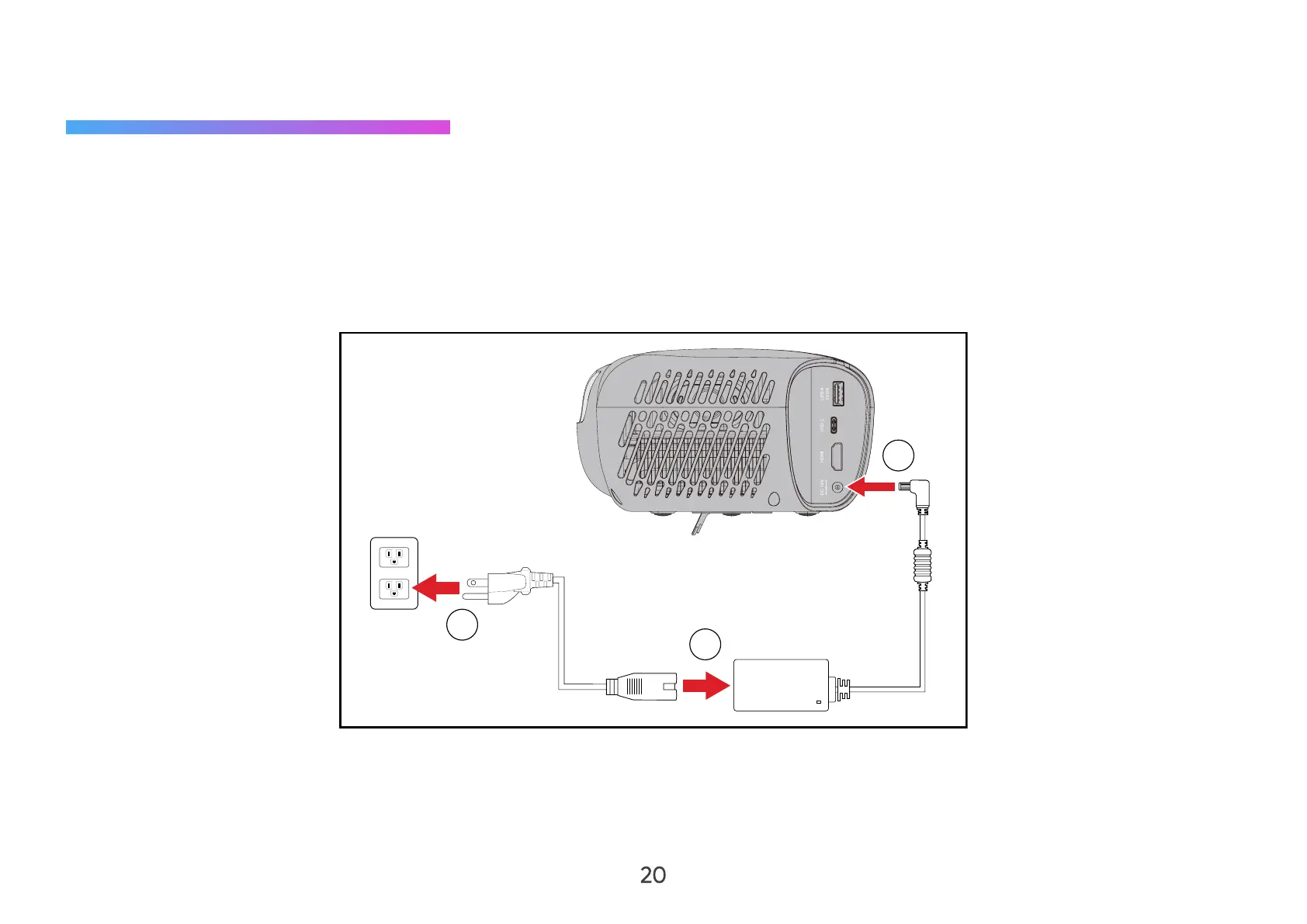
DC Power (Power Outlet)
1. Connect the power cord to the power adapter.
2. Connect the power adapter to the DC IN jack at the rear of the projector.
3. Plug the power cord plug into a power outlet.
2
1
3
NOTE: When installing the projector, incorporate a readily accessible disconnect device in the fixed wiring, or connect the
power plug to an easily accessible outlet near the unit. If a fault should occur during operation of the projector, use
the disconnect device to switch o the power supply, or disconnect the power plug.



 To Next Page