27
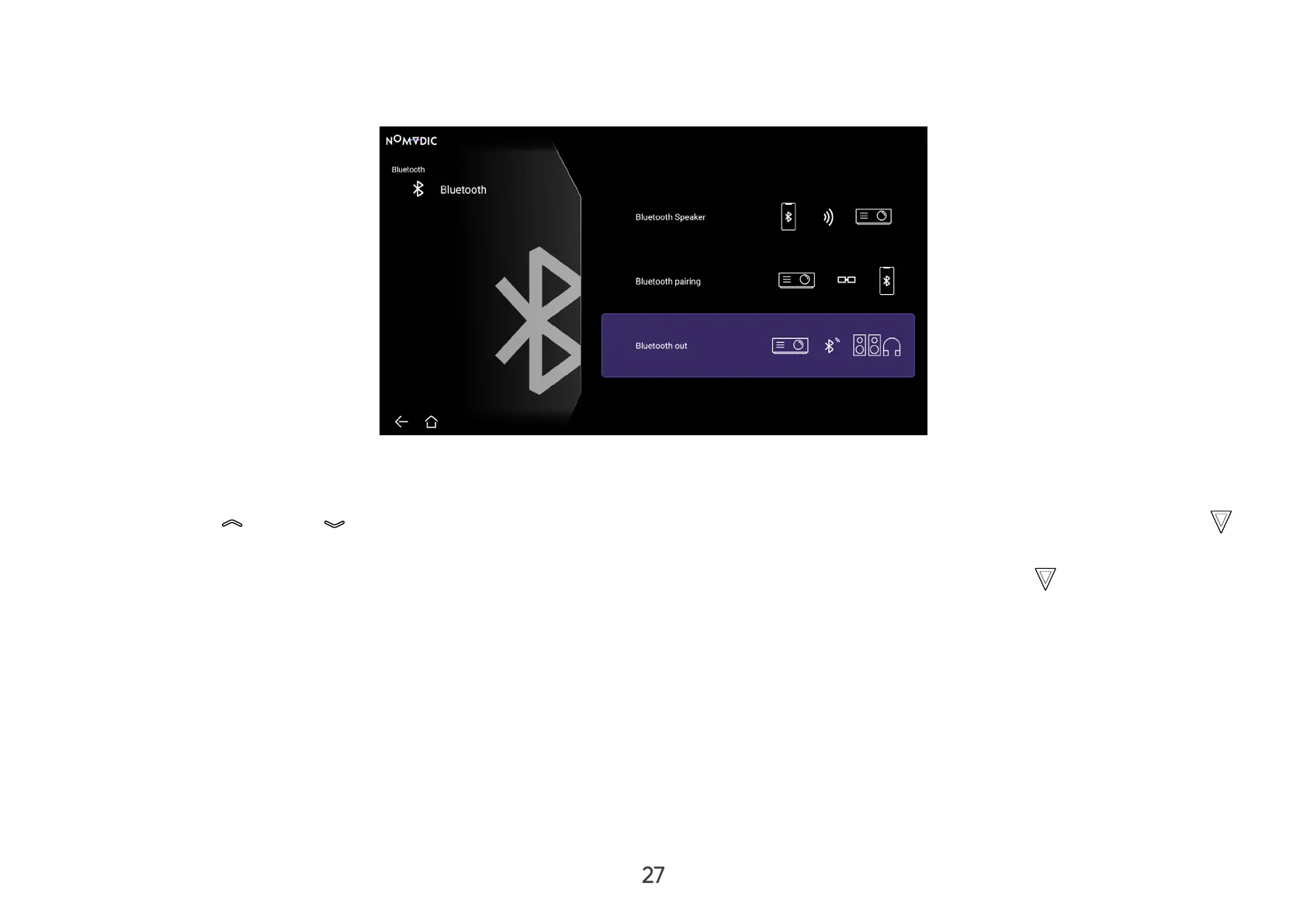
Bluetooth Out
Connect the projector to external headphones or speakers that support Bluetooth.
To connect and pair your device:
1. Go to: Home > Bluetooth.
2. Use the Up (
)/Down ( ) directional buttons on the remote control to select the Bluetooth Out option. Then press OK (
) on the remote control.
3. The projector will search for nearby Bluetooth devices. Select your device from the list and press OK (
) on the remote
control.
NOTE: Bluetooth Out cannot work with Bluetooth Speaker or Bluetooth Pairing at the same time.



 To Next Page