26
Connecting to Audio
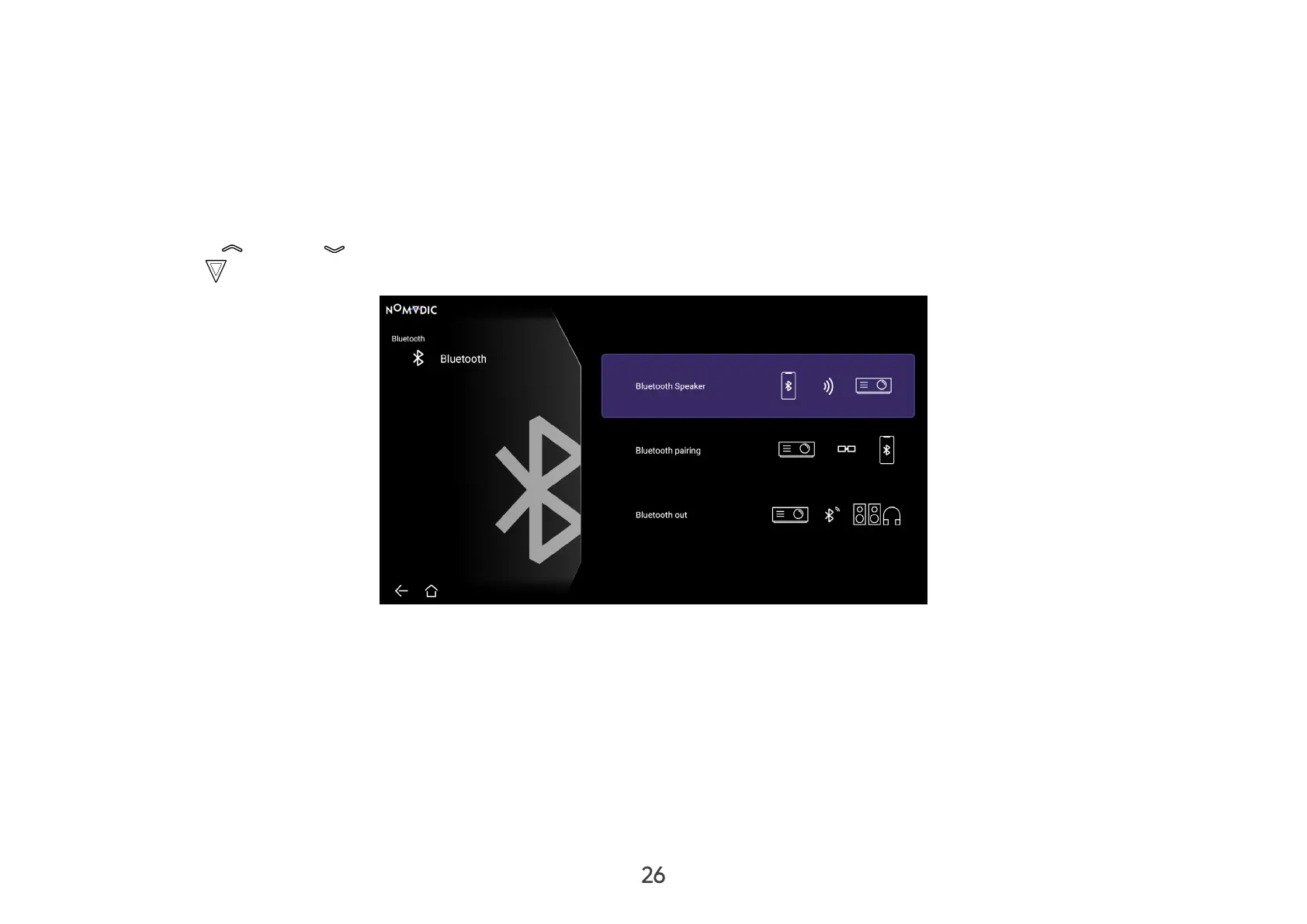
Bluetooth Speaker
The projector is equipped with Bluetooth that allows the user to connect their device wirelessly for audio playback.
To connect and pair your device:
1. Go to: Home > Bluetooth.
2. Use the Up (
)/Down ( ) directional buttons on the remote control to select Bluetooth Speaker or Bluetooth Pairing. Then
press OK ( ) on the remote control.
3. A sound eect will be audible upon entering pairing mode.
4. Upon successful connection, another sound eect will be audible.
NOTE:
• Once paired, if both the projector and your device are powered on they will automatically connect via Bluetooth.
• The projector’s name will be labeled as “NOMVDIC L500”.
• To connect the L500 with a paired smart device, select “L500” from the smart device’s Bluetooth settings to connect again each
time.



 To Next Page