25
Wireless Screen Mirroring
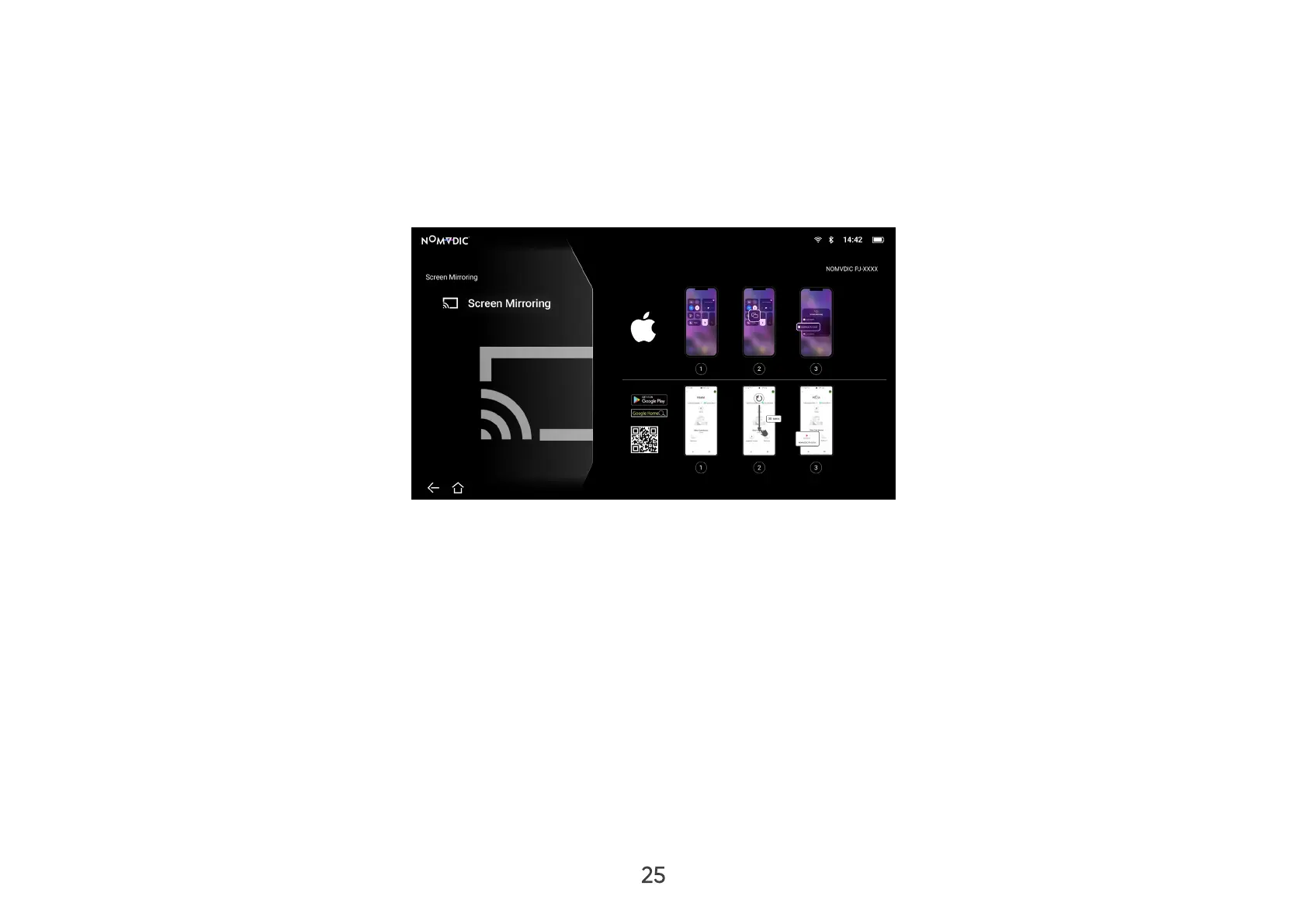
Screen Mirroring provides a 5GHz Wi-Fi connection for users to mirror the screen on their personal device.
NOTE:
• Ensure your device is connected to the same network as the projector.
• It is recommended to use a 5GHz Wi-Fi network for best results.
For iOS:
1. Access the drop down control menu.
2. Select the “Screen Mirroring” icon.
3. Choose “NOMVDIC XXXX”.
For Android:
1. Download and install the “Google Home” application and open it.
2. Pull-to-refresh the app and wait for 30 seconds.
3. “NOMVDIC XXXX” will now be visible, select it.
NOTE: Some Android devices support direct “Casting”. If your device does, go to the Casting feature and choose
“NOMVDIC” from the list of available devices. If you do not have the “Google Home” application you can also scan
the QR code and follow the steps to directly cast your Android device.



 To Next Page