63
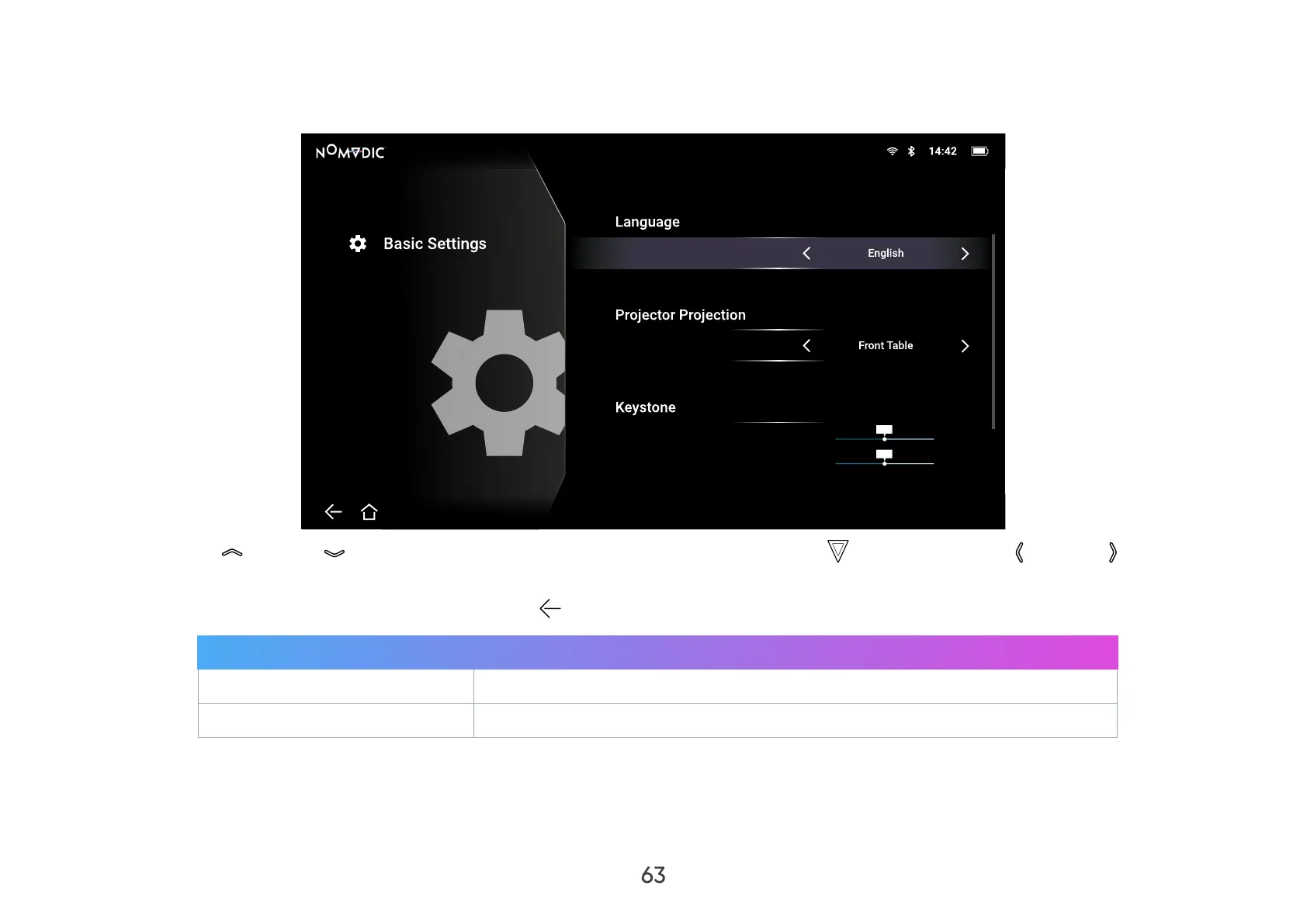
Basic Settings
1. Go to: Home > Settings > Basic Settings.
Settings/Basic Settings
V Keystone
H Keystone
-40
-40
40
40
0
0
2. Use the Up ( )/Down ( ) buttons to select the desired option and press OK ( ), or use the Left ( )/Right ( ) buttons to
make adjustments or selections.
3. To return to a previous menu press the Return (
) button.
Menu Description
Language
Select your desired language.
Projector Position
Select the preferred projection position.



 To Next Page