82
Menu Description
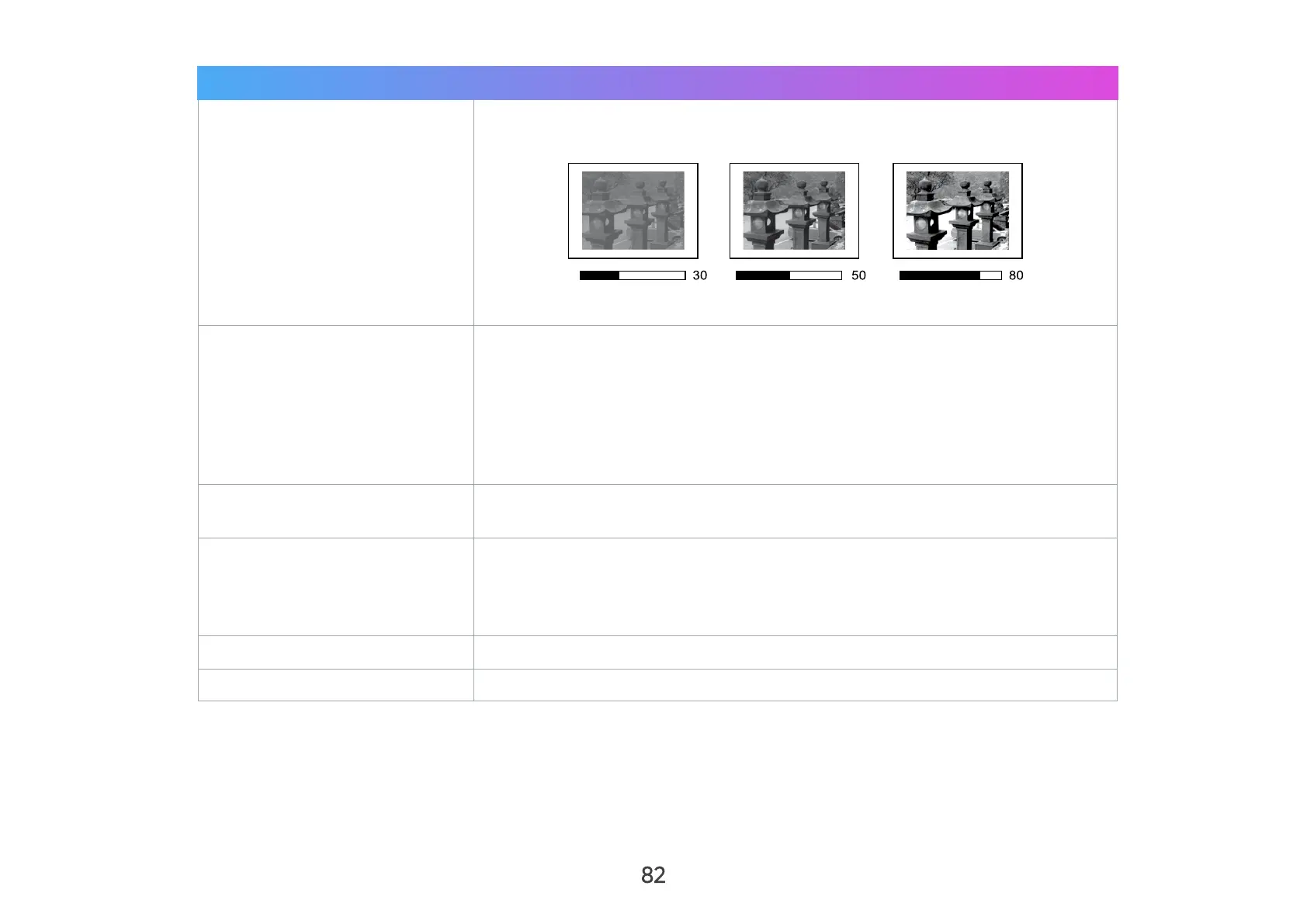
Contrast
Use this to set the peak white level after you have previously adjusted the
Brightness setting to suit your selected input and viewing environment.
NOTE: This function may not work with some Apps.
Color Temp
Select the color temperature setting.
• 6500K: Maintains normal white coloring.
• 7500K: A higher, cooler color temperature than 6500K.
• 9300K: The highest color temperature; makes the image appear the
most bluish-white.
• User Color: Adjust red, green, and blue values as desired.
Tint
The higher the value, the more greenish the picture becomes. The lower
the value, the more reddish the picture becomes.
Saturation
Refers to the amount of that color in a video picture. Lower settings
produce less saturated colors; in fact, a setting of “0” removes that color
from the image entirely. If the saturation is too high, that color will be
overpowering and unrealistic.
Sharpness
A high value results in a sharper picture; a low value softens the picture.
Gamma
Reflects the relationship between input source and picture brightness.



 To Next Page