27
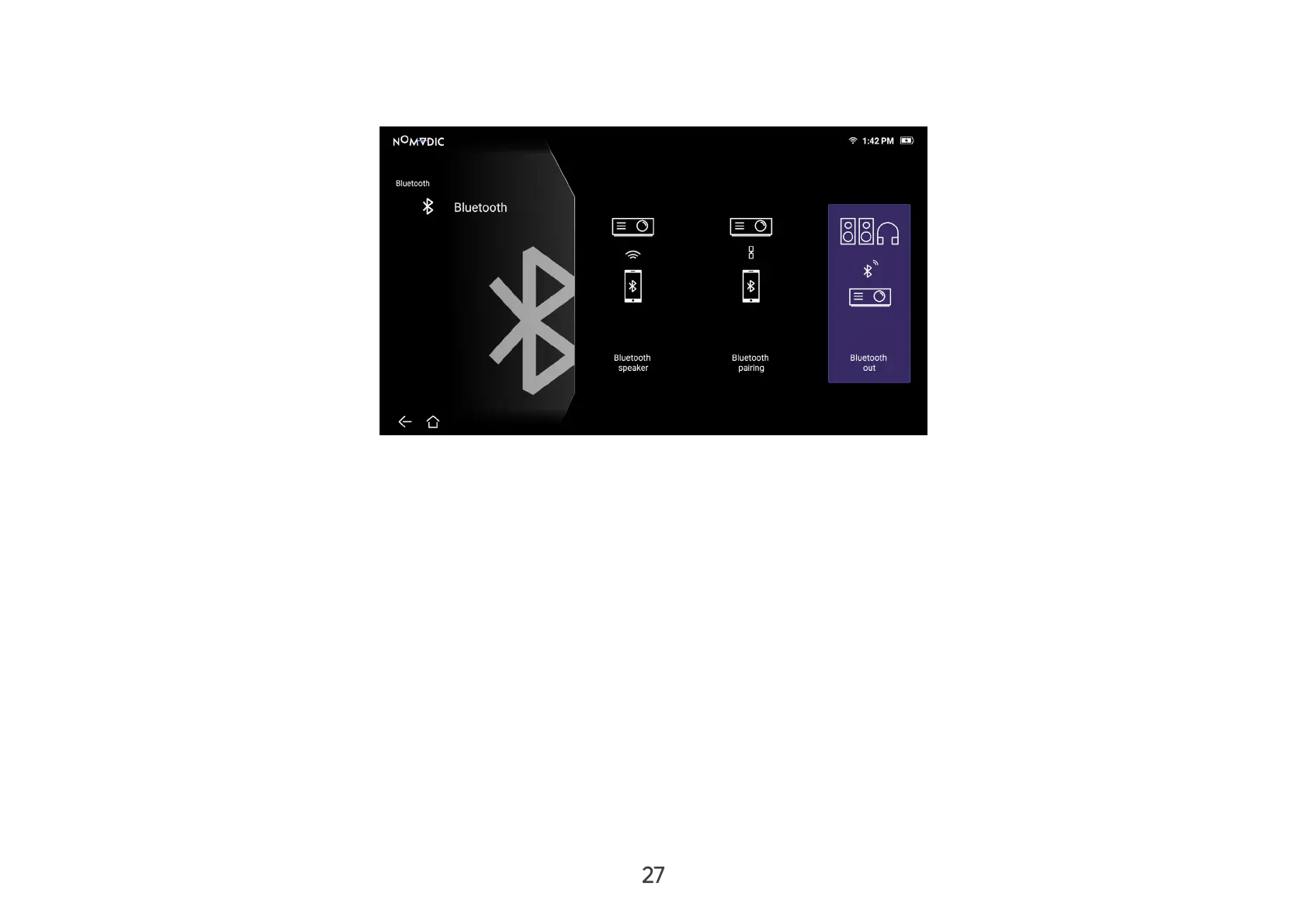
Bluetooth Out
Connect the projector to external headphones or speakers that support Bluetooth.
To connect and pair your device:
1. Go to: Home > Bluetooth.
2. Use the Left and Right directional buttons on the remote control to select the Bluetooth Out option. Then press OK on the
remote control.
3. The projector will search for nearby Bluetooth devices. Select your device from the list and press OK on the remote control.
NOTE: Bluetooth Out cannot work with Bluetooth Speaker or Bluetooth Pairing at the same time.


 To Next Page