28
Connecting to Networks
Wi-Fi Connection
To connect to a Wi-Fi network:
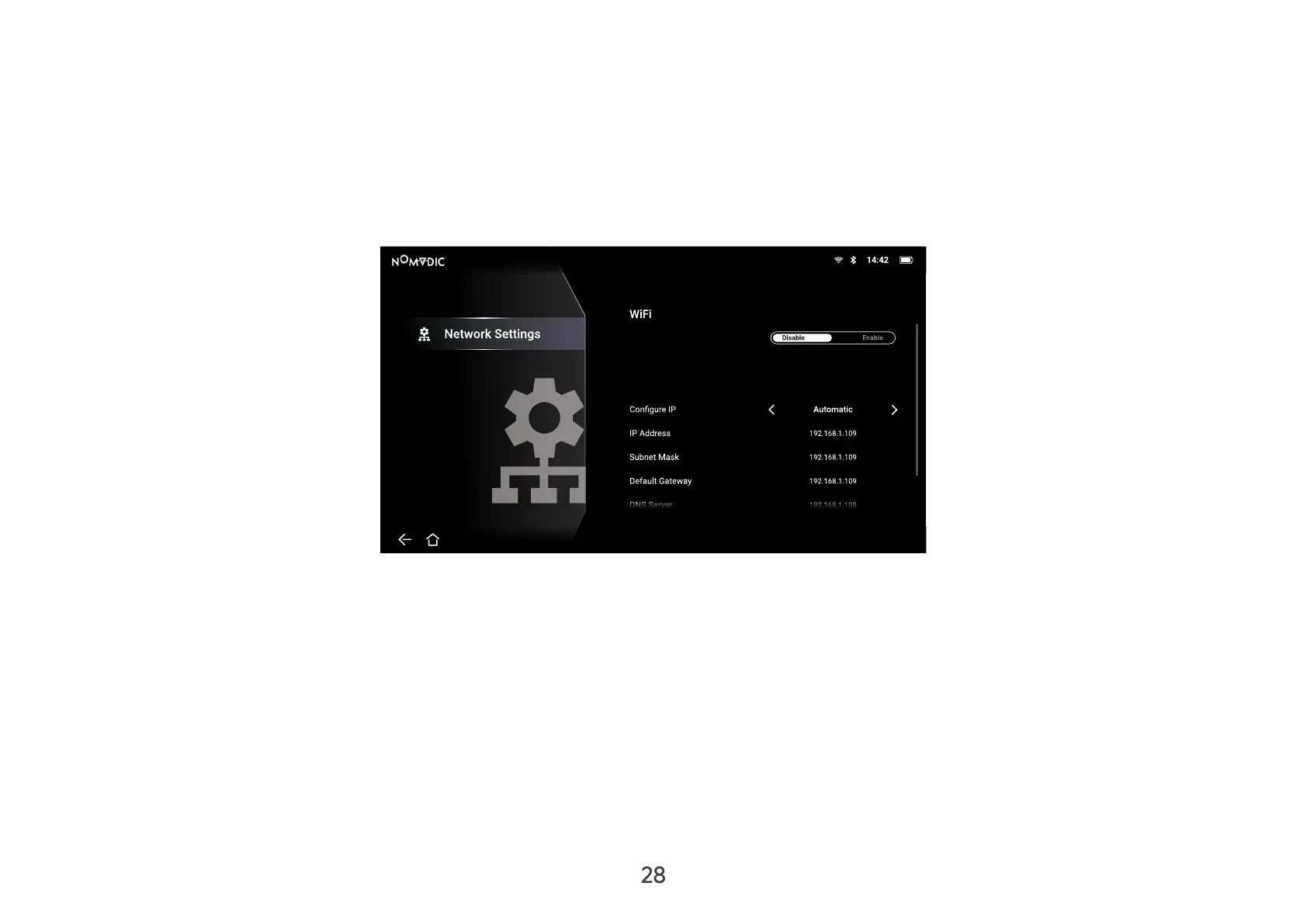
1. Go to: Home > Setting > Network Settings > Wi-Fi.
2. Press Left or Right on the remote control to select Enable.
SSID
Name
Settings/
3. Available Wi-Fi networks will then be displayed. Select one of the available Wi-Fi networks and press OK on the
remote control.
4. If you connect to a secure Wi-Fi network, you must enter the password when prompted.



 To Next Page