78
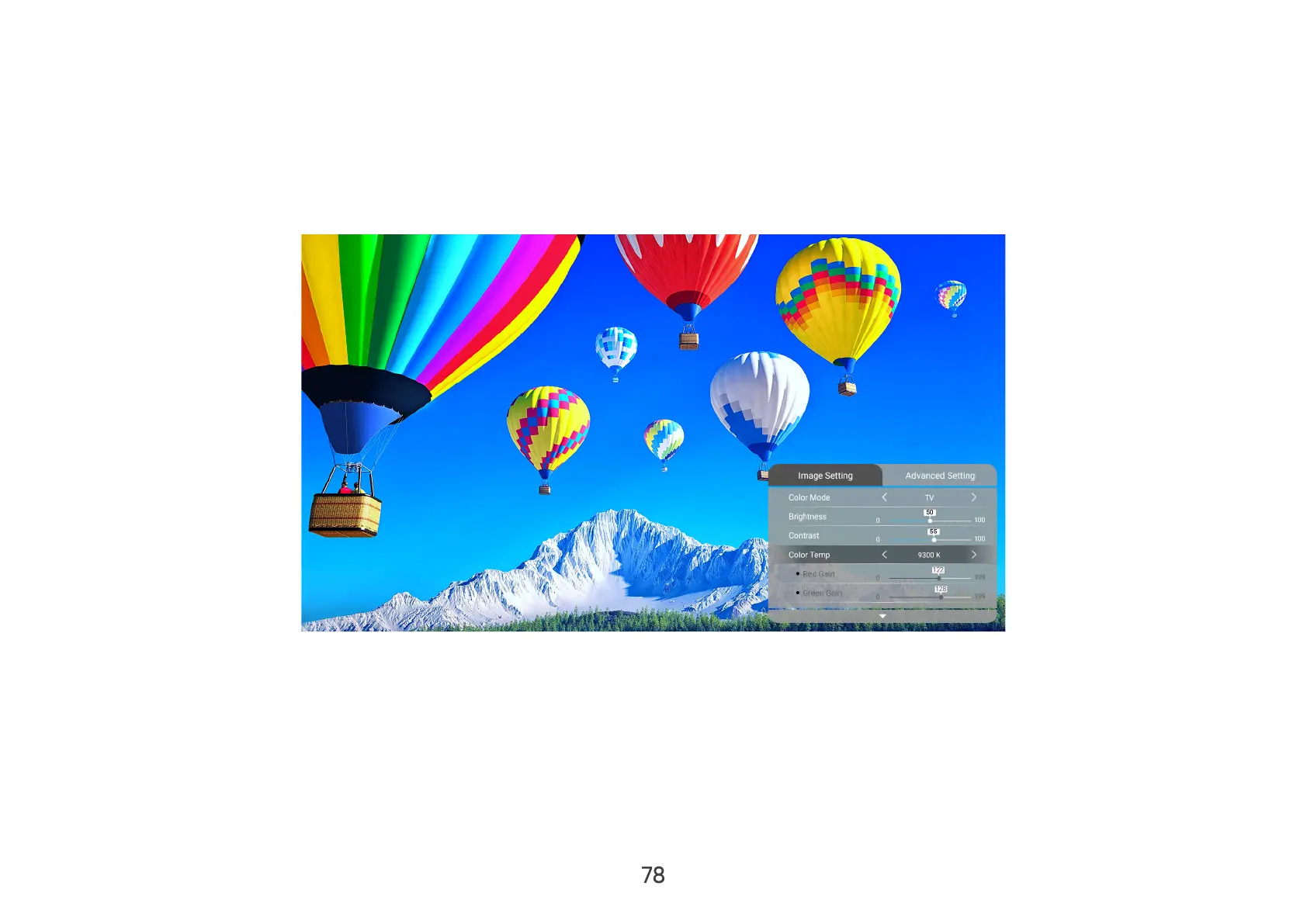
Image Setting Menu
After your input source is selected, you can adjust the Image Setting menu.
To access the Image Setting menu:
1. Press Setting on the remote control.
2. Use the Left/Right buttons on the remote control to select Image Setting (if applicable).
3. Then use the Up/Down buttons on the remote control to select the sub-menu(s).
4. Use the Left/Right buttons on the remote control to enter the sub-menu(s) and/or adjust the settings.
5. Press the Return button on the remote control to go to the previous menu or exit.


 To Next Page