39
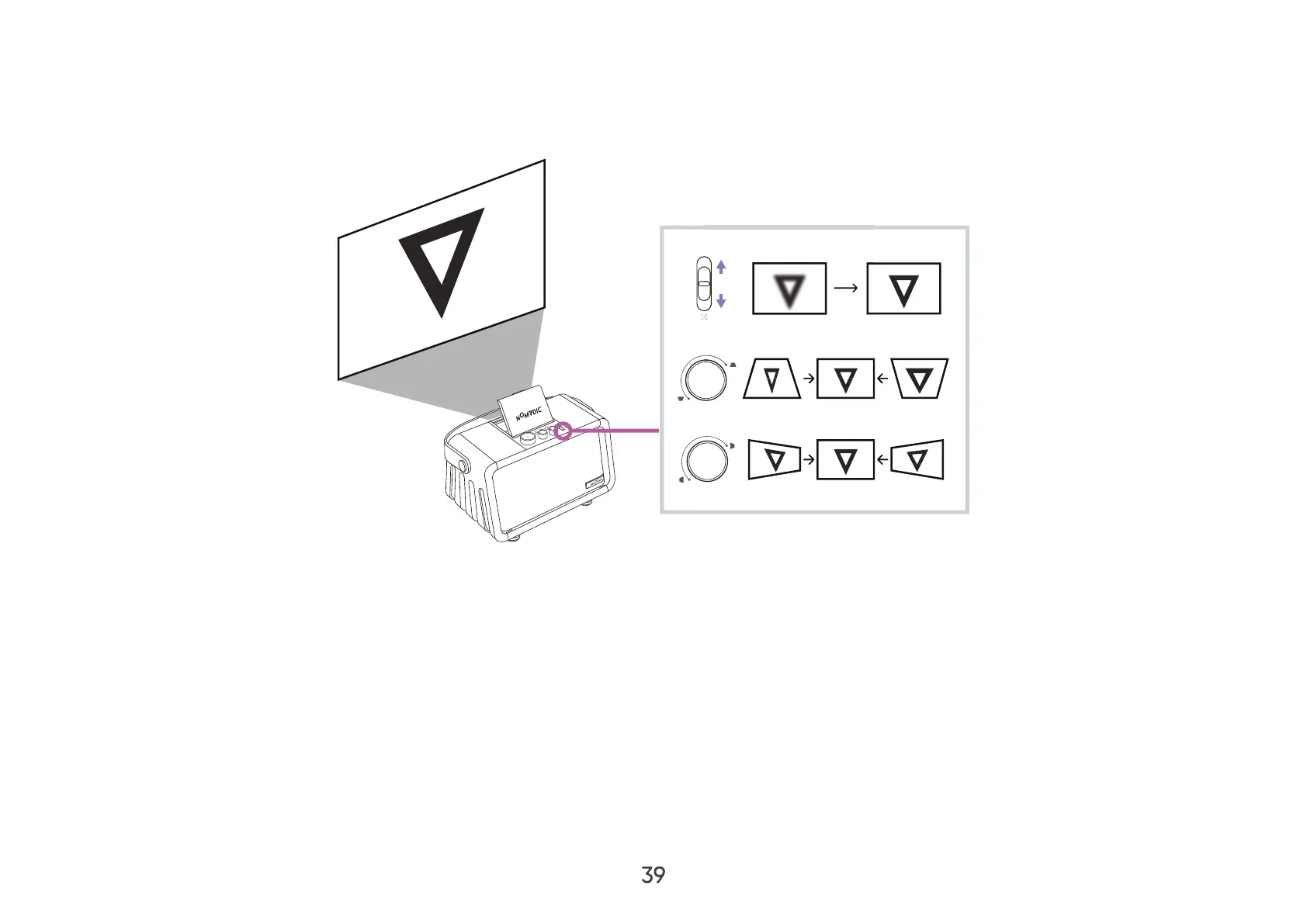
Fine-Tuning the Image Clarity
If the projector is not placed on a flat surface or the screen and the projector are not perpendicular to each other, the
projected image can become trapezoidal. However, the “Keystone Adjustment” function can correct the issue.
You can improve the clarity of the image by pressing the Focus button on the remote control, then using the Left and Right
buttons to adjust. Additionally, you can use the Focus Adjustment Slider to clarify the image.



 To Next Page