52
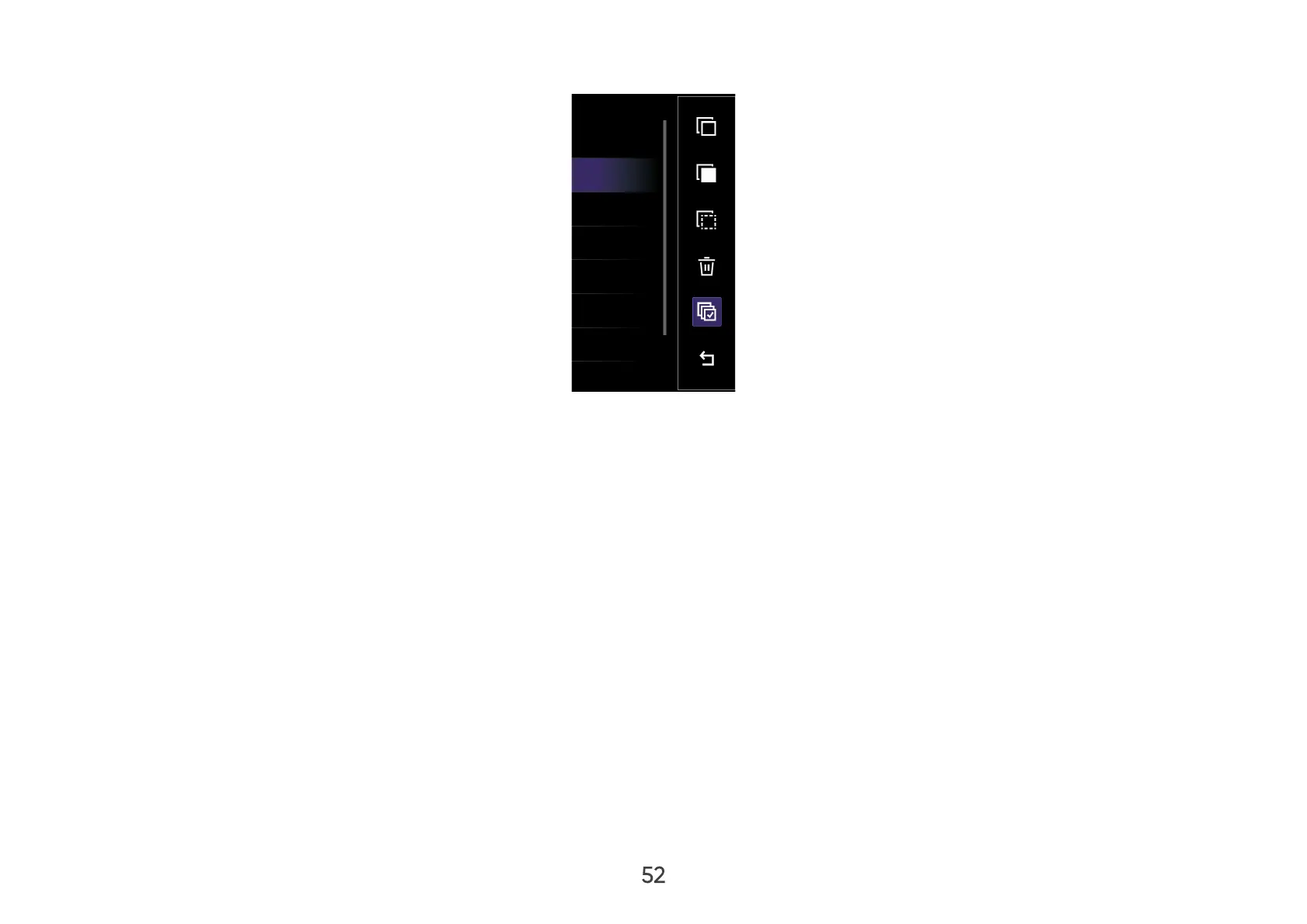
3. By pressing the Right button, Copy, Paste, Cut, Delete, Select All, and Return boxes will be available for use.
4. Select your desired action and press OK to execute.
5. If you are Copying or Cutting, select your destination folder to complete the process.



 To Next Page