57
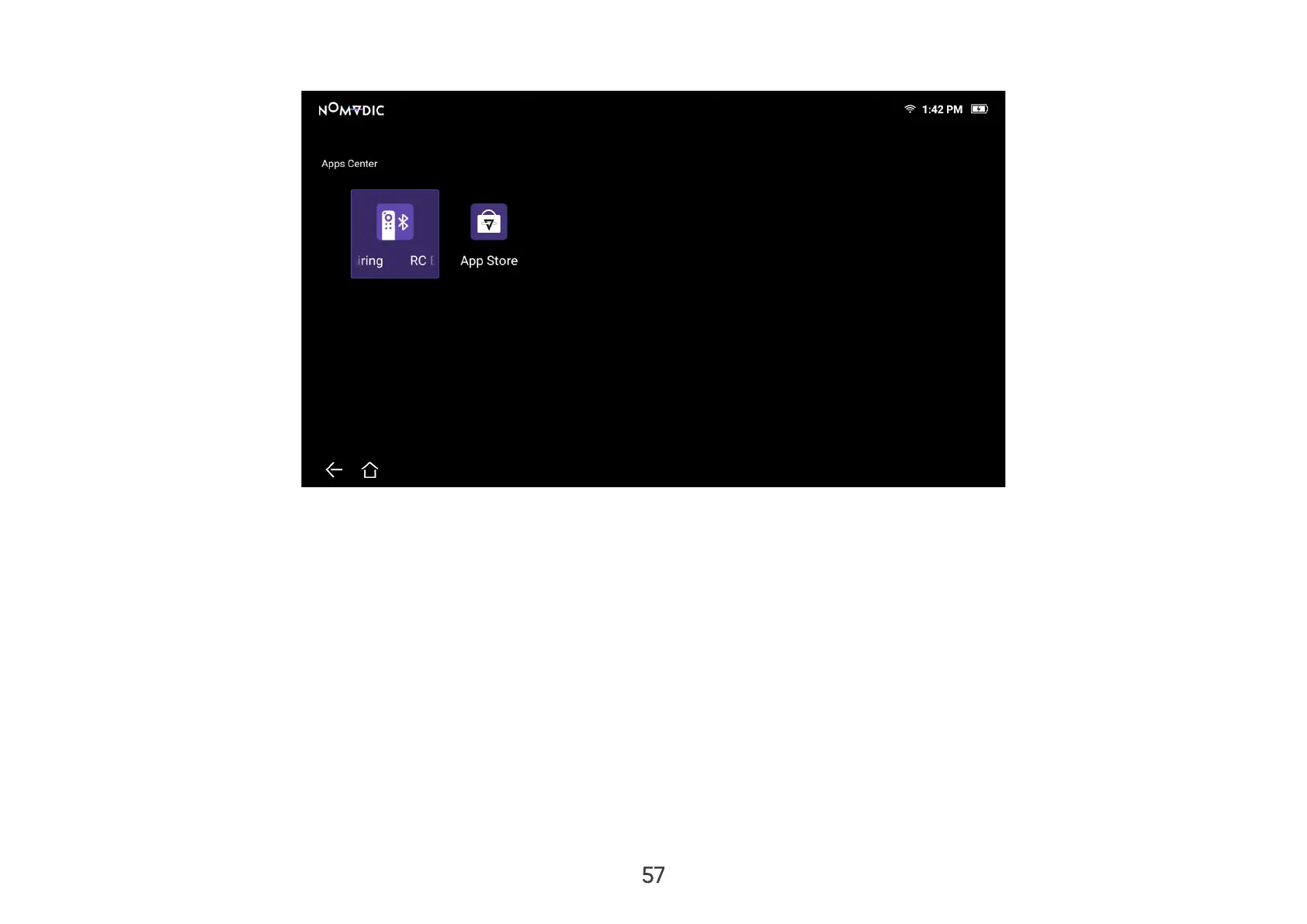
2. Use the directional buttons to select the desired App. Then press OK on the remote control to launch the App.
NOTE: Press the Home button on the remote control to return to the Home Screen at anytime.
To Uninstall Apps
1. Open the Apps Center by selecting: Home > Apps Center.
2. Use the directional buttons to select the desired App.
3. Press and hold OK on the remote control for three (3) seconds.
4. Select OK to uninstall the App.
NOTE: Press the Home button on the remote control to return to the Home Screen at anytime.


 To Next Page