64
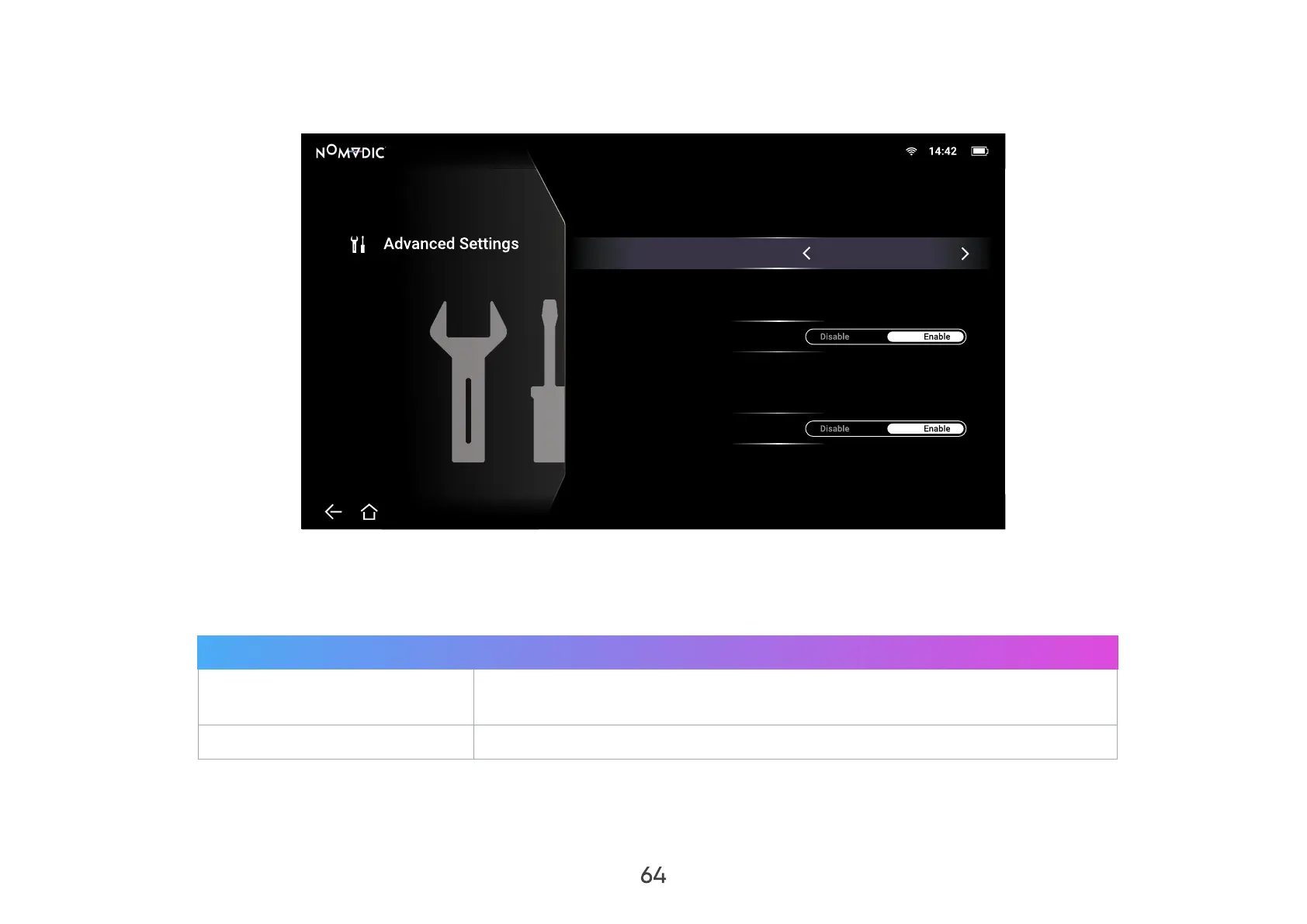
Advanced Settings
1. Go to: Home > Setting > Advanced Settings.
Settings/Advanced Settings
Power On Source
Power On/Off Ring Tone
Auto Power On
Disable
2. Use the Up and Down buttons to select the desired option and press OK, or use the Left and Right buttons to make
adjustments or selections.
3. To return to a previous menu press the Return button.
Menu Description
Power On Source
Allows the user to enter the desired source directly after turning on the
projector.
Power On/O Ring Tone
Enable or disable the power on/o ring tone.



 To Next Page