68
Firmware Upgrade
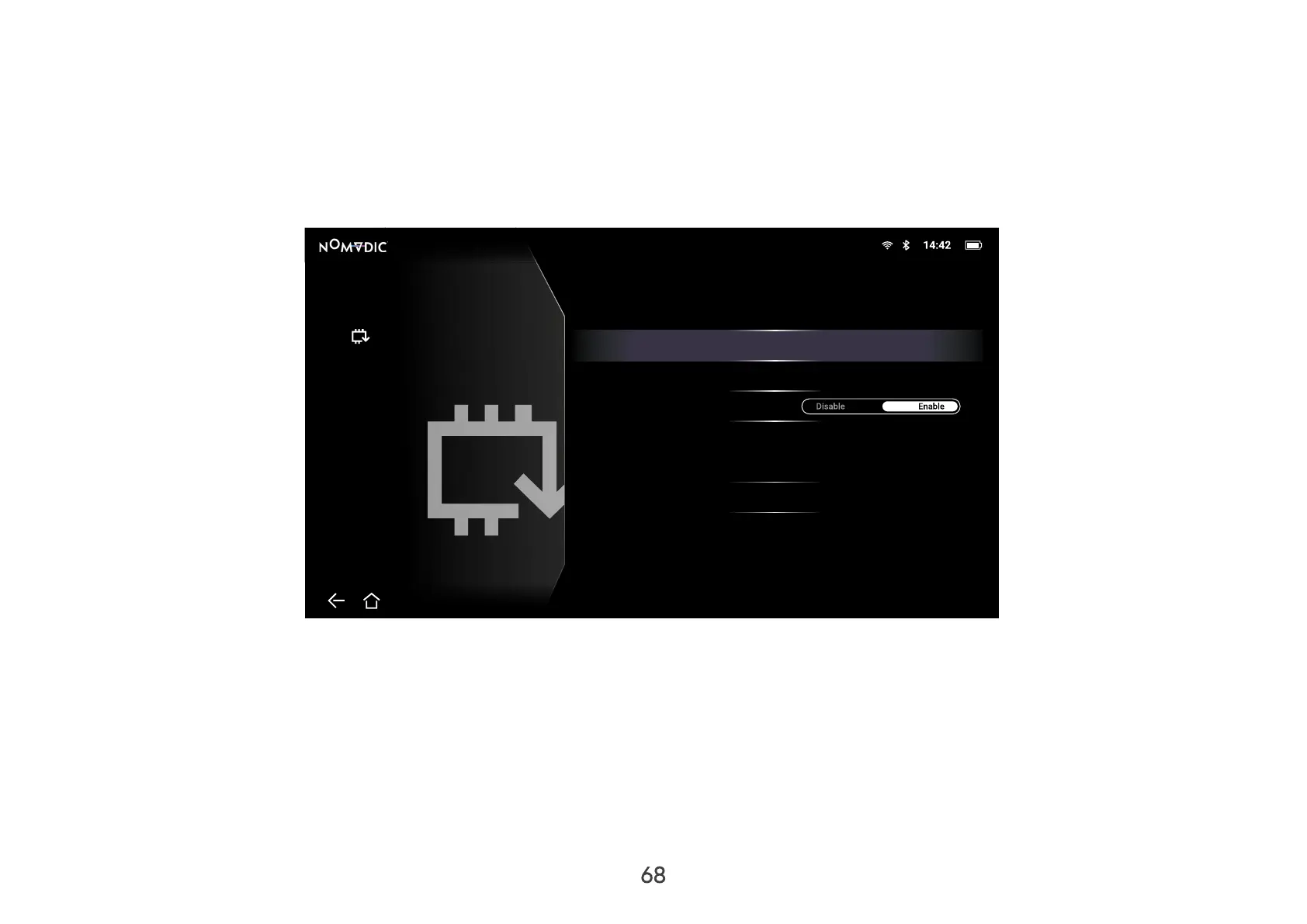
Users can update the firmware Online, or by USB, and check the version number.
NOTE: Do not unplug the power cord, USB, or disconnect from the Internet during the upgrading process.
1. Before entering the Firmware Upgrade menu, ensure the projector is connected to the Internet.
2. To enter the menu, go to: Home > Setting > Firmware Upgrade.
Settings/Firmware Upgrade
Software Upgrade
Version
Software Update Online
Software Update By USB
OTA Reminder
Firmware Upgrade
V0.2Software Version



 To Next Page