81
Menu Description
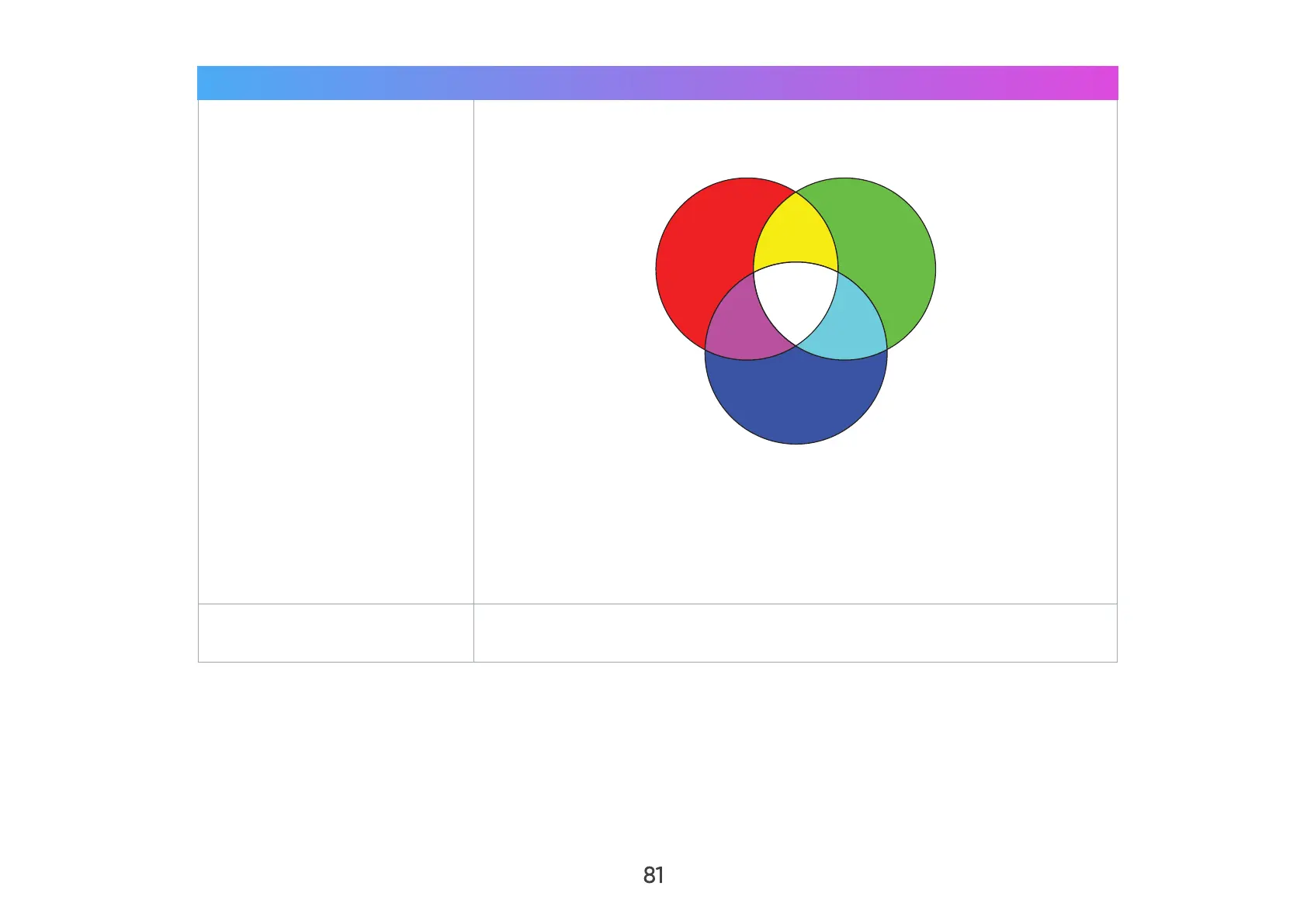
Color Management
Only in permanent installations with controlled lighting levels such as:
boardrooms, lecture halls, or home theaters should Color Management
be considered.
Red Yellow
White
Magenta Cyan
Blue
Green
Color Management provides fine color control adjustment to allow for
more accurate color reproduction, should you require it.
If you have purchased a test disc, which contains various color test
patterns and can be used to test the color presentation on monitors, TVs,
projectors, etc., you can project any image from the disc on the screen
and enter the Color Management menu to make adjustments.
Reset Current Color
Settings
Return current color settings to their default values.



 To Next Page