56 Barnes & Noble NOOK User Guide
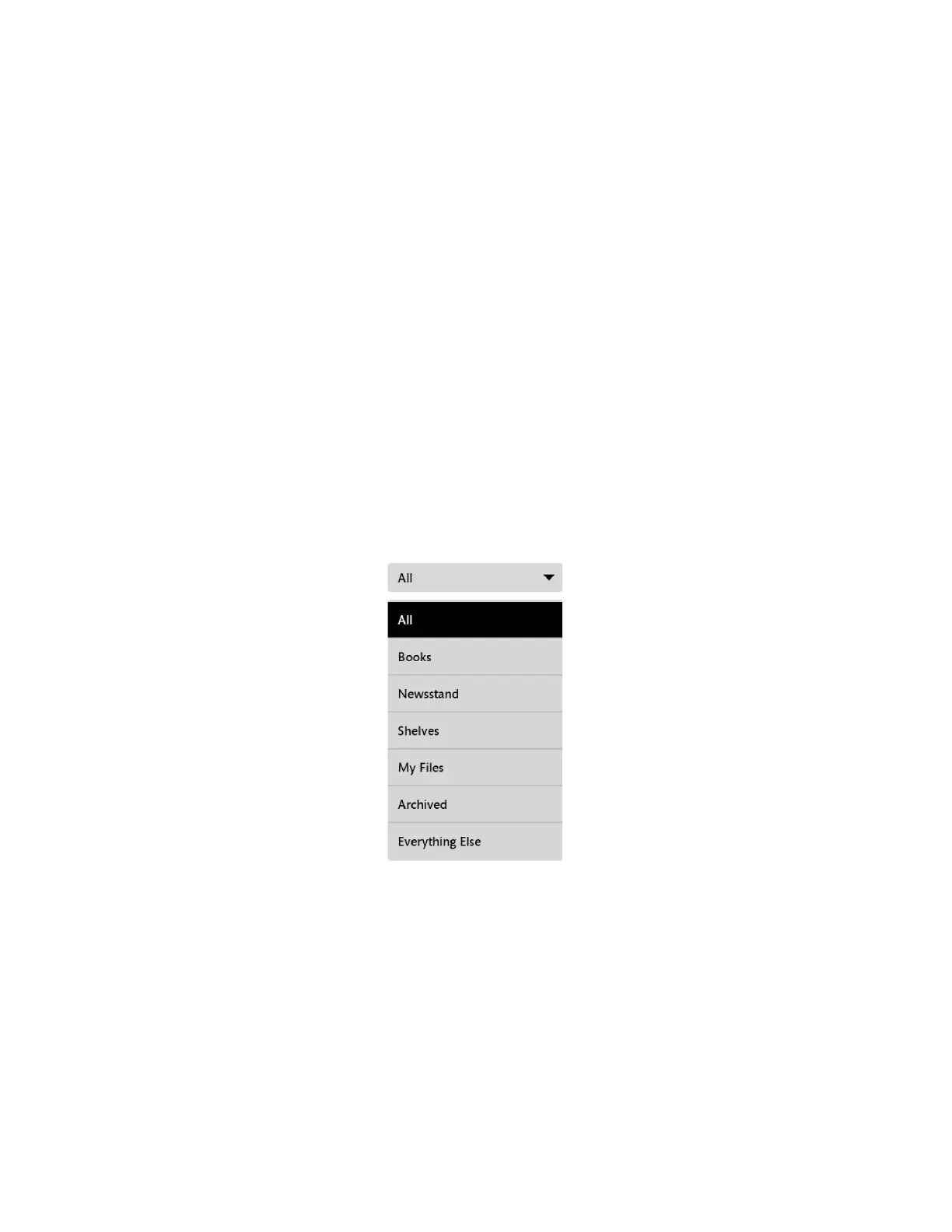
The Category Menu
The category menu (sometimes called the filter menu) is a pull-down menu in the upper left corner of the Library lets
you select the Library contents you want to display.
Choices include:
• All - shows everything in your Library
• Books - shows only books
• Newsstand - shows only magazines and newspapers (this menu choice appears only if you have purchased
magazines or newspapers)
• LendMe - shows only books eligible for lending and books that you have borrowed (this menu choice appears
only if you have lendable books or if you have borrowed books)
• Shelves - shows any books, magazines, and newspapers that you have organized on shelves
• My Files - shows any files, such as EPUB or PDF files, that you have transferred from your personal computer to
your NOOK
• Archived - shows any books or periodicals you have archived (this menu choice appears only if you have once
archived any books or periodicals)
• Everything Else - shows any content in your account that is not supported on this device
The picture below shows an example of the category menu.
The Category Menu.



 To Next Page