6. 6. 4 Playback
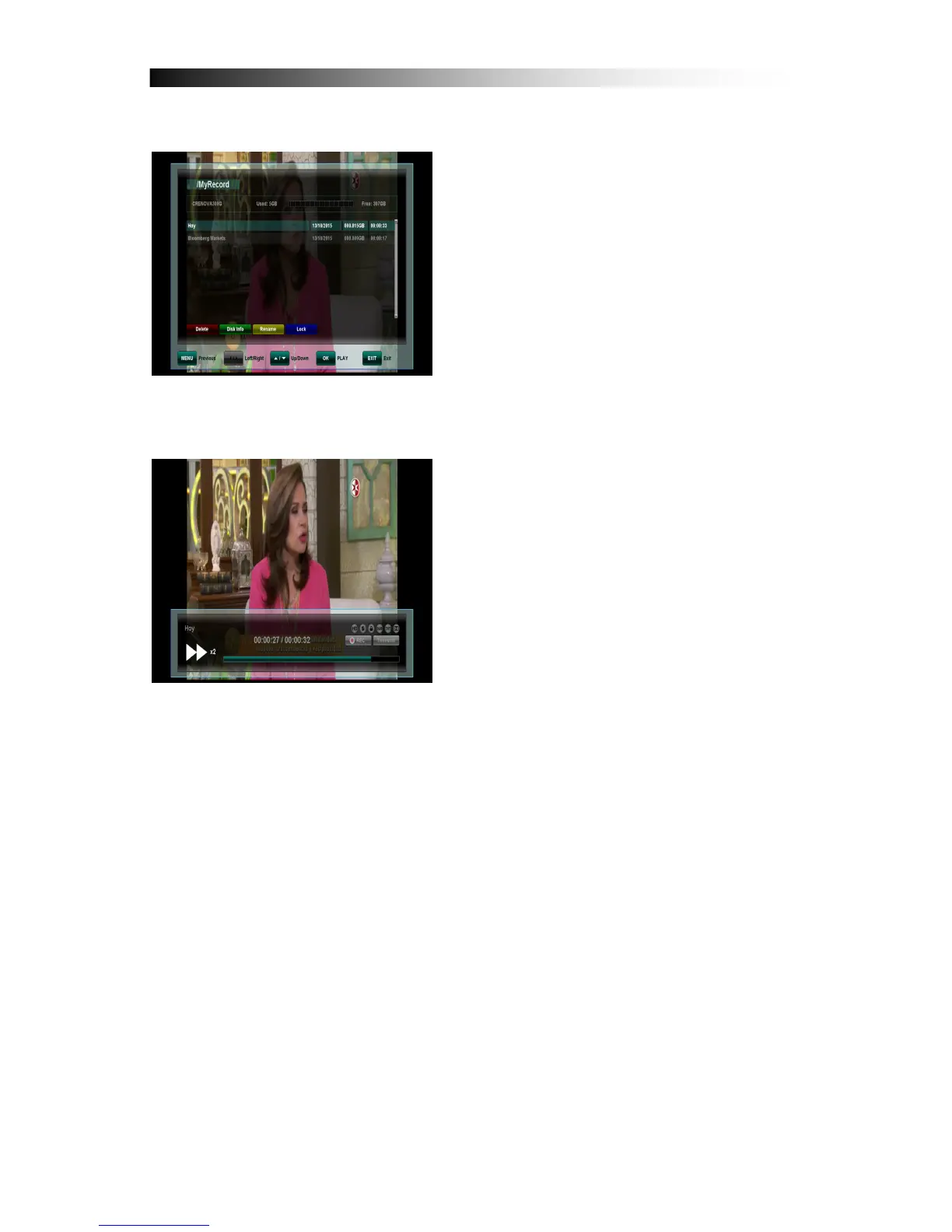
After pressing the FILE LIST key a list is
displayed which contains all the recorded
programmes on your connected external
USB HDD. Use the UP /DOWN keys to
move the cursor to the desired
programme and confirm with the OK key
to start playback.
Also, you can Rename (BLUE), Delete
(RED) or Lock (GRAY) a recording.
If supported by the Channel operator, by
pressing the INFO key in the file list or
during playback details about the recorded programme are displayed.
By pressing the FAST FORWARD or
REWIND keys you can increase the
playback speed to 2, 4, 8 and 16x in both
directions. By pressing the FF or REW
and then the SLOW key during playback
you can playback in Slow motion either
forwards or backwards. Repeadedly
press to change the playback speed from
1/2, 1/4, 1/8.
To stop playback press the STOP key. By
pressing the EXIT key you can return to the live channel.
Please note:
Functions such as Recording, Timeshift and Playback require an
external HDD to be connected via USB (2.0) and to be ready operational.
Only FAT32 formatted Hard-Disk-Drives can be used. Other formats can
not be recognized by the receiver.


 To Next Page