EasyManua.ls Logo

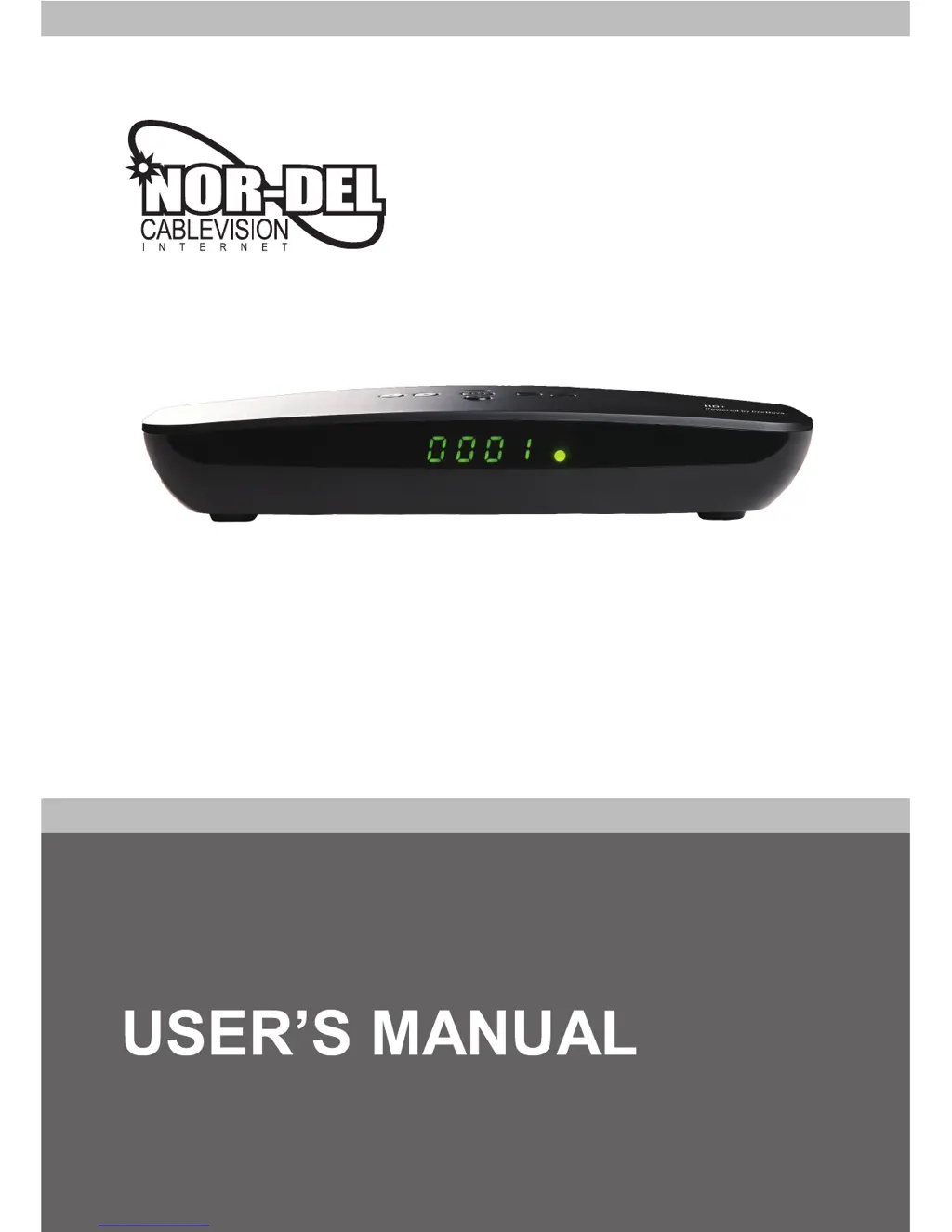
Nor-Del HD+ - User Manual

Nor-Del HD+
49 pages
Print Icon
To Next Page IconTo Next Page
Loading...
HD MPEG-2/4
Digital Set-Top-Box for Cable TV
HD+

Questions and Answers

Summary

Safety Warnings and Precautions

Quick Setup Guide

Check Accessories

Verify all included accessories for completeness before setup.

Connect Receiver to TV

Connect the receiver unit to your television set for initial viewing.

Power On Receiver and TV

Switch on the receiver and TV to begin the setup process.

General Features

How to Connect Your Receiver

Connecting via HDMI

Detailed steps for connecting the receiver to a TV using an HDMI cable.

Hardware Description

Remote Control Unit

Description of buttons and functions of the remote control.

Front Panel Overview

Identification and explanation of front panel components and their functions.

Rear Panel Overview

Identification and explanation of rear panel connectors and their functions.

Watching TV

General Viewing Operations

Basic steps for navigating channels and viewing TV programs.

Viewing Options

Selecting subtitle languages and audio tracks for enhanced viewing.

EPG (Electronic Programme Guide)

Using the EPG to view program information and schedule recordings.

PVR Functions Overview

Introduction to Personal Video Recorder capabilities including recording and timeshifting.

Menu Operation

Main Menu Structure

Overview of the main menu categories and their access.

Edit Channels Menu

Accessing and managing channel lists and favorite channels.

Installation Menu

Configuration and setup options for the receiver.

User Setup Menu

Personalizing receiver settings like language and display.

Edit Channels

Create and Move Channel List

Organizing and reordering channels within the channel list.

Edit Favorite Channels

Adding, deleting, and managing favorite channel lists.

Installation

Manual Channel Search

Performing a manual scan for available channels using frequency settings.

Default Setting Options

Resetting channels, configuration, or the entire device to factory defaults.

User Setup

Language and Audio;Video Settings

Configuring menu language, audio tracks, and subtitle preferences.

Time and Parental Control Settings

Setting the system time, date, and enabling parental control features.

A;V and OSD Settings

Adjusting video output format, audio output, and on-screen display.

Multimedia and PVR Functions

Record List Management

Viewing and managing recorded programs and timer settings.

PVR Settings Configuration

Configuring default recording duration and padding times for PVR.

HDD Properties and File List

Checking HDD status, formatting, and browsing recorded files.

Conax Smartcard Reader

System Information and Updates

Software Update Procedure

Steps for updating the receiver's software via a USB device.

Troubleshooting Guide

Manufacturer Information

Nor-Del HD+ Specifications

General IconGeneral
BrandNor-Del
ModelHD+
CategorySet-top boxes
LanguageEnglish