7. MENU OPERATION
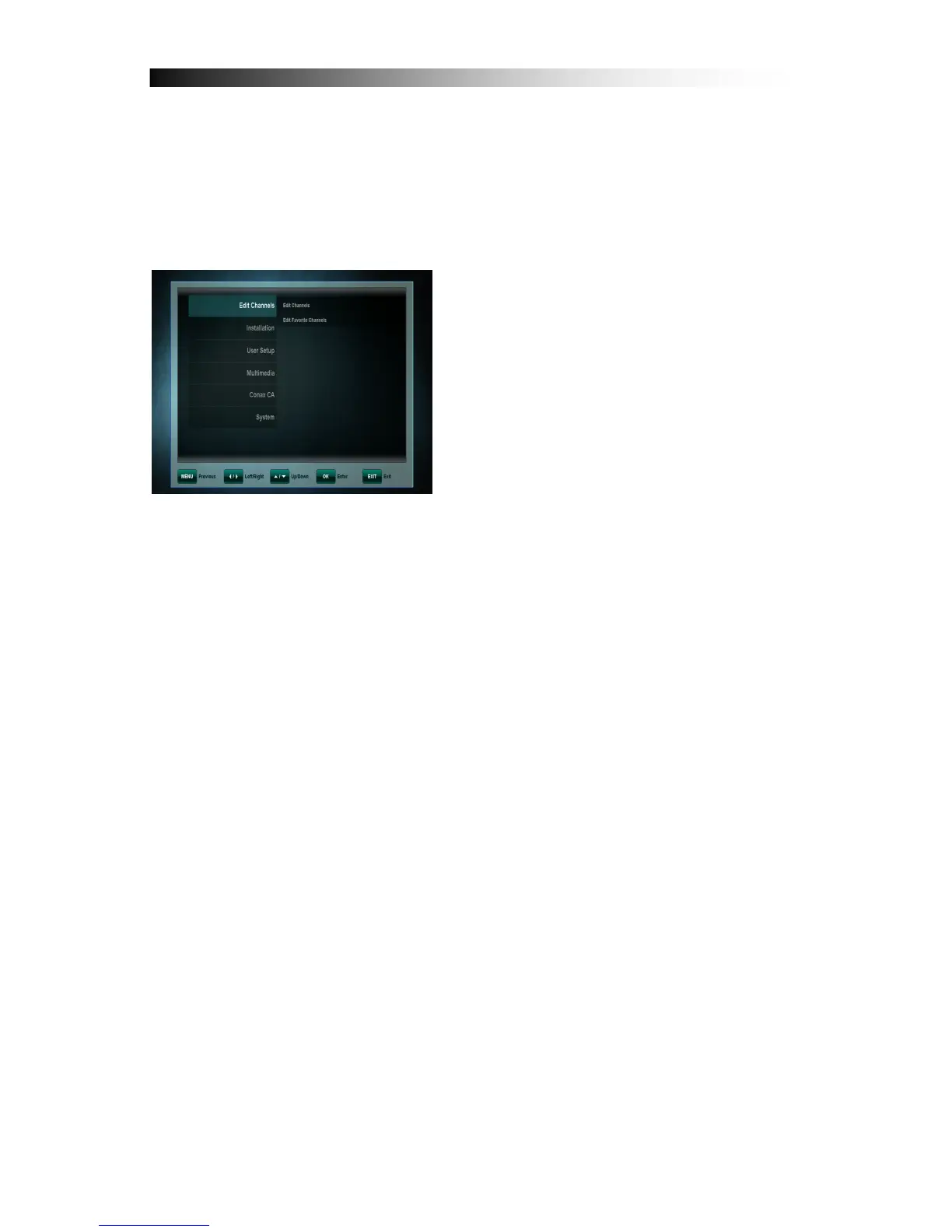
The main menu can be activated by pressing the MENU key.
Main menu provides access to most important features of the receiver. These
features are divided into following Menus. Each Menu contains corresponding
sub-menus. The Main Menus are as following:
• Edit Channels
• Installation
• User Setup
• Multimedia
• Conax CA
• System
You can move between the Main Menu by pressing the CURSOR LEFT or
CURSOR RIGHT key. The available Sub-Menus can be seen by pressing the
CURSOR DOWN key and confirmation by OK key.
You can exit menu without saving the changes made by pressing EXIT key.
Pressing the OK key will exit the Submenu and save the changes.


 To Next Page