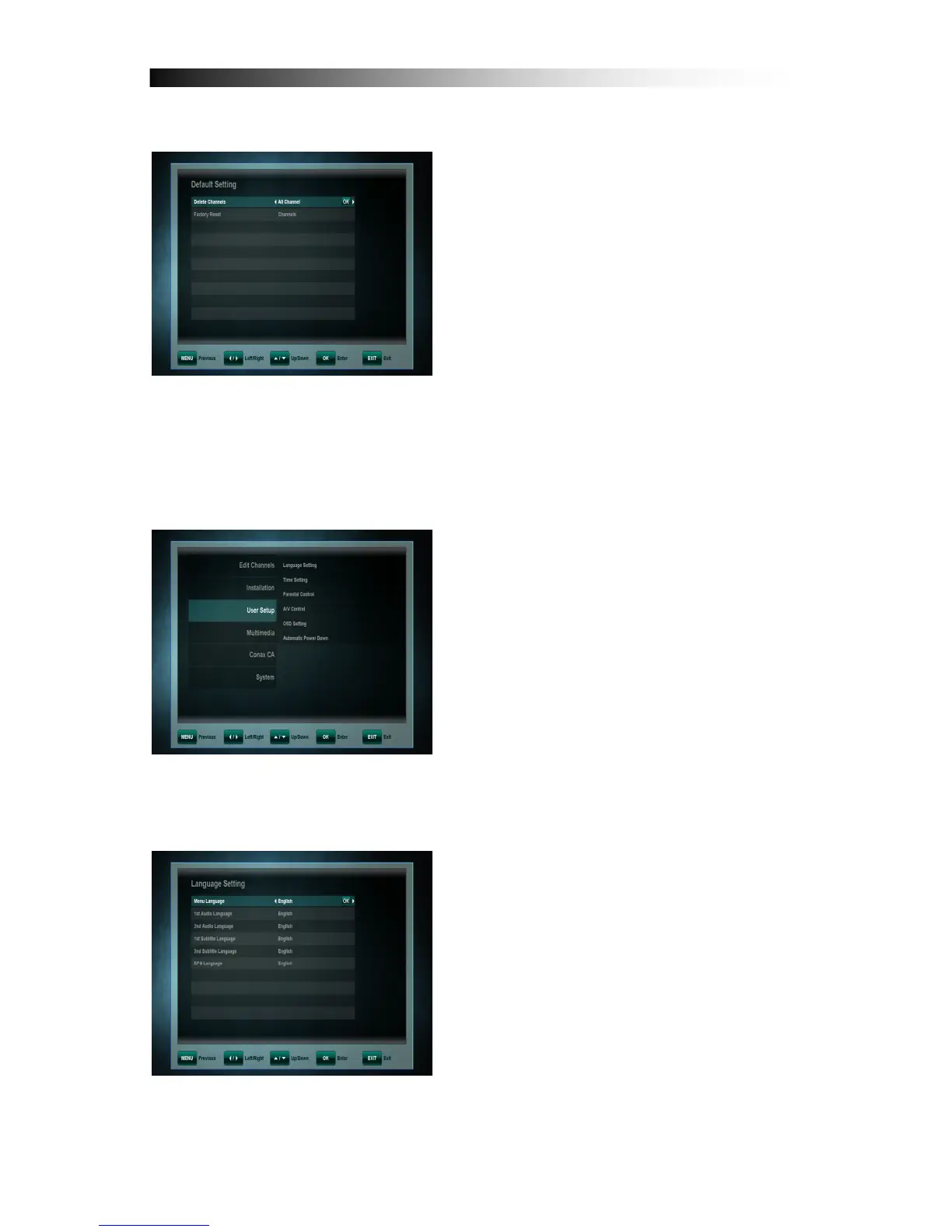
9. 2 Default Setting
In this menu, you can delete channels for
TV or radio. And also do factory reset
about Channels, Configuration and
Default Setting.
10. USER SETUP
By using the CURSOR keys you can
select:
- Language Setting
- Time Setting
- Parental Control
- A/V Control
- OSD Setting
- Automatic Power Down
Press the OK key to confirm your
selection.
10. 1 Language Setting
• Menu Language: Select the preferred
language for the system menus.
• Audio Language: Some TV programs
send multiple audio tracks, for
example in two different languages. If
there are no audio tracks available
that match your settings, another
language may be used instead.
• Subtitle Language: Select the
preferred language for the subtitling
and Programme information.


 To Next Page