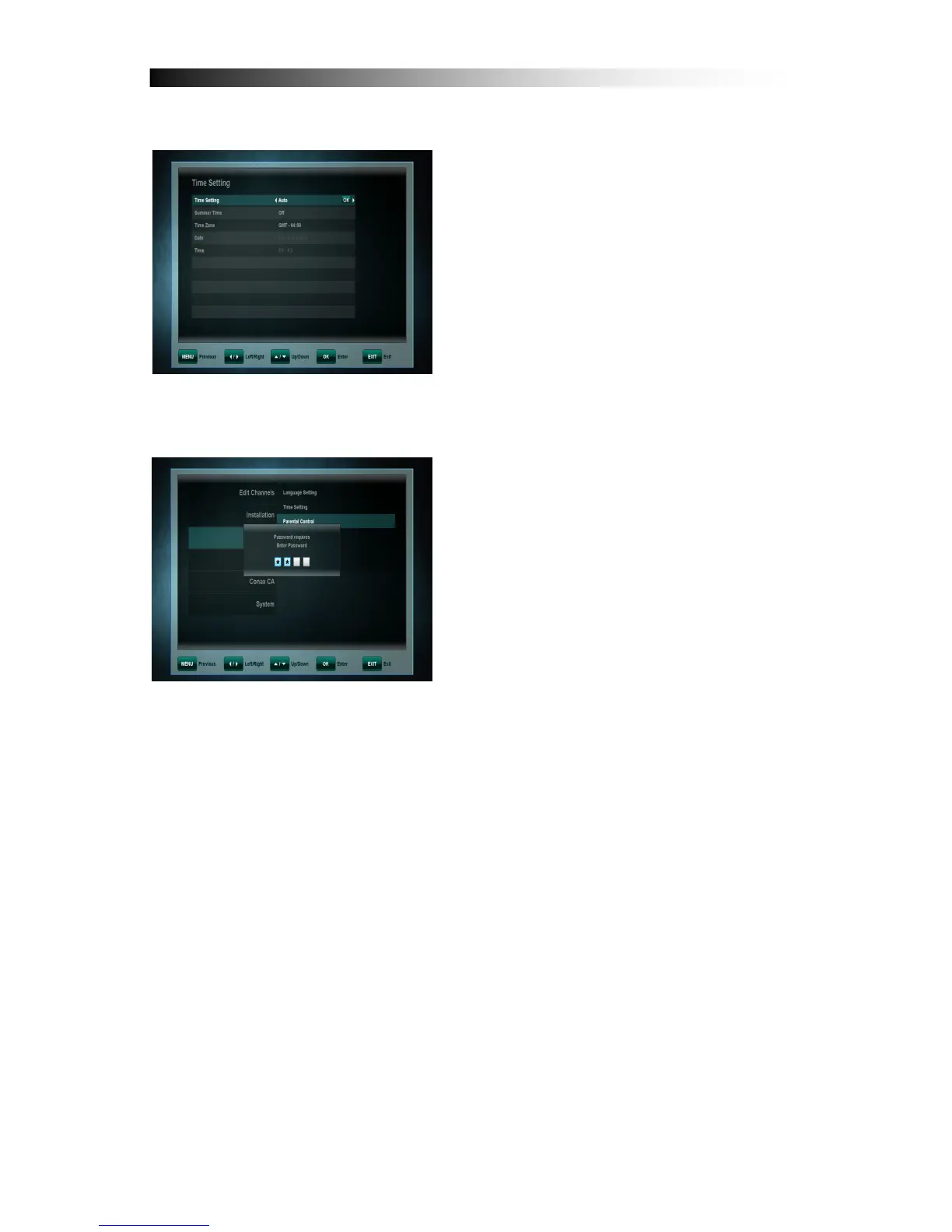
10. 2 Time Setting
This menu contains Time Setting,
Summer Time and GMT Offset. Select
“ Manual ” or “ Auto ” mode using
CURSOR LEFT or CURSOR RIGHT key
and with OK to confirm. If you want to
change the time and date manually in
time offset menu, please set this
“Manual” mode.
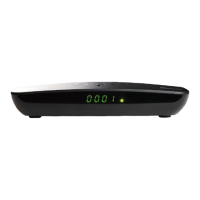
10. 3 Parental Control
To use the Parental Control function you
will be asked to enter your access PIN
code. All parental control features work
on a locking concept with the PIN code as
your entrance key.
The PIN code is set to 0000 at the
factory!
• Change PIN code: Use this function to change your PIN code to some other
four digit number.
• New PIN: Enter a new four digit PIN code by pressing the OK key and using
the number keys on your remote control.
• Verify new PIN code: Re-enter the same new four digit PIN code once
again to verify the new PIN code.


 To Next Page