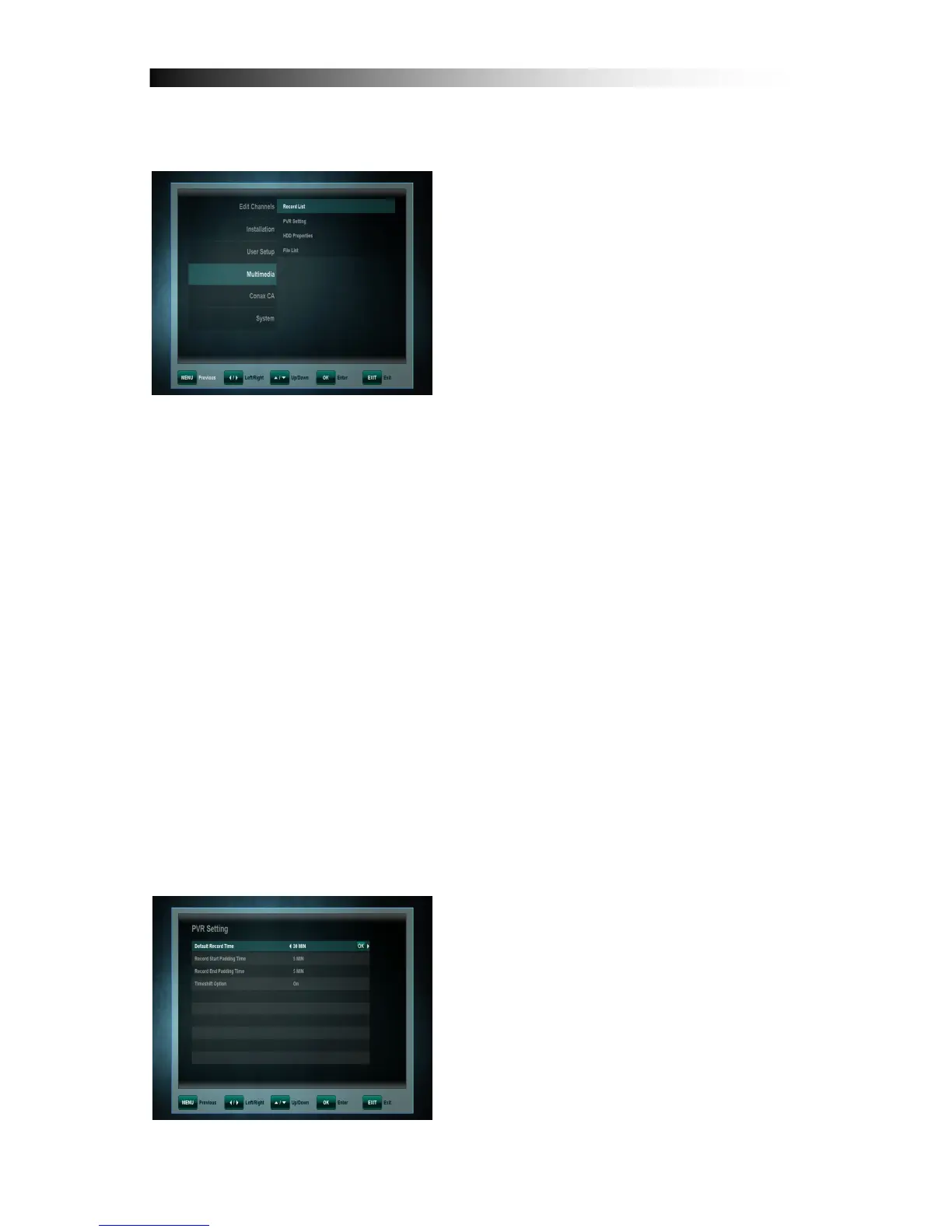
In this Sub Menu you can make some
settings for your connected Hard-Disk-
Drive for the PVR Operation and also
format the HDD. The Sub Menu includes
the following functions:
• Record List
• PVR Setting
• HDD-Properties
• File List
11. 1 Record List
A set timer causes the receiver to wake up from standby mode at the
specified time and change the channel to the specified one.
If an external HDD is connected to the USB port and is operational, recordings
can be made directly on the HDD. The following functions (Timer-Status) can
be chosen from:
- Off: No Timersetting
- On: The Receiver at the desired time switches on the chosen channel.
- Pre-Recording: If a HDD is connected and operational, at the set time the
pre-programmed broadcast will be recorded on the HDD.
Please note: Timersettings that have been programmed in the EPG (see
EPG-Timer point 6.4) are automatically marked in the Timerlist as
“Recording“ and can be edited or deleted here.
11. 2 PVR Settings
You can select the default duration for
direct recordings. For direct recordings a
window appears after pressing the REC
key which displays this pre-defined
setting. Before beginning the recording
this can be adjusted.
Also you can set the Padding time
(beginning and end time before and after
a programmed recording) – choose
between: None, 5, 10, 15, 20, 25 and 30
Minutes.


 To Next Page