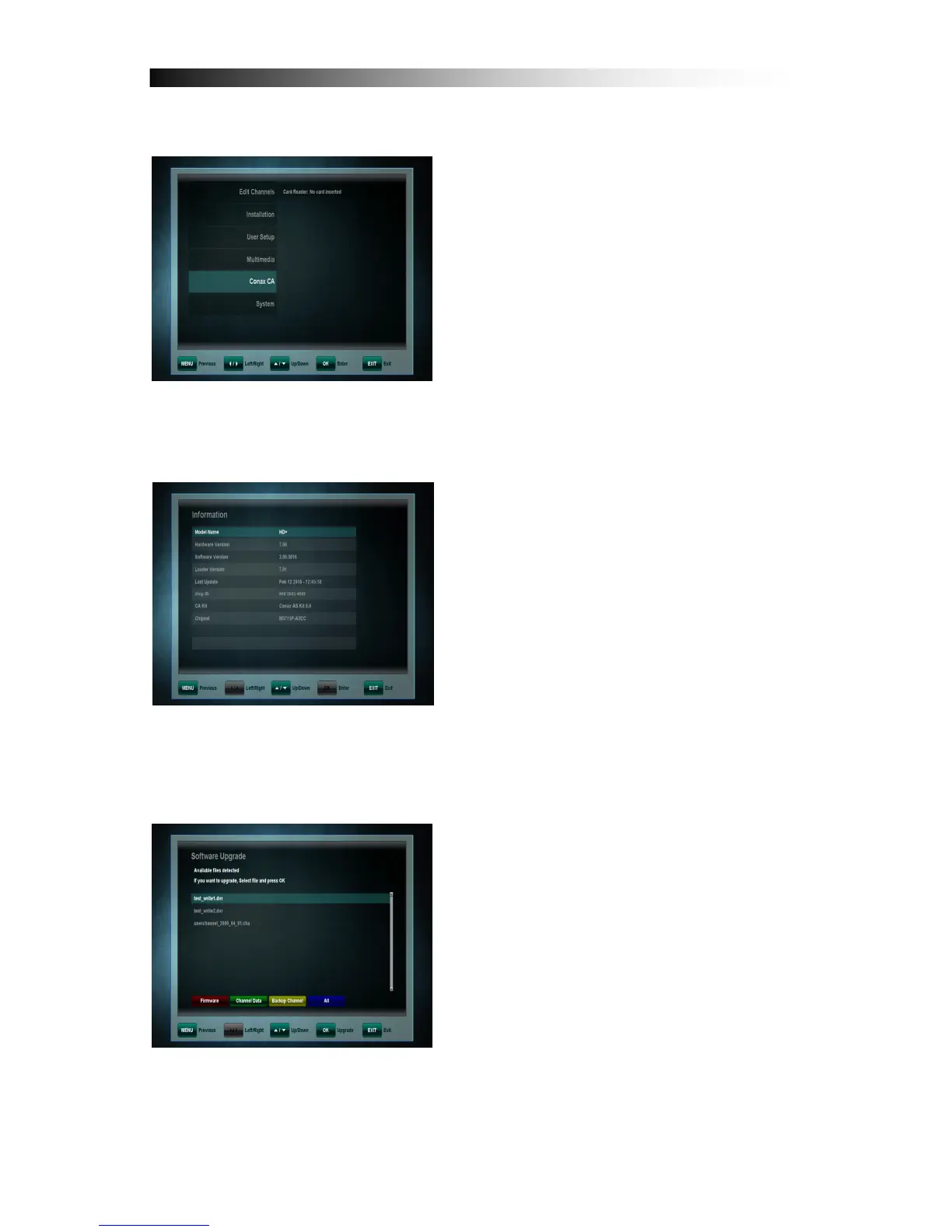
12. CONAX SMARTCARD READER
This product is also equipped with one
Smartcard Reader for CONAX CA. Only if
necessary:
1. Open the flap on the front panel of the
product.
2. Insert the smartcard into the smartcard
slot with the chip facing downwards.
13. SYSTEM
This menu is used to get information
about the receiver and its hardware,
software and loader.
13.1 Software Update
Copy the SW into the root directory of
your USB device.
The available upgrade software is marked
with a hook. Please select the latest
software and press the OK key. The
upgrade process will start automatically.
Please wait until the receiver has
rebooted.
Please note: Updating the receiver
Software may take several minutes –
Warning! Please never turn the receiver off while upgrading!
This operation must be performed only by authorized personnel.


 To Next Page