WWW.NORAC.CA
PRECISIONDEFINED
Page26
Visitwww.solutions.norac.caformoresystem
installationandtroubleshootinginfo.
7.5. DisplayCablingConnections(Priorto2014)
1. Followtheinstructionsinthedisplay optionmanualforinstallation.
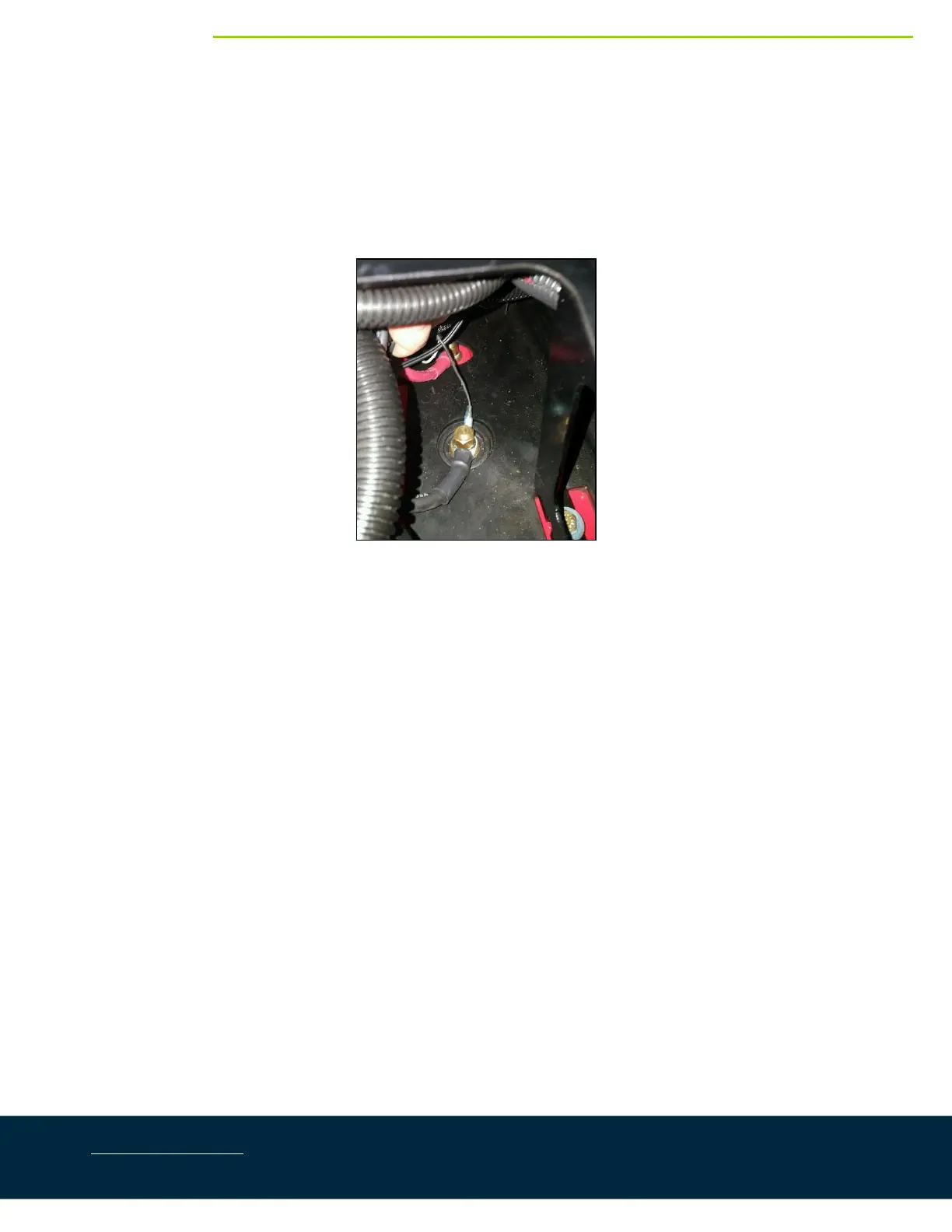
2. Connect the battery cable (C30) to the switched power source in the cab as shown in Figure 41.The
connectionislocatedtotherightofdriver’sseat(whenfacingforward).
Figure41:C30ConnectedtoSwitchedPowerConnectioninCab



 To Next Page