146
Playing a SD card device
1 Insert the SD card into the SD card slot� The unit will play the SD
card automatically�
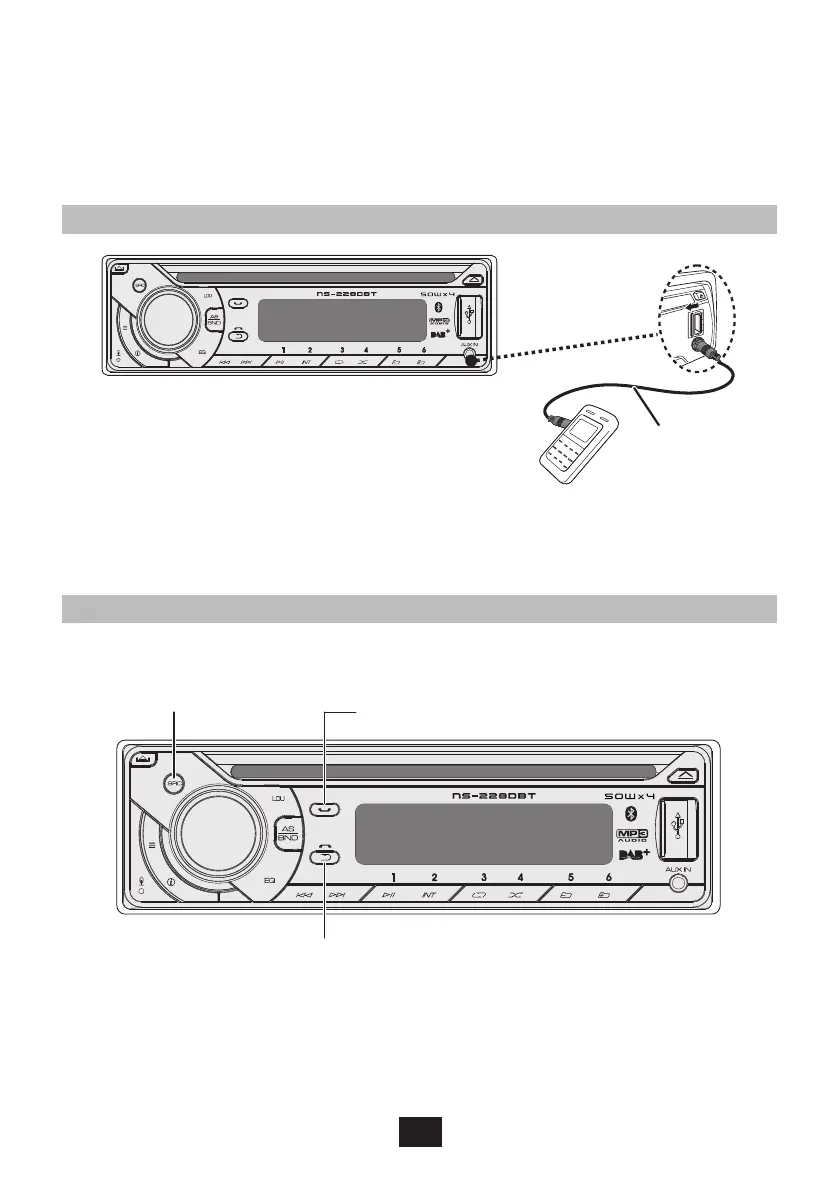
Listening to the other external components
3�5 mm Cable
(not included)
1 Press the SRC to select AUDIO IN mode�
2 Turn on the external component and start playing�
Bluetooth Operation
Press to change
to “BT AUDIO”
mode
Press to answer/accept the call�
Press and hold to transfer the call�
Press to reject/end the call�
You can make or receive phone calls with Bluetooth-enabled
phones through the unit� You can also listen to music from a
Bluetooth-enabled device�


 To Next Page
 Loading...