10.4.3 User Manual Contents April 17, 2020
Firmware: 5.2.1 Page 43 of 142
System Status
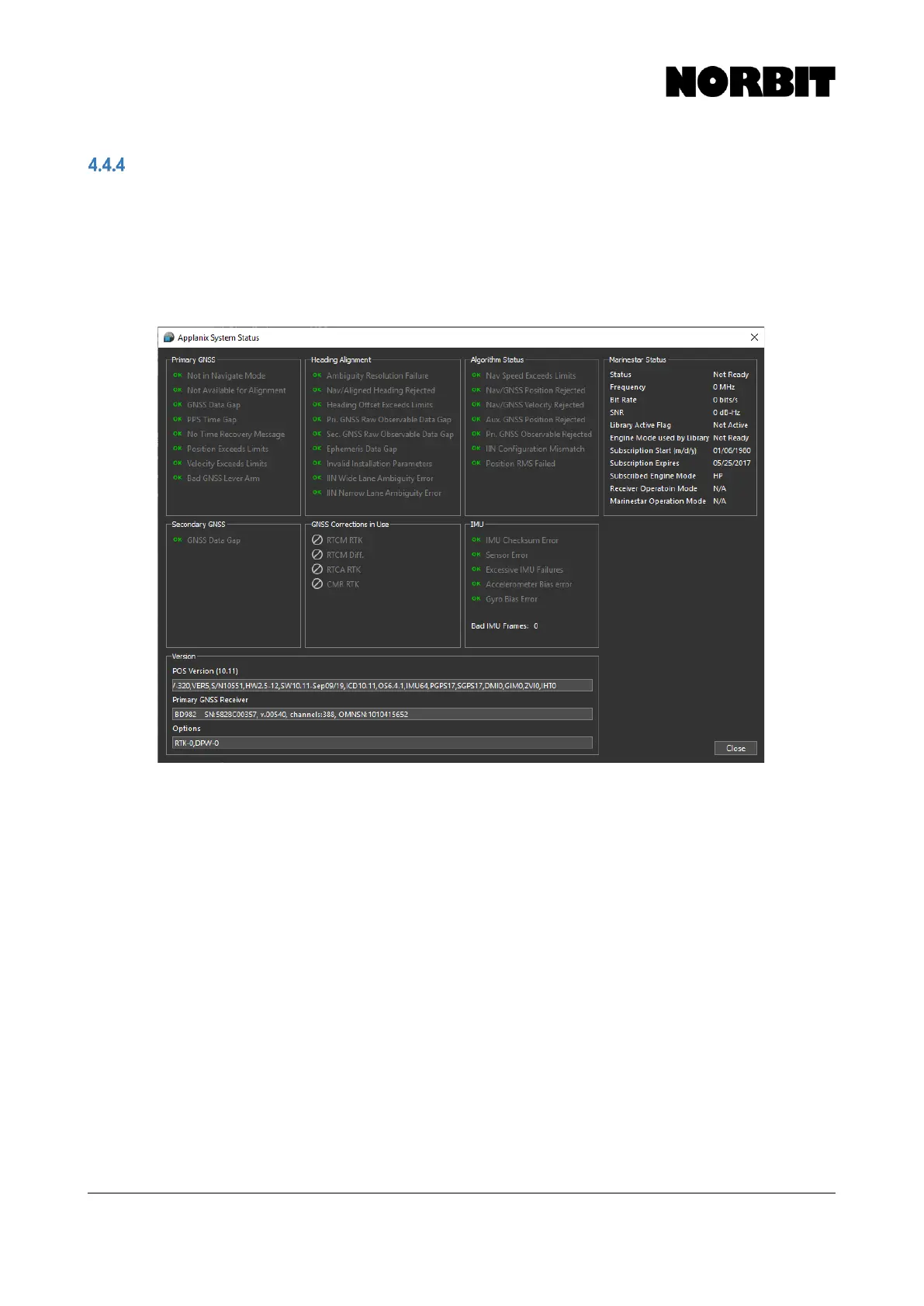
The System Status window displays the status of the INS system and reports any fault conditions
that may occur during operation. Check this display if the Faults indicator on the GUI status bar
appears red. Note that some items may display a red indicator intermittently during initialization and
operation.
The example below shows a system without any errors. This window may serve as an important
diagnostic and troubleshooting indicator.
Version information is displayed at the bottom. It displays all INS related hardware, software and
firmware versions. For users requiring an authorization code to upgrade the INS firmware, NORBIT
support may ask for a screenshot of this display.
Additionally, the Marinestar Status, and importantly the subscription expiry date, is shown on the
right-hand side.



 To Next Page