10.4.3 User Manual Contents April 17, 2020
Firmware: 5.2.1 Page 94 of 142
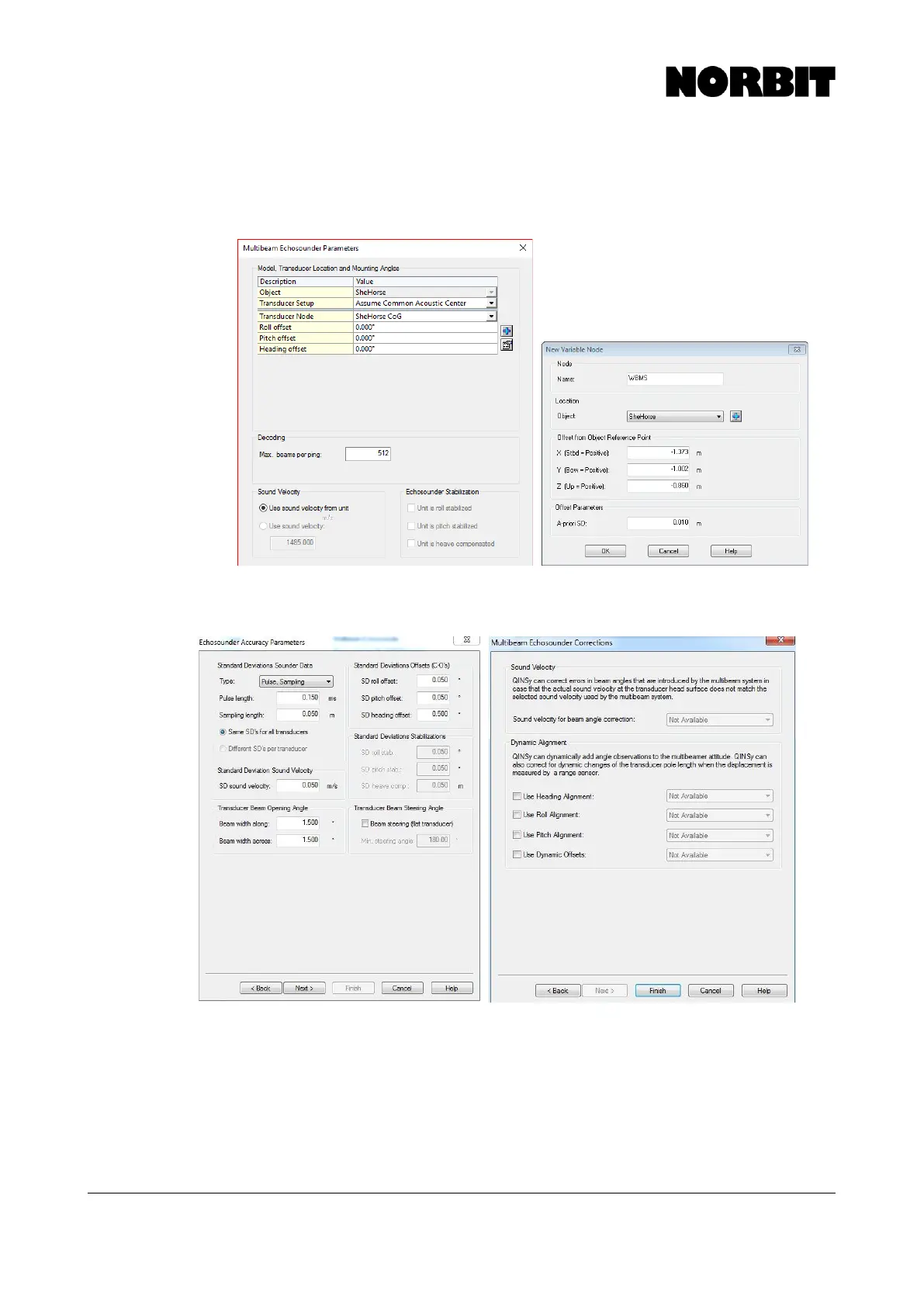
Step 5. Enter Offset to WBMS Reference Point
Offsets are specified in the Multibeam Echosounder Parameters window. Click on the + sign and
create a new node called WBMS. Patch test values (roll, pitch and heading) may be entered if known.
Enter 512 under max beams per ping.
NORBIT recommends that users keep the default values in the Echosounder Accuracy Parameters
and Multibeam Echosounder Corrections. Click Finish.



 To Next Page