3DJH
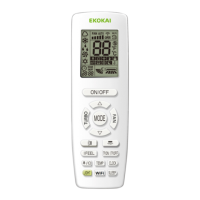
User’s Manual of Remote Controller
2
)
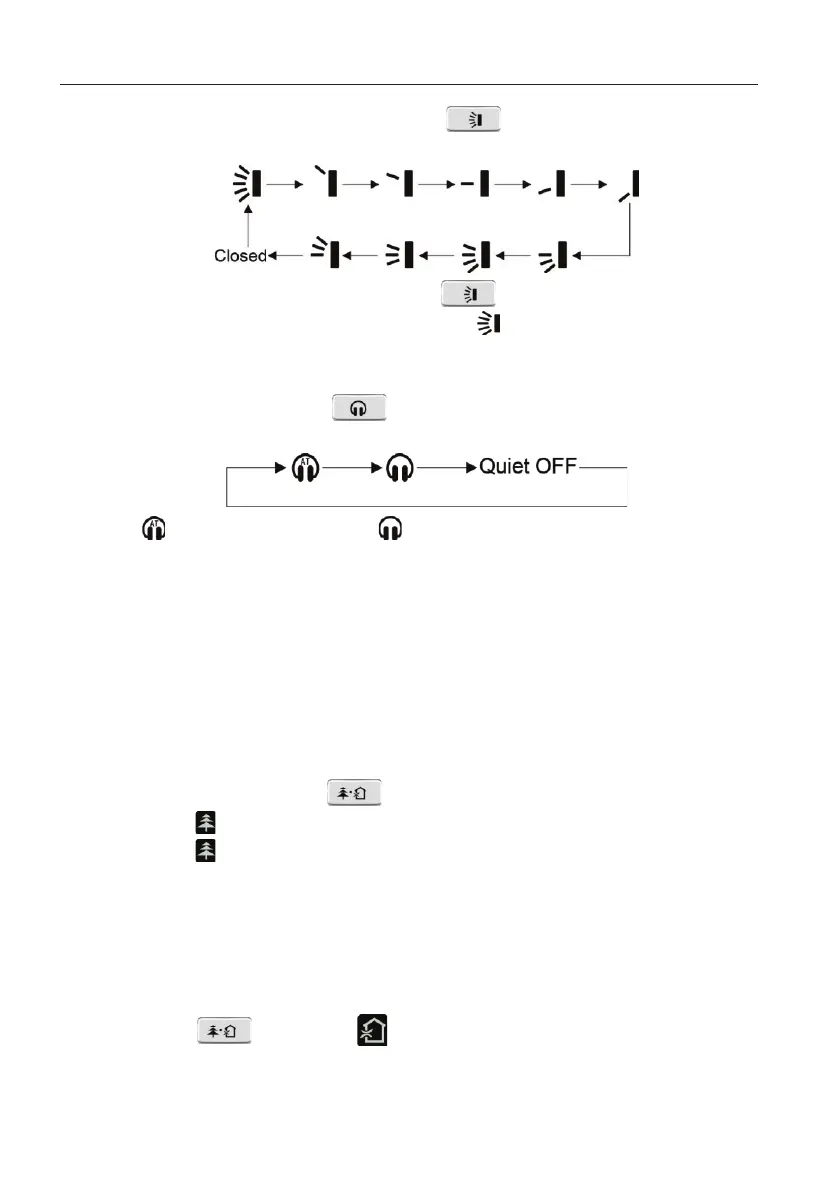
Under fixed-angle swing status, press button to adjust up&down
swing angle circularly as below:
3
)
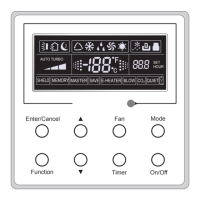
In unit off status, press ▲ button and button to switch between simple
swing mode and fixed-angle swing mode.
on the remote controller will be
blinking for 2 seconds during switching.
(
5
)
Setting quiet function
1
)
In unit on status, press button to adjust quiet status in following
sequence:
2
)
: auto quiet function is on; : quiet function is on.
3
)
When quiet function is set, fan speed of indoor unit will be decreased to the
lowest speed in order to reduce the noise of indoor unit.
Notes:
①
.
Quiet function is not available in dry, fan and floor heating modes;
②
.
Quiet mode will be exited automatically when changing fan speed;
③
.
When turbo function is set, setting auto quiet function will cancel turbo
function.
(
6
)
Setting health function
4
)
In unit on status, press button to turn on or turn off health function.
a. When
is displayed, health function is on.
b. When
is not displayed, health function is off.
5
)
Health function is available when the unit is equipped with anion generator.
When health function is on, the anion generator will start operation, adsorbing
the dusts and killing the bacteria in the room.
(
7
)
Setting air function
Turning on air function:
1
)
Press button until is blinking. Set temperature displaying zone
displays the last air function level.
2
)
Press ▲/▼ button to adjust air function level. If there is no operation within 5
seconds, the setting will be exited automatically.



 To Next Page