Filters and QoS Configuration for ERS 5500
Technical Configuration Guide v2.0 NN48500-559
___________________________________________________________________________________________________________________________
Nortel Confidential Information Copyright © 2008 Nortel Networks. All Rights Reserved.
External Distribution
9
2. QoS Flow Chart
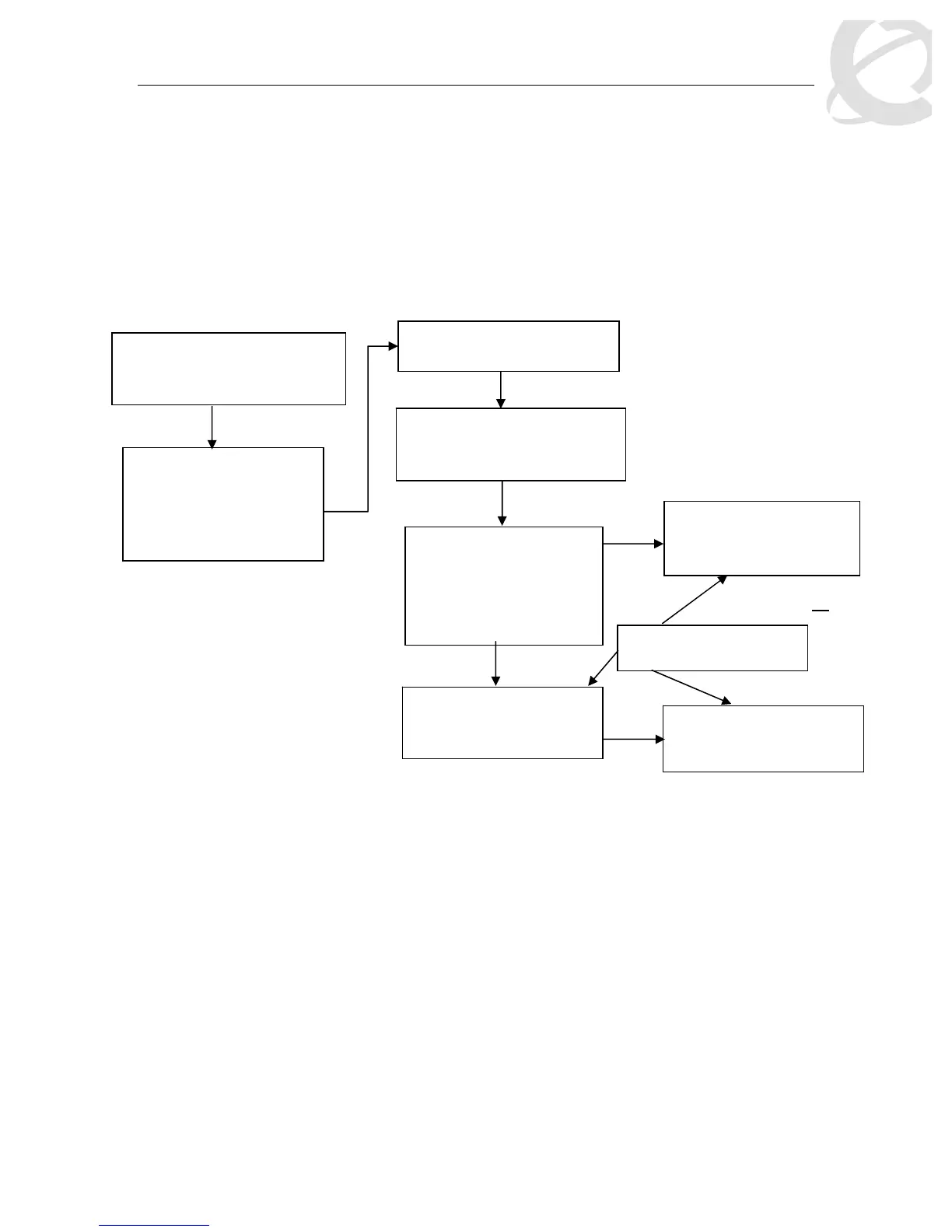
The following flowchart displays the various steps required in setting up a QoS policy. You
basically now need to create a Classifier with each Classifier made up of one IP Classifier
Element, or one L2 Classifier Element or one IP and one L2 Classifier Element. You then add the
Classifier to a separate Policy on a per port basis. Or you can group a number of Classifiers into
a Classifier Block and then add the Classifier Block to a Policy on a per port basis. The Ethernet
Routing Switch 5500 supports up to 114 Classifiers per port for a total of greater than 40K
Classifiers in a fully configured stack.
Figure 2: QoS Flow Chart
Role Combination
*Application > QoS > Devices
> Interface Configuration
Role Combination –
Interface Classes
o Trusted Ports
o Untrusted Ports
o Unrestricted
Classification
*Application > QoS > Rules
Classifier Element
o IP Classifier Element
o L2 Classifier Element
Classifier
Made up of one of the
following:
o One L2 Element
o One IP Element
o
Classifier Block
Grouping of one or more
Classifiers
Policy
Type = Classifier
*Application QoS Policy
Policy
Type = Classifier Block
*Application QoS Policy
or
Meter
* WEB Configuration Step














 To Next Page