366 Understanding the configuration process
N0008589 3.3
Understanding the configuration process
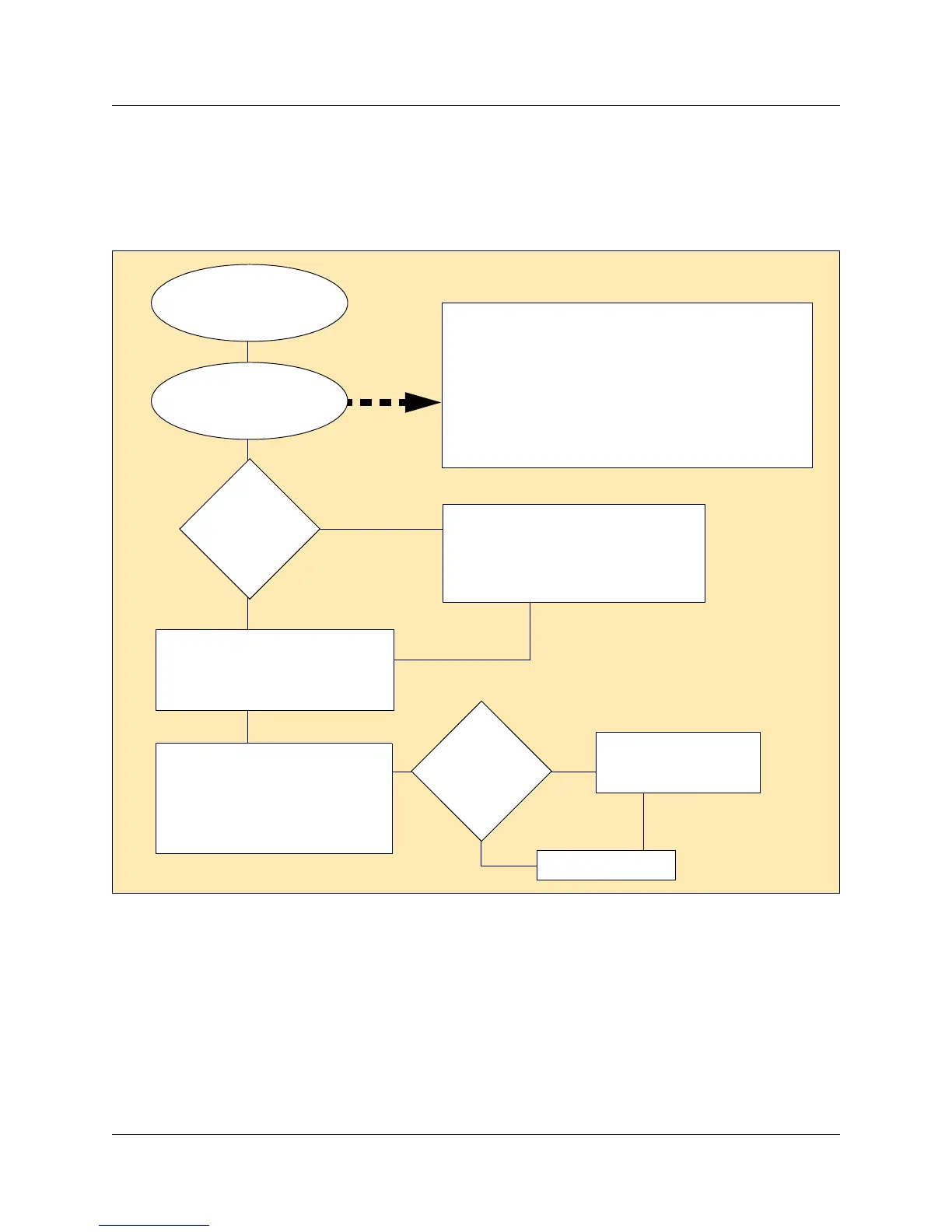
The following process map provides an over-all view of how to set up telephone configurations.
Figure 116 Process map: Configuring DNs for system devices
Note: References in this document to terminal, set, and telephone all refer to telephones that are
compatible with the Business Communications Manager system.
Lines, station modules
and base stations are
installed, as required.
Use the Add Users Wizard to
define the DN records. Refer to
Creating telephone records with
the Add Users Wizard on page 387
Do you
have a
DN template
defined?
Use Edit DN Record Template Wizard
if you are adding a number of devices
that have the same configurations.
Refer to Editing DN Record Templates
on page 381.
Are the
telephones
/devices
connected to
the system?
Test the devices
Tweak each DN record, including
setting up display and log options,
special button programming, and
restrictions, as required. Refer to
Configuring DNs for system
devices on page 399
Refer to the applicable
installation guide, and
install the devices.
No
Yes
Yes
No
You have determined
the DN ranges that
you are configuring.
DN number ranges depend on where station modules are
set, on the type of telephones, and on the vintage of your
system. IP telephones use DNs within the digital range. If
they are set to automatically choose a DN, the system
chooses DNs beyond the station module range.
Refer to “DN mapping for digital telephones” on page 367
and “DN mapping for ISDN and legacy wireless handset
devices” on page 370.



 To Next Page