596 Identifying room telephones
N0008589 3.3
Identifying room telephones
The Set/room settings allow you to assign one or more telephones to a room. This menu also
enables access control to hospitality administrative features.
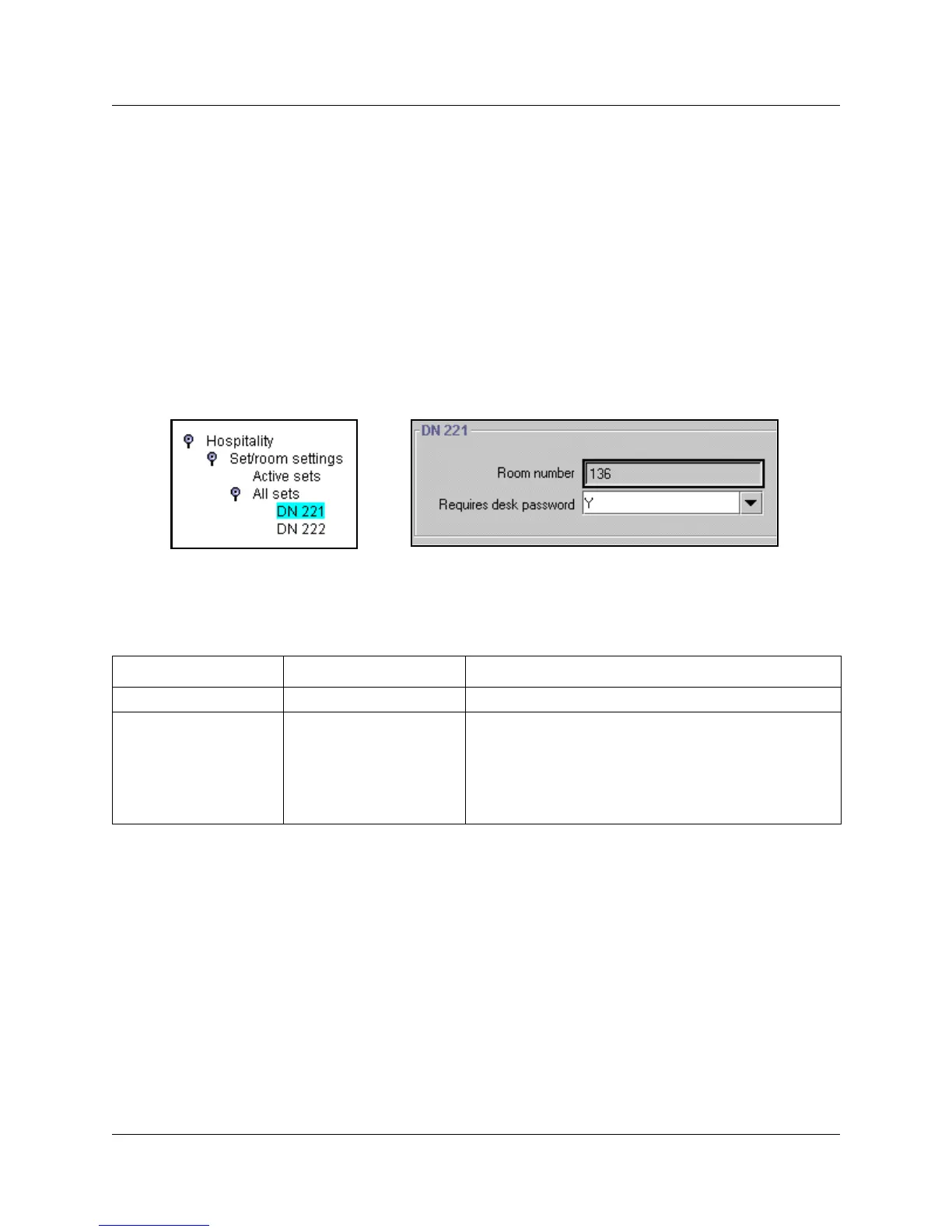
1 Under the Hospitality heading, click on the key beside Set/room settings.
2 Click on the key beside Active sets if you are configuring a telephone that has already been set
up. Click on All sets if you need to locate a DN for a new telephone.
3 Click a DN number.
The room and password assignment fields appear in the right frame.
Figure 210 Hospitality room settings
4 The following table describes the two fields on the DN ### screen.
Table 137 Room settings
Field Values Description
Room number <any digit from 1 to 32767> Enter the room that contains the telephone with this DN.
Requires desk password Y, N If set to yes, the telephone requires a password to access
administrative-level hospitality features (features 877-879).
If set to no, the telephone does not require any passwords
to access the features.
Desk passwords are created using the main Hospitality
command.



 To Next Page