AFP-300/AFP-400 Operations PN 50260:C1 05/22/97 15
4. Read Status
Overview
Read Status functions do not require a password. The control panel will continue to
provide fire protection while in Read Status. You can enter Read Status while in Fire
Alarm or Trouble mode. If a new alarm or trouble occurs during these functions, the
control panel automatically exits Read Status.
How to Enter Read Status
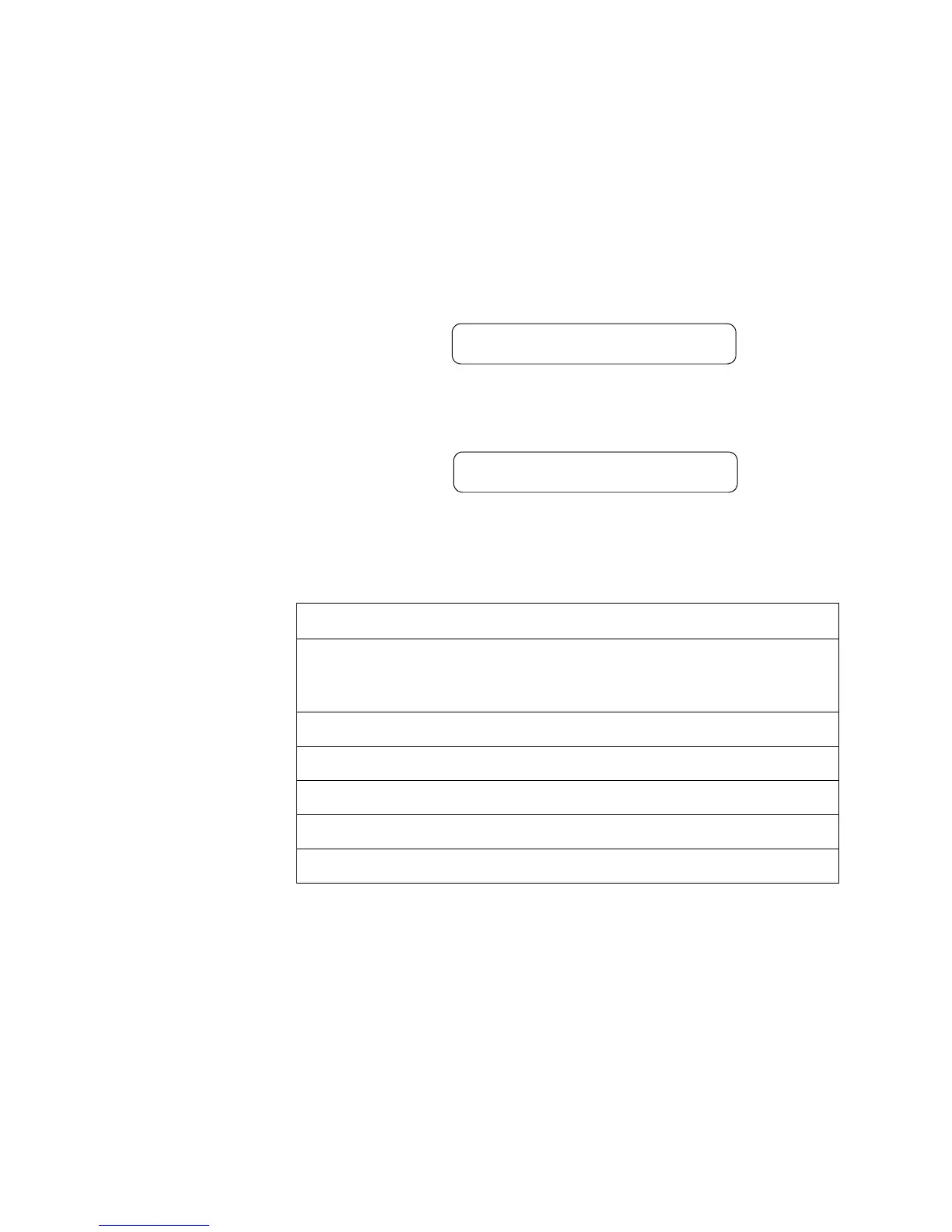
Press <Enter>. The control panel displays the following screen:
Figure 9 Programming Entry Screen
From the Programming Entry Screen, press <2>. The control panel displays the
following screen:
Figure 10 Read Status Screen
Read Status Options
Note: If attempting to read a
point that is not installed, the
control panel displays NOT
INSTALLED.
To do a Read Status, follow the instructions in Table 12:
Table 12 Read Status Options
During all Read Status operations (except print operations) the control panel starts a
2-minute timer each time you press a key. If the control panel does not detect a key
press for 2 minutes, the panel leaves the current operation and returns to the previous
display.
• Press <Esc> to delete the previous entry.
• Press <System Reset> to abort Read Status.
1=PROGRAMMING 2=READ STATUS ENTRY
(ESCAPE TO ABORT)
READ POINT=0 HIST=2 ALARM HIST=4 <ENTER>
PRNT POINT=1 HIST=3 ALARM HIST=5 <ENTER>
To... Do this...
Read Point
1. Press 0 C
2. Press H J I or z
3. Enter the device or zone address.
Print Points
Press
1 C
Read History
Press
2 C
Print History
Press
3 C
Read Alarm History
Press 4 C
Print Alarm History
Press
5 C
Technical Manuals Online! - http://www.tech-man.com













 To Next Page