16
OY NORDIC SPA LTD | Tehdaskatu 7, 24100 Salo | www.novitek.fi
EN
The pool temperature is factory set to 38 °C. The water temperature is set in the main view by rst
pressing the arrow key up or down. The temperature setting is adjusted with the left or right arrow
keys. Save the changes by pressing the select key
3
.
SETTING THE TEMPERATURE
The time must be set immediately after the pool’s installation, as the correct time is important for the
functionality of the ltration cycles. If the time has not been set, there will be a message showing Set
Time. The time is set by choosing Time of Day in the Settings menu. Navigate up or down to change the
hours, minutes and the 12h/24h option. The time can be adjusted up or down with the arrow keys. Save
the setting by navigating onto the Save symbol and pressing the select key
3
.
SETTING THE TIME
The pool has three jet pumps, of which JETS 1 is a dual-speed pump. JETS 1 pump starts either at
ltration or massaging speed, depending on the pool mode. If the pump starts at ltration speed, you
can turn on massaging speed by pressing the JETS 1 button again. The massaging speed turns off
automatically after 15 minutes and the ltration speed after 30 minutes, or you can turn them off by
pressing the JETS button. The other pumps of the pool always start up at massaging speed.
PLEASE NOTE! If the pool is in READY mode, the ltration speed turns on automatically when the pool
checks the water temperature every 30 minutes. If the ltration speed has turned on automatically, it
cannot be turned off, but you can turn on massaging speed by pressing the JETS 1 button.
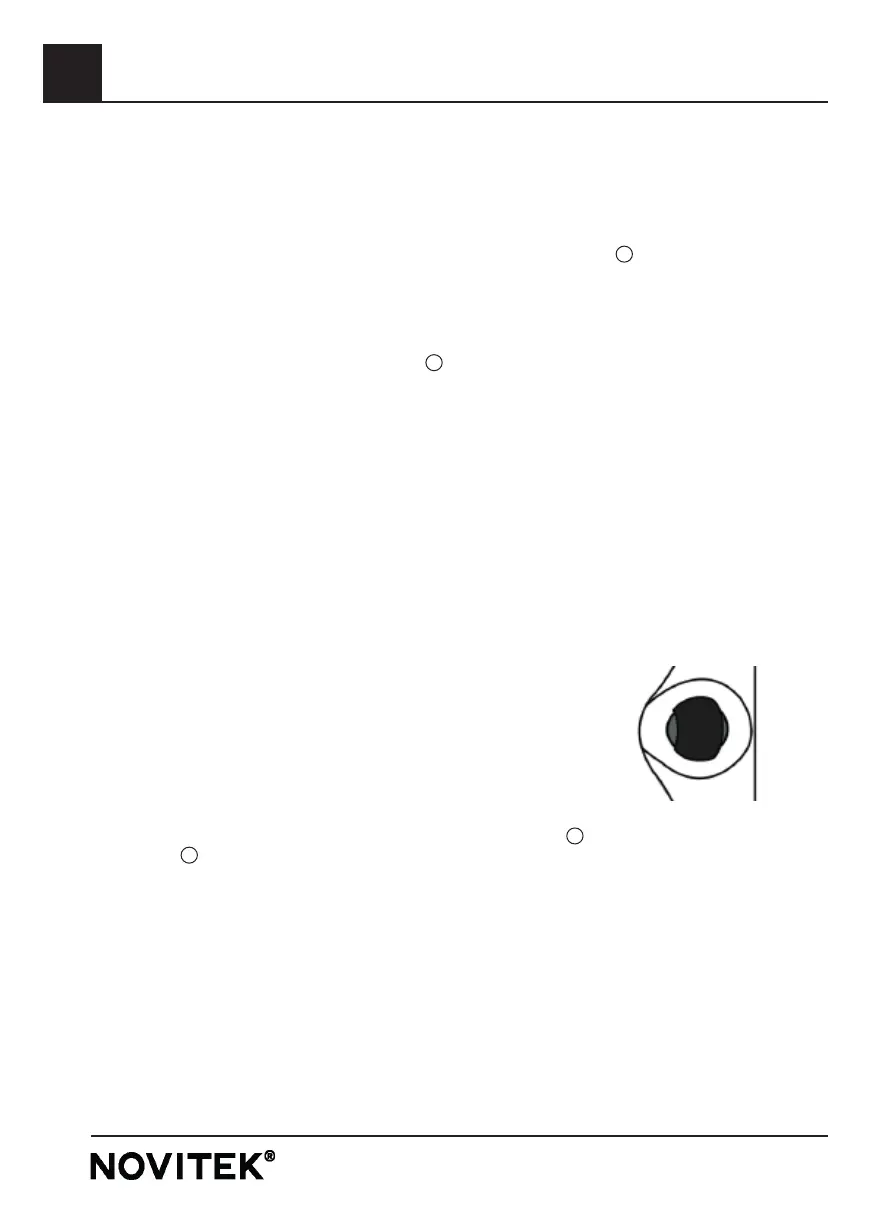
The massage intensity can be adjusted for each seat individually, with
controllers on the side of the pool. The massage intensity increases
when turning the controller counterclockwise, and likewise decreases
when turning it clockwise.
JET PUMPS
AIR CONTROLS
The pool’s LED lights can be turned on by pressing the LIGHT button
2
. To turn off the lights, press
the LIGHT button
2
again. The pool’s LED lights have different colours and light modes. To change
the light mode, turn off the LED lights and immediately turn them back on. The LED lights turn off
automatically four hours after being turned on.
LED LIGHTS
The control panel of the pool is locked by selecting Lock in the Settings menu. In the Lock view, you
can choose between locking the entire key panel (Panel) or only the settings (Settings) with the up and
down keys. By only locking the settings, the lights and jets of the pool can be used normally. You can
lock and unlock the panel in the menu by pressing the right arrow key on the wanted locking option.
KEYLOCK
SELECT BASIC TP700



 To Next Page