31
22 To Start & Stop the Device
To Start Treatment,
1. Put the transducer arrays on the scalp (with the help of a caregiver if needed). Plug the transducer arrays into
the connection cable box (Sections 14 and 15).
2. Plug the connection cable into the device with the arrows on the connector up (as described in Section 20).
3. Insert a charged battery into the device (see Section 17) or attach the wall power supply (Section 19).
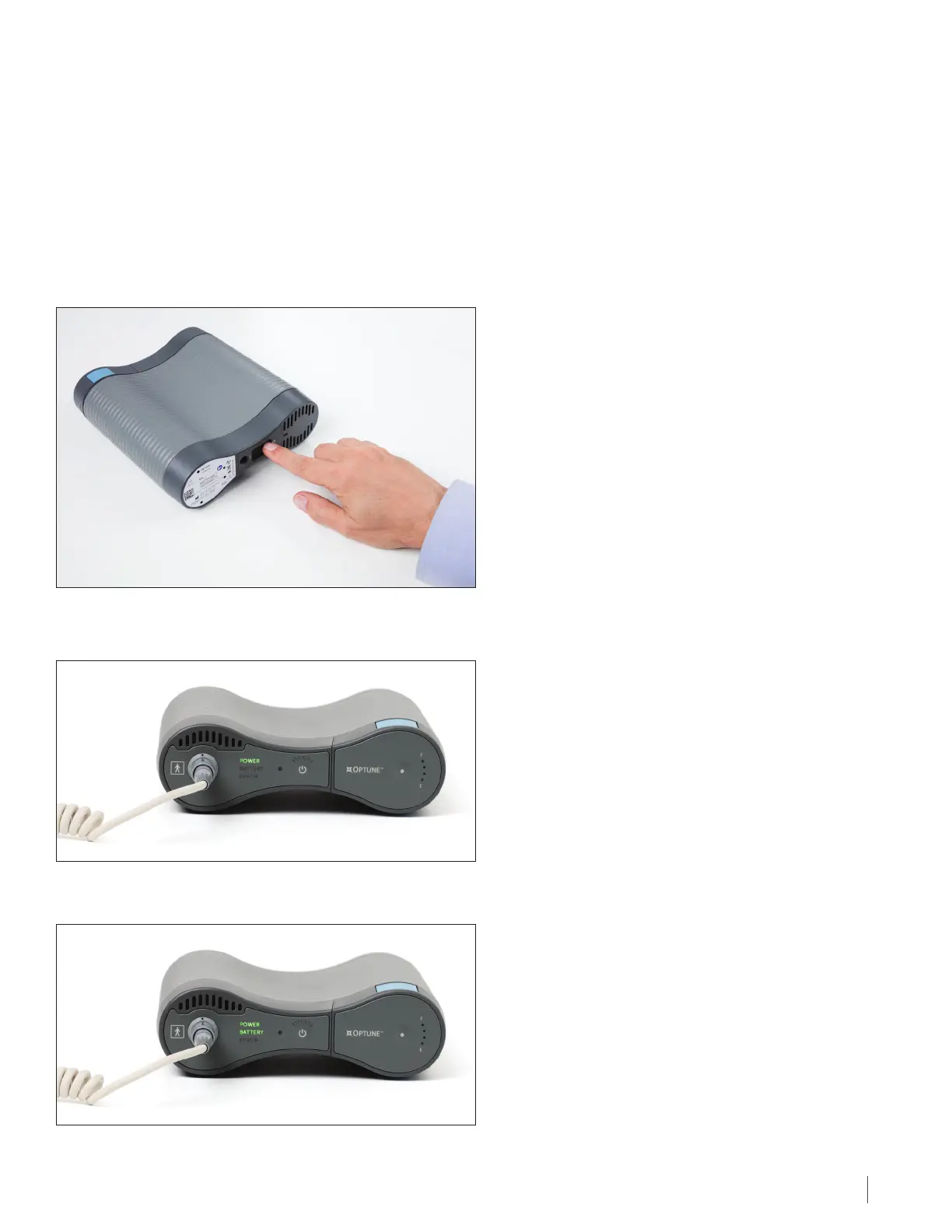
4. Turn the power button on the bottom or the back of the device to the ON position.
5. Allow about 10 seconds for the self-check to be completed. The “Power” indicator on the front panel of the device
will illuminate green.
If a charged battery is installed and there is no wall power supply plugged in, the "Battery" indicator will also illuminate green.
To Start & Stop the Device\\DC - 099263/000001 - 12620961 v1


 To Next Page