EasyManua.ls Logo

novocure Optune - User Manual

novocure Optune
46 pages
Print Icon
To Next Page IconTo Next Page
Loading...
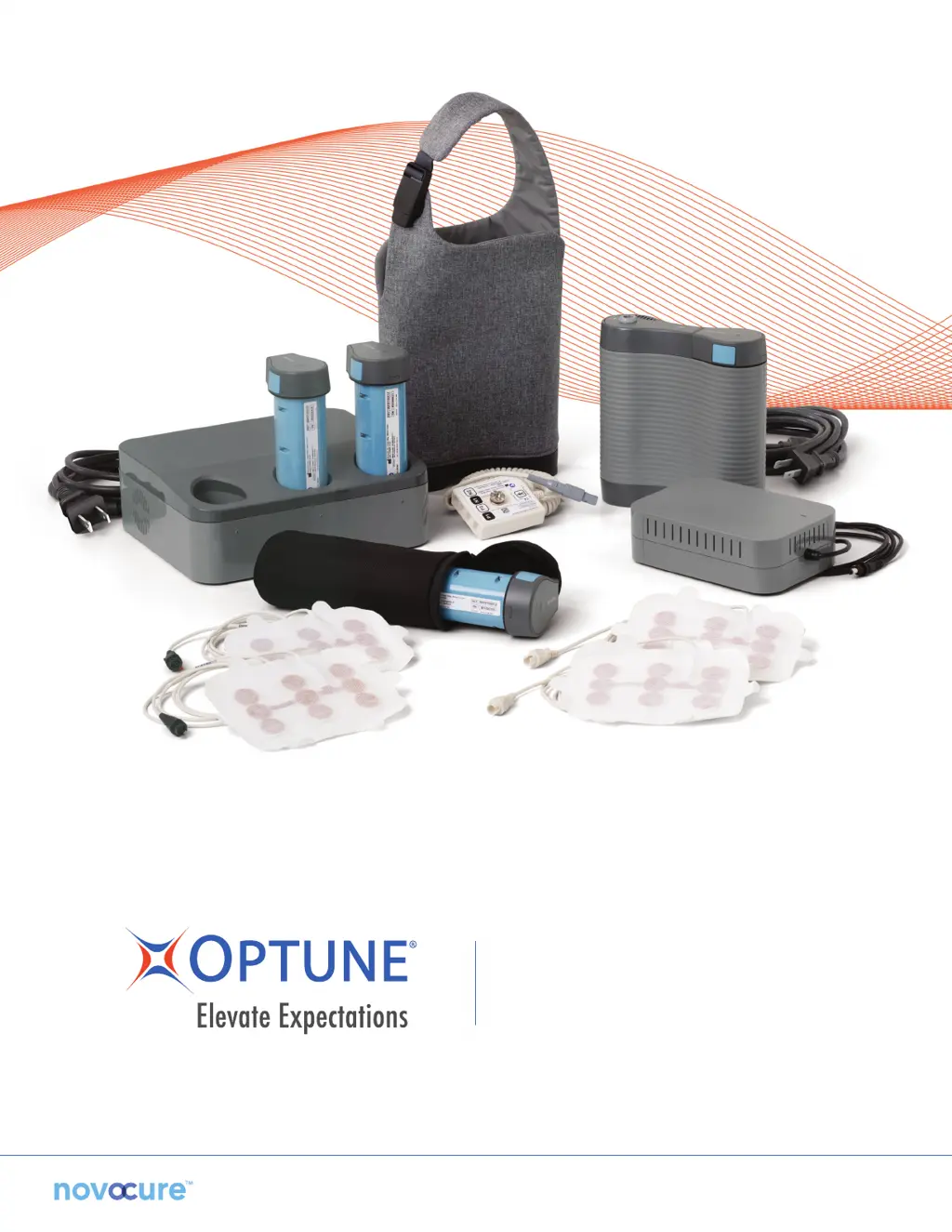
PATIENT INFORMATION
AND OPERATION MANUAL

Other manuals for novocure Optune

Questions and Answers

  • E
    Earl GrahamAug 19, 2025
    What to do if the novocure Optune device power indicator light does not light up?
    • J
      jonesrobertAug 20, 2025
      If the device power indicator light doesn't illuminate after turning it on, here's what to check: * Ensure the device is properly connected to a power source. * If using a battery, verify it's not depleted by checking the battery gauge. Replace if necessary with a charged battery or the power supply. * Confirm both the device and power source are correctly connected and retry. * Inspect all connectors for damage. If the device still won't power on with either the battery or the wall power supply, or if there's any visible damage, do not use the device.
  • T
    Tracy MartinAug 22, 2025
    What to do if a cable detaches from the novocure Laboratory Equipment transducer array?
    • M
      mbaileyAug 22, 2025
      If a cable detaches from the transducer array, connection cable, or device, it may be due to excessive physical force on the cables or a device malfunction. Silence the notification signal by pressing the TTFields button. Evaluate the connectors; if they're intact, reconnect and restart therapy. If anything appears damaged or cannot be properly connected, do not attempt to use the device.
  • M
    Martin BeasleyAug 26, 2025
    What to do if my novocure Optune device is dropped or gets wet?
    • M
      matthewvelasquezAug 26, 2025
      If the device is dropped or becomes wet: 1. Press the TTFields button to stop therapy. 2. Turn OFF the power switch.
  • J
    Justin PetersonAug 27, 2025
    Why does the low battery indicator remain on after replacing the battery in novocure Optune?
    • M
      Mr. Eric RossAug 28, 2025
      If the low battery indicator light remains on after replacing the battery, it could indicate a charger, battery, or device malfunction. Try replacing the battery with another charged battery.
  • D
    dawnbyrdAug 30, 2025
    Why does a continuous notification alarm sound when powering on the novocure Laboratory Equipment device?
    • A
      Anthony RobertsAug 31, 2025
      If a continuous notification alarm sounds when powering on the device, and it doesn't complete the self-test, with all lights remaining on, it could be due to the device being too hot, a device malfunction, or a power source malfunction. Power the device off completely using the power switch. Check if the device is hot to the touch. Connect the device to a different power source and try powering it on again. If the device cannot be powered on by either the battery or the wall power supply, do not use it.
  • W
    William McknightSep 2, 2025
    Why does the novocure Optune Laboratory Equipment notification alarm sound 10 minutes after powering on?
    • N
      nicholasrodriguezSep 2, 2025
      The notification alarm sounds if the device is powered on for 10 minutes without initiating therapy. This is a reminder, not a malfunction. Silence the alarm by pressing the TTFields button, wait a few seconds, and press it again to start treatment. The blue indicator around the TTFields button will light up to show therapy is active.
  • E
    Emily WardSep 5, 2025
    How to treat skin redness under novocure Optune transducer arrays?
    • K
      Kristin MillerSep 5, 2025
      Redness under the transducer arrays is a common side effect. Use over-the-counter 0.1% hydrocortisone cream when switching transducer arrays. Shift transducer arrays 3/4 of an inch from the last location, so the adhesive gel is between the red marks. If the redness worsens, see your doctor.
  • T
    taylorrodriguezSep 8, 2025
    How to treat itching under novocure Laboratory Equipment transducer arrays?
    • J
      James AllenSep 8, 2025
      For itching under the transducer arrays: 1. Use over-the-counter 0.1% hydrocortisone cream when switching transducer arrays. 2. Shift transducer arrays over 3/4 of an inch from the last location, ensuring the adhesive gel is between the red marks. If the itching worsens, consult your doctor.
  • W
    William CummingsSep 12, 2025
    What to do for pain under novocure Optune Laboratory Equipment transducer arrays?
    • E
      eric46Sep 12, 2025
      If you experience pain under the transducer arrays, stop treatment and see your doctor.
  • N
    nancy31Sep 13, 2025
    What to do for blisters under novocure Laboratory Equipment transducer arrays?
    • R
      Robert GonzalesSep 13, 2025
      If you develop blisters under the transducer arrays, see your doctor for a prescription antibacterial cream and use it as directed.

Summary

Glossary of Medical Terms

What Is Optune and How Does It Work?

Contraindications, Warnings and Precautions

Contraindications for Optune Use

Conditions under which Optune should not be used.

General Warnings for Optune

Important safety advisories and precautions for using the device.

Precautions for Safe Optune Operation

Careful steps and considerations to ensure safe and effective use.

Important Notices for Optune Users

Important information and advisories for optimal device usage.

What Are the Risks of Treatment with Optune?

What Are the Benefits of Treatment with Optune?

What Studies Have Been Conducted with Optune?

About Optune

Overview of Optune Treatment Kit

Overview of Transducer Arrays

Before You Put on the Transducer Arrays

Removing the Transducer Arrays from the Package

Prepare Your Head for Transducer Array Placement

Place the Transducer Arrays on Your Head

Connect the Transducer Arrays to the Device

Disposal

Connecting & Disconnecting the Portable Battery

Replacing Battery During Therapy (Option One)

How to replace the battery without interrupting treatment using wall power.

Replacing Battery Away from Power (Option Two)

How to replace a depleted battery when away from a power supply.

Charging the Portable Battery

Checking the Battery Charge Level

How to check the remaining charge level of the battery.

Using the Plug-In Power Supply

Connecting the Plug-In Power Supply

Steps to connect the device to a wall outlet for continuous power.

Disconnecting Plug-In Power to Use Battery

Steps to safely disconnect the wall power and resume battery operation.

The Connection Cable & Connection Box

Disconnecting Connection Cable from Device

Procedure to temporarily disconnect the main cable from the device.

Disconnecting Transducer Arrays from Cable

Procedure to disconnect transducer arrays from the connection box.

The Electric Field Generator

To Start & Stop the Device

How to Start Optune Treatment

Step-by-step guide to begin the therapy session.

Stopping Treatment for a Short Break

How to pause treatment for short breaks while keeping the device powered.

Troubleshooting Device Errors

Steps to take when the device indicates an error or malfunction.

Responding to Low Battery Alarms

Procedure for when the battery is depleted and an alarm sounds.

Carrying the Device

Glossary of Graphic Symbols

Storage and Transportation by the Distributor

Optune Storage Conditions

Recommended temperature and humidity for storing the device.

Optune Transport Conditions

Guidelines for transporting the device and its components.

Troubleshooting

Assistance & Information

Optune Technical Support

Contact information and services for technical assistance.

Optune Medical Support

Guidance on seeking medical advice for health changes or side effects.

Traveling with Optune

Brain Cancer

Understanding Brain Cancer (GBM)

Basic explanation of brain cancer and GBM.

Treatment Options for Brain Cancer

Overview of treatment options for GBM.

Brain Cancer Recurrence and Treatment

Information on GBM recurrence and treatment options.

Emitted Radiation & Electromagnetic Compatibility

novocure Optune Specifications

General IconGeneral
Brandnovocure
ModelOptune
CategoryLaboratory Equipment
LanguageEnglish