User Manual TXLD0012
P/N T2-UM-E-ENG Rev 10 Novoxel.com Page | 27
Home Screen Features
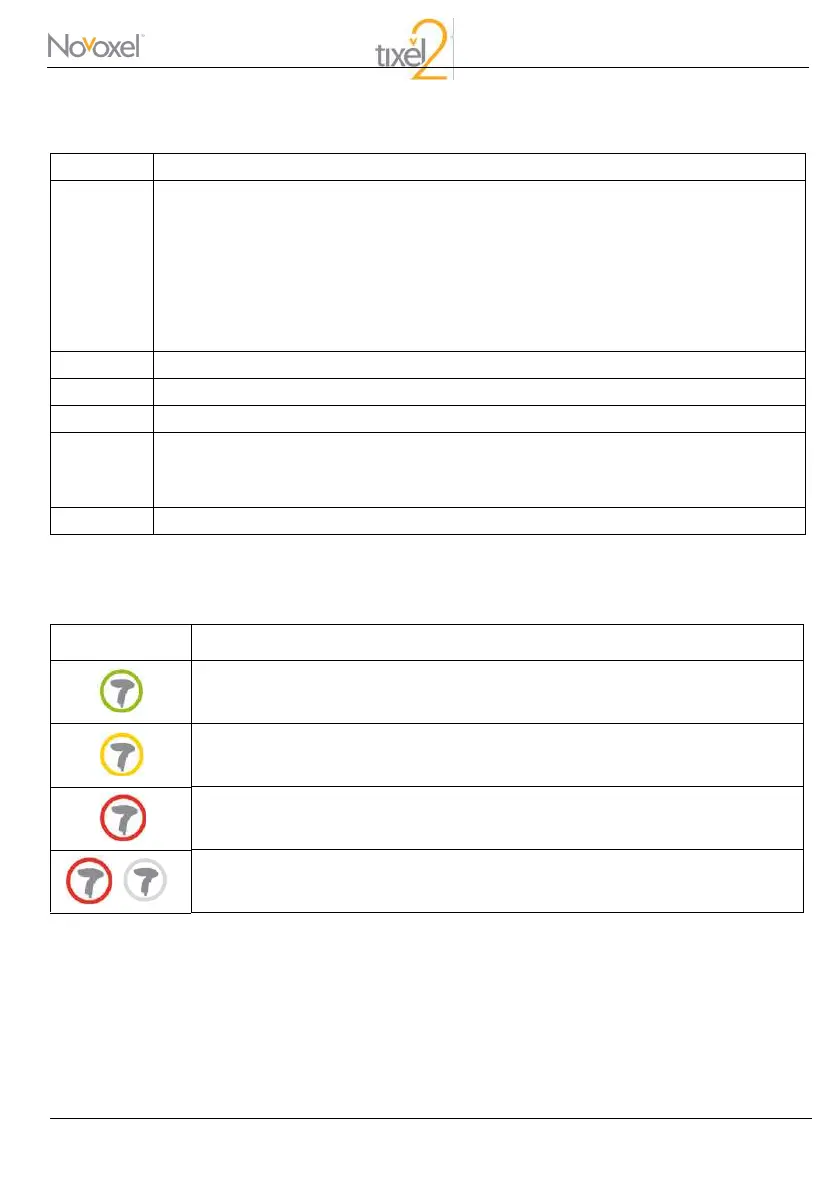
Handpiece Pulse Counter Color Index in the Home Screen
Term Description
1.1
1.2
Navigation to the Operate Screen by Handpiece selection. By pressing on the icon, the
Operate Screen will be displayed after heating and sterilization of the selected Handpiece.
The other Handpiece will be heated to a hibernation temperature of 200°C during the
process.
The pulse count of each Handpiece is displayed below the icon, together with a color
visualization of the remaining life of the Handpiece (see Handpiece pulse count color
index table below).
2 Initiate the Tip cleaning process.
3 Decorative blue LED control (On/Off).
4 Demo Mode
5.1
5.2
Temperature indication, cord to the next color index:
Ready to work: Red 385-400°; Orange 200-384°; Yellow 80-199°; Blue 0-79°
Note: the accuracy of the temperature measurement is ±5° Celsius.
6 The Shutdown icon.
Icon Count Range
1 - 200,000
201,000 - 240,000
240,001 - 245,000
Over 245,000 (icon blinks)



 To Next Page