User Manual TXLD0012
Page | 26 Novoxel.com P/N T2-UM-E-ENG Rev 10
Chapter 4: Operating Instructions
Turning on the Tixel2 device & Operating the Touchscreen
Turn the system on by switching the I/O switch in the back panel of the Console to “I”.
A system check will be performed, including a test pulse by each of the Handpieces.
The Home Screen
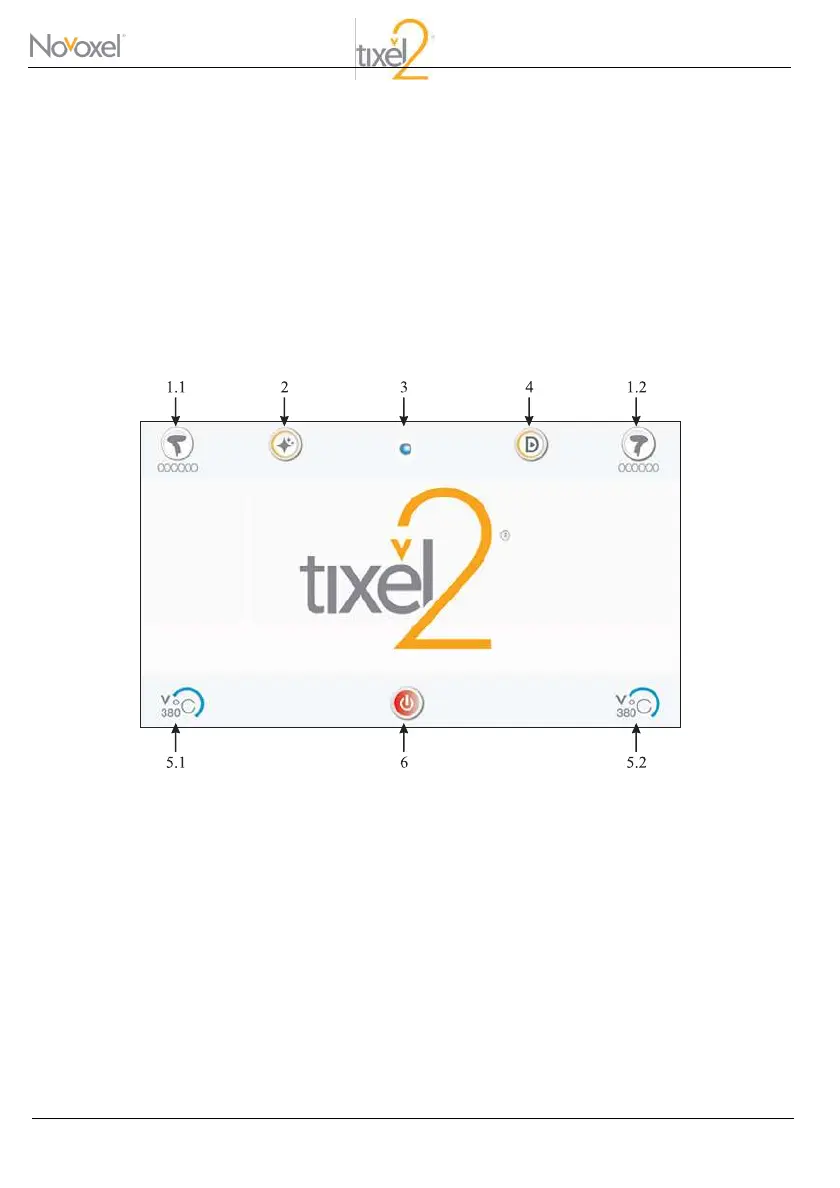
After System check has been completed, the Home screen will be displayed:
Home Screen



 To Next Page