User Manual TXLD0012
Page | 32 Novoxel.com P/N T2-UM-E-ENG Rev 10
Entry of Credit Codes via the device’s Pulse Credit Screen - via the Home Screen.
How to display The Pulse Credit Screen
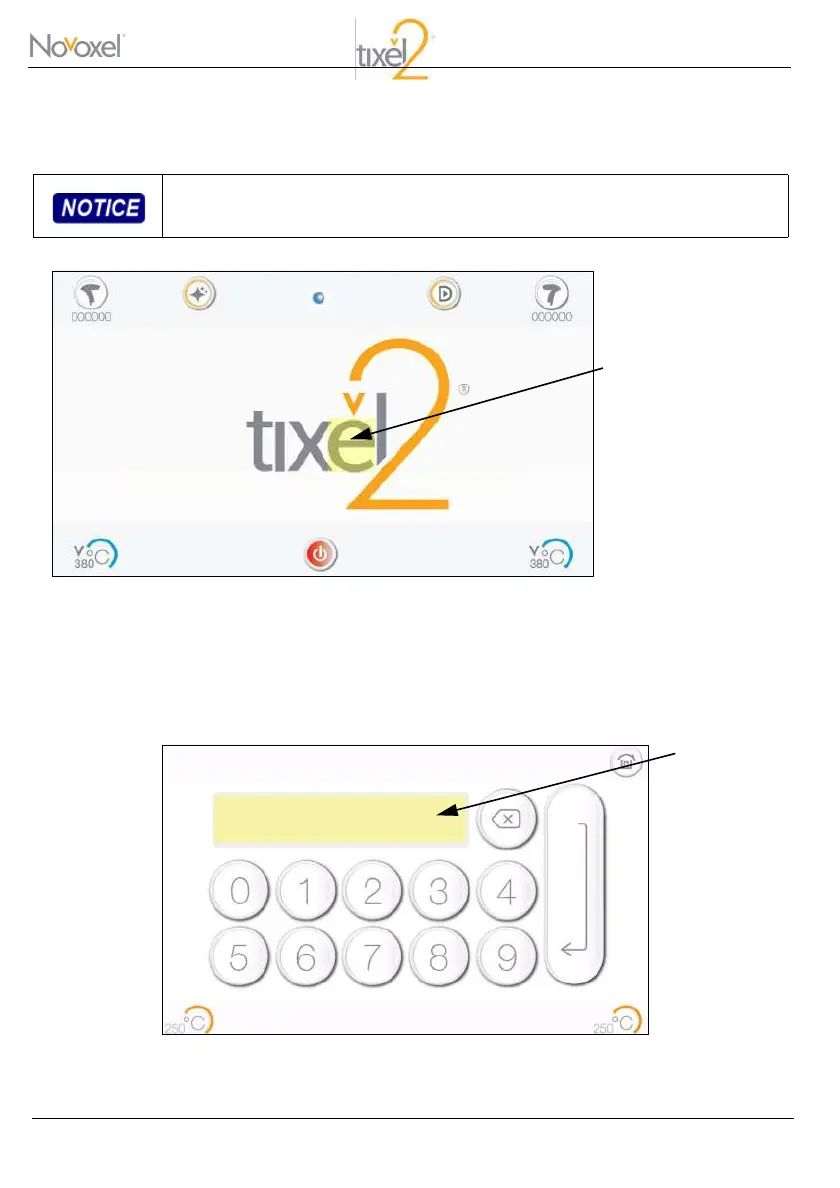
In order to feed a new code to the Tixel2 device, return to the home screen.
Press and hold on the letter “e” of the logo of the Tixel2 for four seconds.
The following screen will be displayed:
Pulse Credit Code Screen
The code is device-specific and cannot be transferred between devices.
Press and hold for four
seconds on the high-
lighted area.



 To Next Page