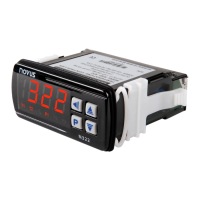
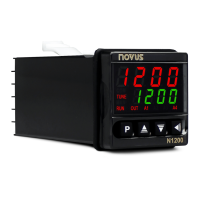
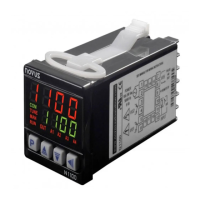
N480D Controller
NOVUS AUTOMATION 4/6
OFFSet
OFFSET FOR PV. Parameter that allows adding a
value to PV to generate an indication displacement.
Alarm Function
. See
for
description of functions and code to be programmed
in these screens.
Alarm
HYsteresis
ALARM HYSTERESIS 1 AND 2.
difference between the measured value when the
alarm is activated and the value that is deactivated.
Alarm Bl
Enables initial block;
Does not enable initial block.
Program Type
Type of program to be adopted by controller:
none
Does not adopt any type of program;
Adopts ramp to cycle function;
Adopts complete Ramp and Cycle
program.
CALIBRATION CYCLE
All types of input and output are calibrated at the factory. If recalibration
is required, it must be performed by a specialist.
If this cycle is accessed accidentally, pass through all parameters
without making changes to their values.
Password. Input of the Access Password.
This parameter is presented before the protected
cycles. See item Protection of Configuration.
Input low calibration. Enter the value corresponding
to the low scale signal applied to the analog input.
.
Enter the value corresponding
to the full scale signal applied to the analog input.
Output low calibration. Enter of the value measured
at the analog output.
Output high calibration. Enter of the value
measured at the analog output.
Restore. Restores the factory calibration for all input,
analog output and remote SP, disregarding
modifications carried out by the user.
Cold junction. Adjusts the of cold junction
temperature value.
Password. Allows defining a new access password,
always different from zero.
Protection. Sets up the Cycle of Protection:
1
Only the Calibration cycle is protected;
Input and Calibration cycle;
Program, Input and Calibration cycle;
Tuning, Program, Input and Calibration cycle;
Operation (except SP), Tuning, Program, Input
and Calibration cycle;
All cycles are protected.
TYPE OF ADOPTED PROGRAM
Two forms of program execution are available in the controller. The
Program Type (
) parameter allows user to choose between
Ramp to Cycle (
) and a complete Ramp and Cycle program
(
). User can also choose to not execute any type of program
(
).
PROGRAMS OF RAMP AND SOAK
Available when the
option in the
parameter is selected.
The controller allows the process temperature to vary gradually from an
initial value until a specified final value, determining a Ramp-like behavior.
The initial value of the Ramp will always be the process initial
temperature (PV). The final value will always be the value defined in SP.
User determines the increase (or decrease) speed of the ramp in the
“
” parameter, which defines a temperature variation rate in degrees
per minute. In order to disable the Ramp function, program the value 0.0.
When the SP value is reached, the controller starts to control the
process in SP (cycle) by an interval of time or indefinitely.
The
parameter, adjustable between 0 and 9999 minutes,
determines the cycle duration. At the end of the cycle, the control is
disabled (run = no) and all outputs are turned off. With value 0 in
the control continues indefinitely without time limit.
As alarm can be associated at the end of the cycle. The
Alarm
Function determines that an alarm is activated at the end of the cycle.
Valid only with
≠ 0.
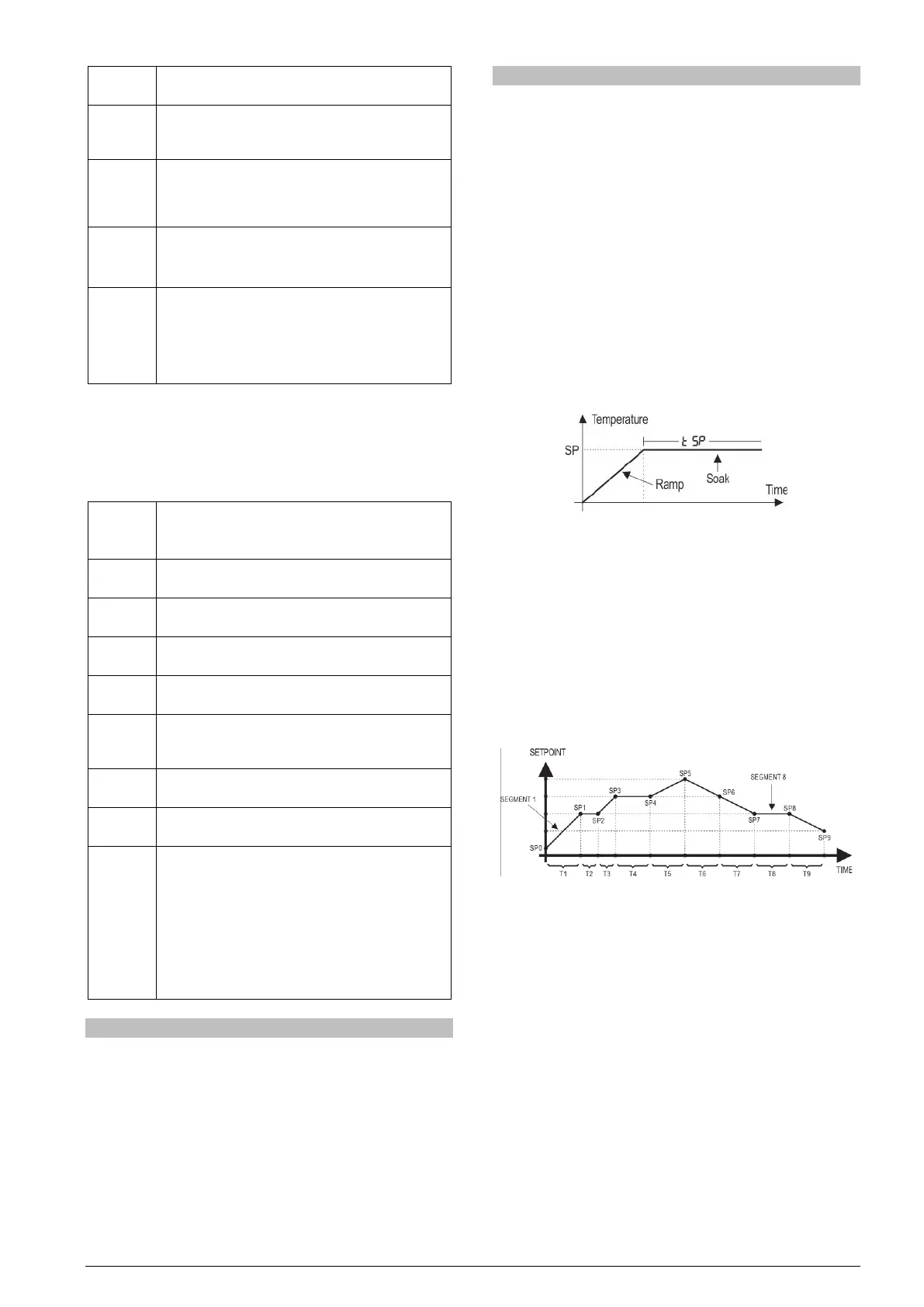
Fig. 2 - Level Ramp Function
Upon returning from a power failure, the controller automatically restarts
the execution of the Ramp to Level function. If the PV value is smaller
than the SP value, the Ramp restarts at this point until it reaches SP. If
the temperature is equal to SP, Level execution is restarted.
COMPLETE LEVEL AND RAMP PROGRAM
Available when the
option is selected in the
parameter.
The controller allows to elaborate one temperature ramp and level
program. This program is created from the SP value definition and time
intervals, defining up to nine (9) program segments.
The figure below shows a program model with 9 segments:
Fig. 3 - Example of a ramp and level program
The program created is permanently stored in the controller’s memory.
It can be modified freely, executed when necessary and repeated as
often as necessary.
In order to execute a program:
1 - Turn off outputs (
=
);
2 - Enable execution of parameter
=
;
3 - Trigger start turning on outputs: (
=
).
Once a program is initiated, the controller starts to automatically
generate the SP values defined for each program segment. SP
adjustment in the indication screen remains blocked.


 To Next Page
 Loading...