– 65 –
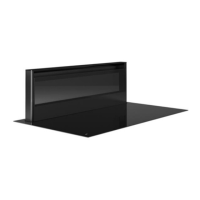
4.4 Controlling the extraction tower
4.4.1 Switch on and off and run-out function
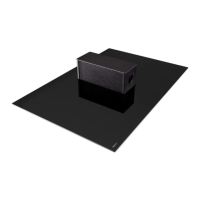
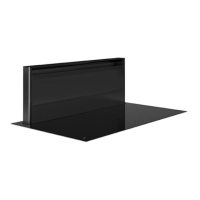
WARNING: When the extraction is activated, the
extraction tower automatically rises to the desired
height at the rear of the induction hob. Therefore,
ensure nothing can hinder its movement.
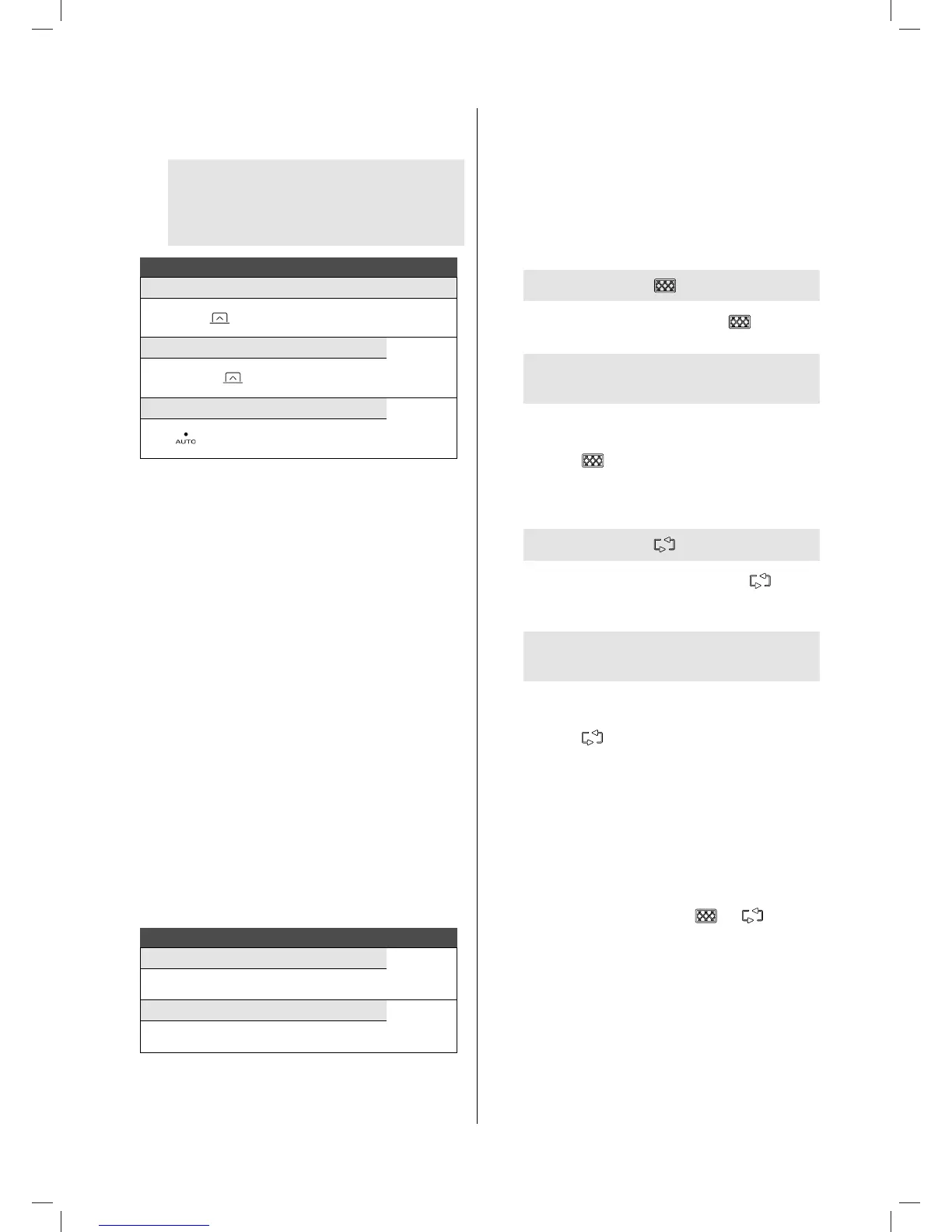
Extraction tower:
Switch on 10 cm Display
Briey press
1st LED
lights up
Switch on 30 cm
1st LED
lights up
Pr
ess and hold
for 2 seconds
Switch AUTO on 20 cm
3rd LED
lights up
Pr
ess
AUTO function: Preset function where the extraction tower
immediately comes into position at the most common cooking
height of 20 cm. The extraction mode 6 (3rd led) is automatically
set.
Run-out function: This function starts at the end of cooking.
For a xed time, the remaining cooking vapours will be extracted
from the kitchen by the extraction tower at low extraction mode
and at a height of 10 cm. When recirculation is selected, the
Monoblock lters are also dried.
The run-out time is set to 30 minutes by default in the recirculation
mode and 10 minutes in exhaust mode. It is recommended that
this function be allowed to carry out its function completely. At
the end of the run-out time, the motor and the extraction tower
will automatically switch o and the tower will close.
4.4.2 Increase and decrease the power level
The extraction tower can be set to 8 power levels, with 3 intense
levels (6, 7 and 8).
Activate the intense levels when cooking food with a strong
smell or vapour. On higher ow rates, the extraction tower works
for a xed period of time: 1 hour on position 6, and 6 minutes on
position 7 and 8 if the device is set to exhaust mode. After this
time, the extraction tower switches back to position 5.
Adjusting the power level:
Increase the power
Brighter
LED(s)
Press
+
Decrease the power
LED(s)
dim
Press
‐
4.4.3 Auto-stop
In order to ensure the extraction does not keep running, the
motor switches o and the extraction tower closes automatically
after 3 hours (if the controller has not been changed during
these 3 hours).
4.5 Cleaning indications
4.5.1 Cleaning indication for grease lter
Indication: LED next to lights
After 20 cooking hours, the LED next to the
symbol will
light up.
Follow the cleaning instructions as described in the
chapter, Cleaning.
After having cleaned and replaced the grease lters, reset the
cleaning indication.
Reset: press the
control key for 3 seconds.
4.5.2 Cleaning indication for Monoblock recirculation
lter (only with recirculation)
Indication: LED next to
lights
After 200 cooking hours, the LED adjacent to the
symbol
will light up (this indicates that the Monoblock recirculation lter
must be regenerated.
Follow the cleaning instructions as described in the
chapter, Cleaning.
After the regeneration and after having replaced the Monoblock
recirculation lter, reset the cleaning indication.
Reset: press the
control key for 3 seconds.
4.6 I/O module connection
The device can be optional equipped with the Input/Output
module n° 990034.
When the input of the module is used in “closed” input situation
the extraction tower will move to the desired height only the
extraction will not start.
The leds next to the Cleaning indication
and will blink.
The extraction only starts when the input situation is “open”.
The input can be used for example in combination with a
sinwow switch in duct out mode.
When the output of the module is used the relay will close when
the extraction is active.
The output remains closed also 5 minutes after closing the
extraction tower.
1821_110119_GA2.indd 65 19/02/18 23:14


 To Next Page