– 70 –
7 TROUBLESHOOTING MINOR
FAULTS
7.1 Messages on the hob
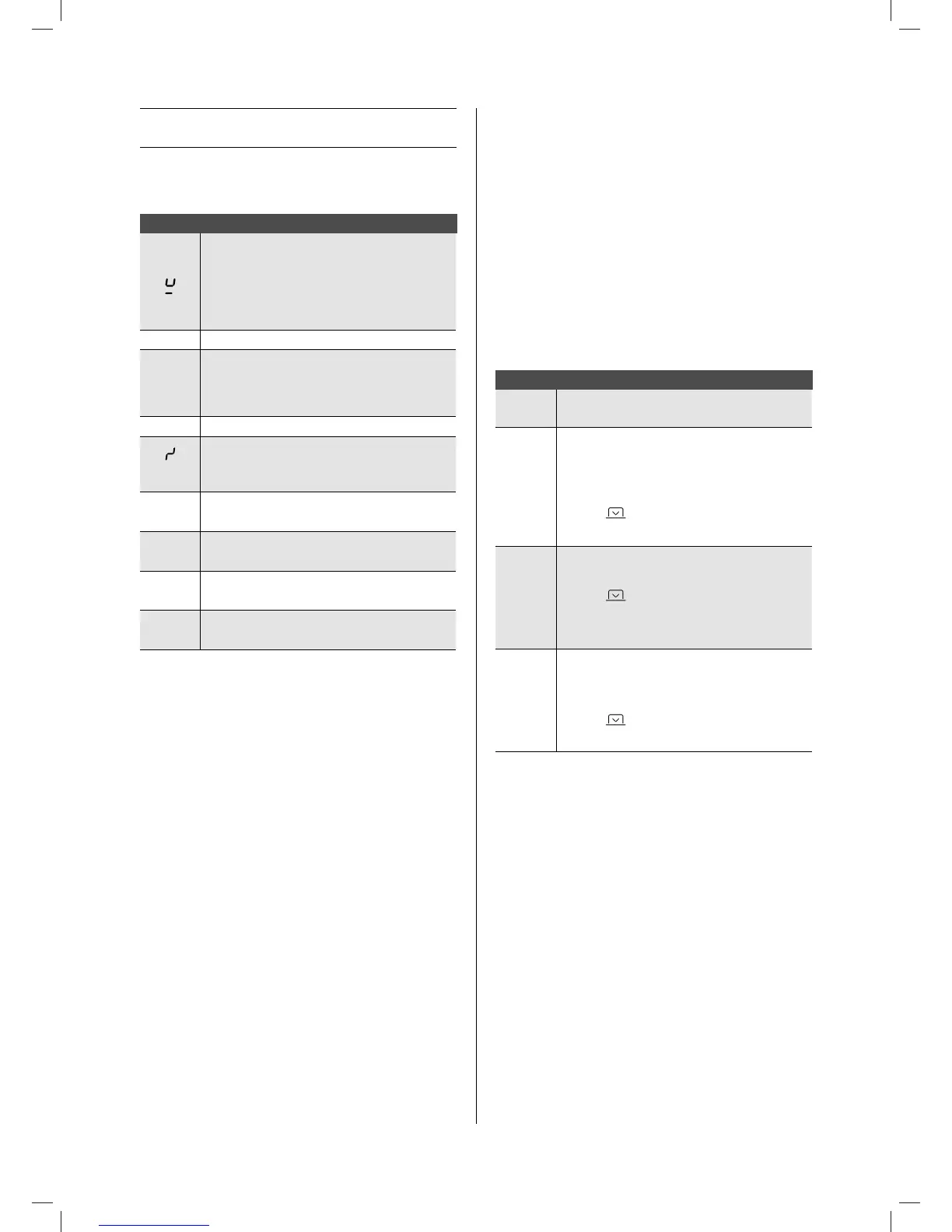
Code
– there is no cooking pan on the cooking zone
– the cooking pan is not suitable for induction
– the diameter of the bottom of the cooking pan
is too small when compared to the cooking
zone
U
See Chapter 4.3.9 Keep warm
E
– The electronic system is disrupted.
– Disconnect and reconnect the hob.
– Call the after-sales service
I I
See Chapter 4.3.7 Stop & Go
(Er03)
The controller keys are covered by liquid or an
item. The symbol will disappear as soon as the
keys are released or cleaned.
E2
The hob has overheated, leave to cool, then
switch back on.
E8
The fan air supply is blocked.
Unblock it.
U400
The hob has not been properly connected to the
network. Check the connection.
(Er47) Problem in the device's internal bus system.
If one of these error messages remains visible, you can contact
the after-sales service.
The hob or the cooking zone does not work:
– the hob has been poorly connected to the electrical power
supply
– the safety fuse has blown
– check the locking key has been enabled
– the touch control keys have been splashed with water or fat
– there is an object on the touch control keys
A single zone or all zones are not working:
– the safety device has been operated
– this shall engage when a cooking zone has been left on
unintentionally
– the safety shall also engage when one or more touch control
keys are covered
– a pan is empty and the base has overheated
– the hob also has an automatic power reducer and automatic
shut-down in the event of overheating
The fan continues to operate after the hob has switched
off:
– this is not a defect, the fan is protecting the electronic
equipment
– the fan will stop automatically.
The automatic cooking controller does not seem to be
working:
– the cooking zone is still warm [
H
]
– the maximum cooking level has been selected [
9
]
– the cooking level was selected using the control key [
‐
].
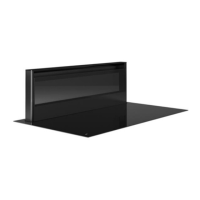
7.2 Messages at the extraction
Code
1st LED
ashes
– Run-out function activated
2 LEDs
ash
– The tower was not detected at the requested
position.
– Check nothing can prevent the movement of
the extraction tower
– Press
– Contact Novy
3 LEDs
ash
– Safety switch in extraction tower constantly
activated
– Press
– Contact Novy
– - Turn on spindle axe with a screwdriver.
4 LEDs
ash
– Front extraction tower glass is missing
– Front extraction tower glass has not been put
in place correctly
– Press
– Extraction tower detection switch faulty
The cooker hood does not extract well. What can be the
cause of this problem?
– Check the grease lter. Follow the cleaning indication. On
average, the lter must be cleaned every two weeks to
ensure the extraction works correctly.
– Check the air supply in the house. As soon as the cooker
hood is switched on, make sure that air is supplied by
opening the grates in the windows or by opening a window.
– Check the duct for blockages or constrictions which prevent
proper extraction of the air.
1821_110119_GA2.indd 70 19/02/18 23:14


 To Next Page