o Skip WPS
Enter key as for a standard encrypted network.
For more information on setting up a WPS encrypted network, see your
WPS router’s instructions.
• Completion
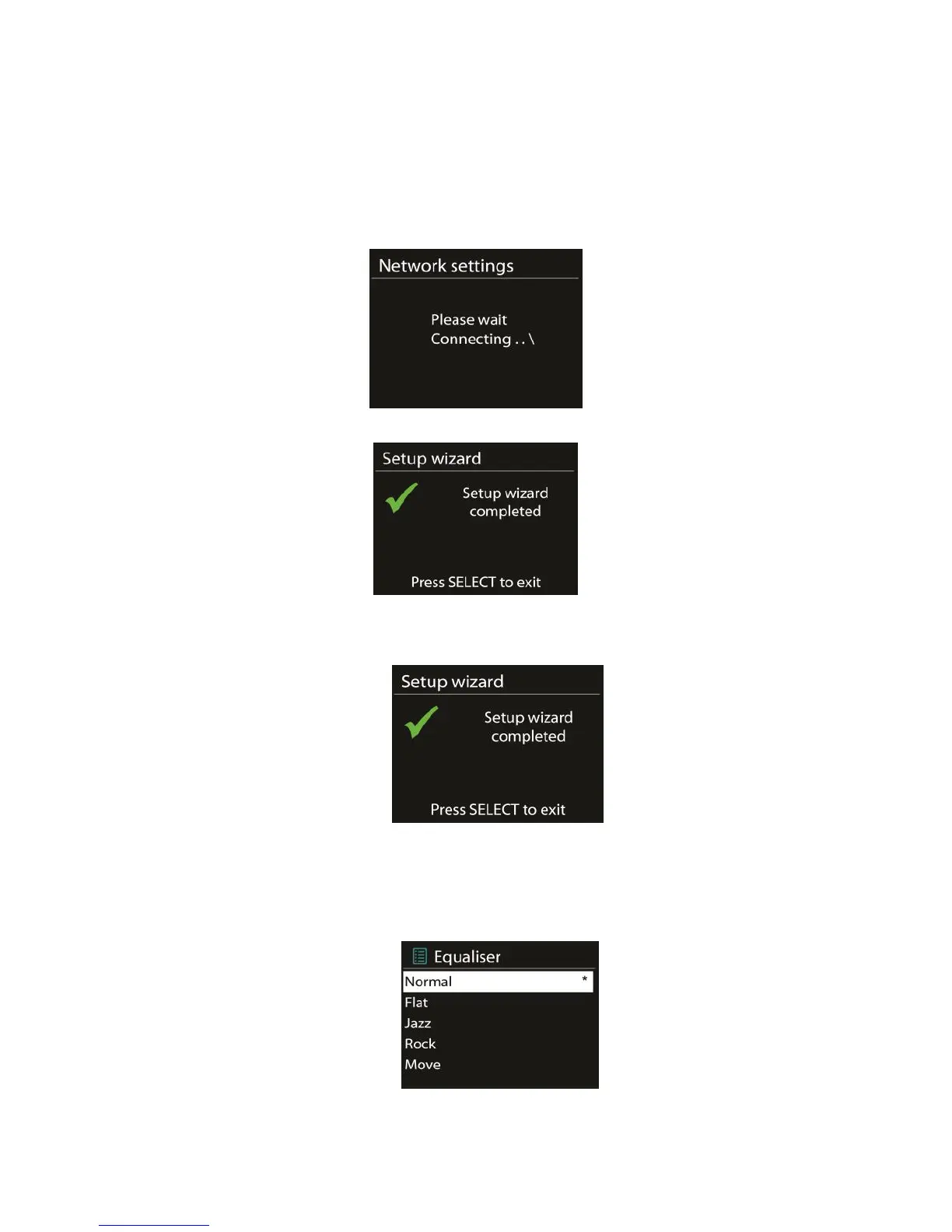
A120+ attempts to connect to the selected network.
It will show connected if the setup is successful. If connecting fails, A120+ returns
to a previous screen to try again.
Press OK to quit the setup wizard.
5.2.2 Equaliser
Several preset EQ modes are available: Normal, Flat, Jazz, Rock, Movie, Classic, Pop
and News.
Also a user-defined setting is available; create your own EQ with custom bass, treble



 To Next Page