5.6.2 Control on Smartphone / Tablet
You may search (with keyword: DLNA) and install any free or commercial DLNA Apps
from Google Play or Apple Store if you are using Android mobile, tablet or iPhone /
iPad.
It is suggested to use iMediaShare on Android mobile, tablet or iPhone/iPad.
Procedures for playing shared music on the app are as follows:
1. Select A120+ as the player.
2. Select music server and choose the music.
NOTE: Some Apps may not support streaming music from iPhone/iPod but iPhone/iPod could
still be used to control streaming music from other servers.
Some Apps may allow to play the music to multi players at the same time.
Some Apps can create a playlist if you choose several music.
Study the own instruction of the software or Apps you use to enjoy DLNA streaming if
necessary.
5.7 DAB
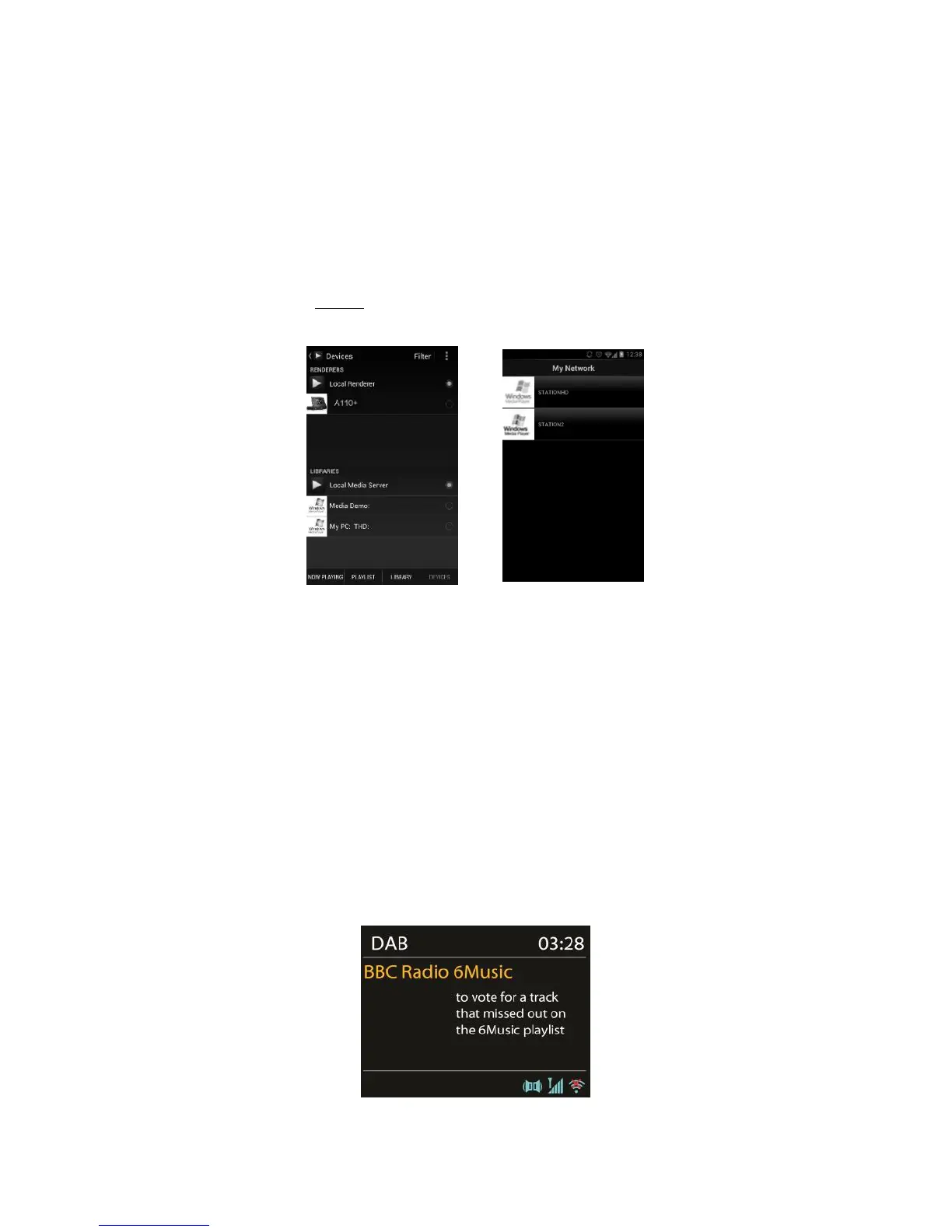
DAB mode receives DAB/DAB+ digital radio and displays information about the station, stream
and track playing.
5.7.1 Scanning for stations
The first time you select DAB radio mode, or if the station list is empty, A120+



 To Next Page
 Loading...