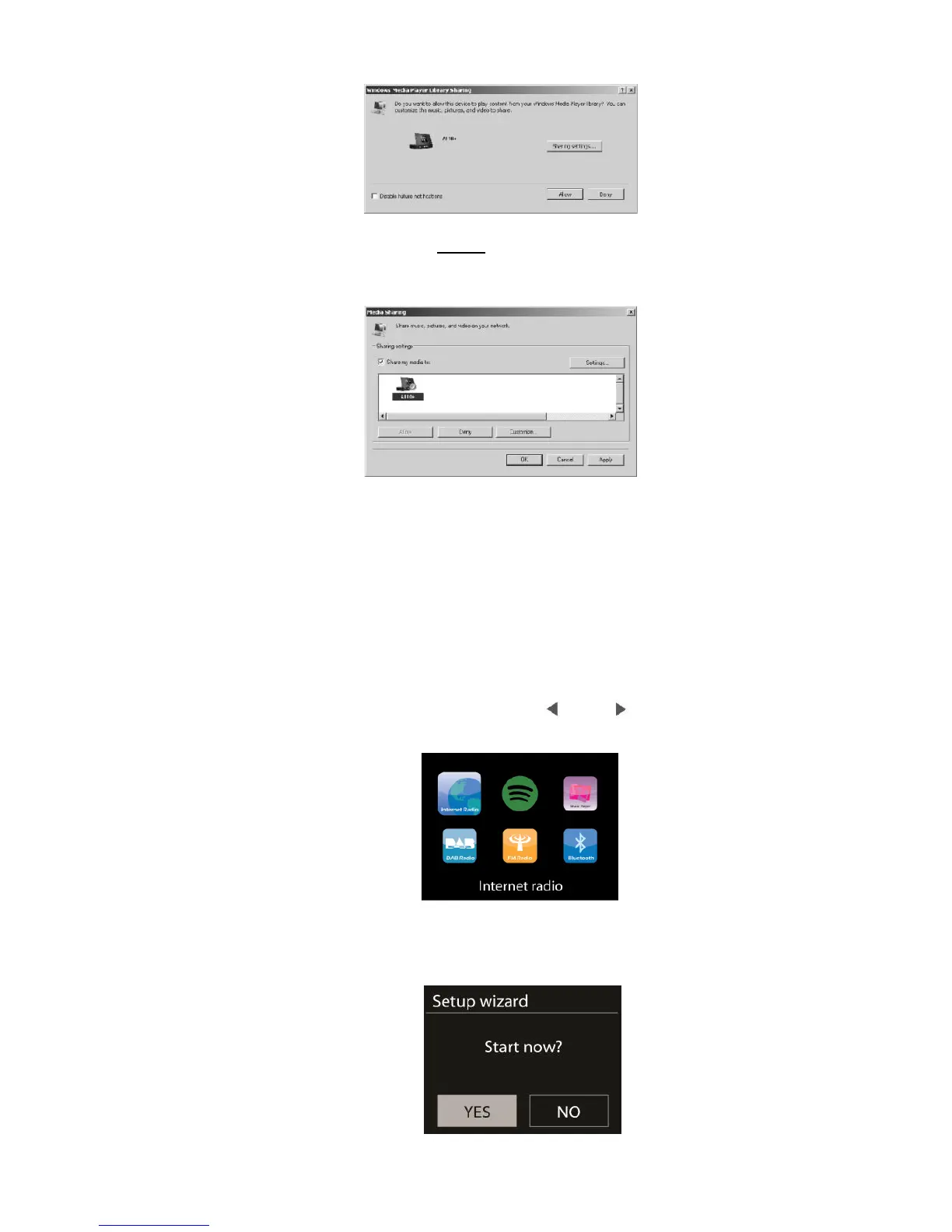
- Allow to share your media to A120+, which is the device name for music
streaming.
- Add the audio files and folders you want to share with A120+ to the media library.
5. A120+ Functions
5.1 Main Menu
Under the main menu, you can select the following modes: Internet Radio, Spotify Connect,
Media Player, DAB, FM, Bluetooth, Sleep and Alarm. Alternatively, press MODE to enter main
page, move to the mode by rotating the reel or press / on the remote control.
5.2 System Settings
5.2.1 Setup Wizard



 To Next Page