At the first time operation, system asks if you want to start the Setup Wizard. Select YES to
continue the setup. Details of the Setup Wizard can be referred to Section 5.2.1 below. After
choosing NO, the next screen asks if you would like to run the wizard next time A120+ is
started.
A120+ will automatically connect to the network that was set before when power on to
Internet Radio again. In case you desire to change the network, enter System Setting to
configure the corresponding connection. Refer to Section 5.2.1 and 5.2.3.
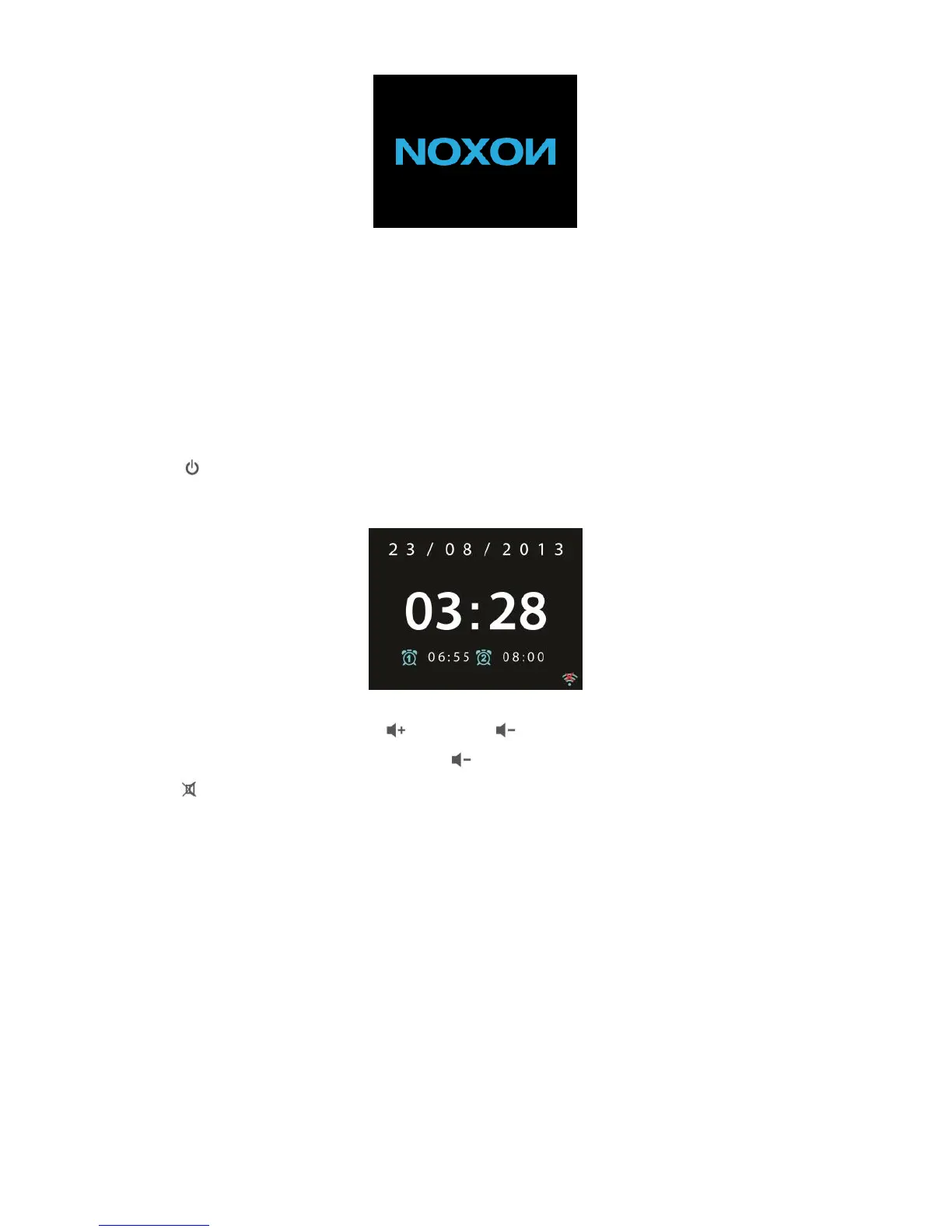
Press on the remote control to enter standby mode. The time, date and any active
alarm times display on the screen.
Rotate the volume reel or press / on the remote control to adjust the
volume. Rotate the volume reel or press until volume level becomes 0, or direct
press to mute the sound.
Music Sharing from PC
• To share the music files from PC, the following steps are done on the PC:
- Connect the PC to the network.
- Ensure A120+ is powered on and connected to the same network.
- Open the UPnP platform Windows Media Player (11 or later). Alternatively, other
platforms or server such as Windows Media Connection may be used.



 To Next Page