Display Menu Guide │ Tx I&O Manual
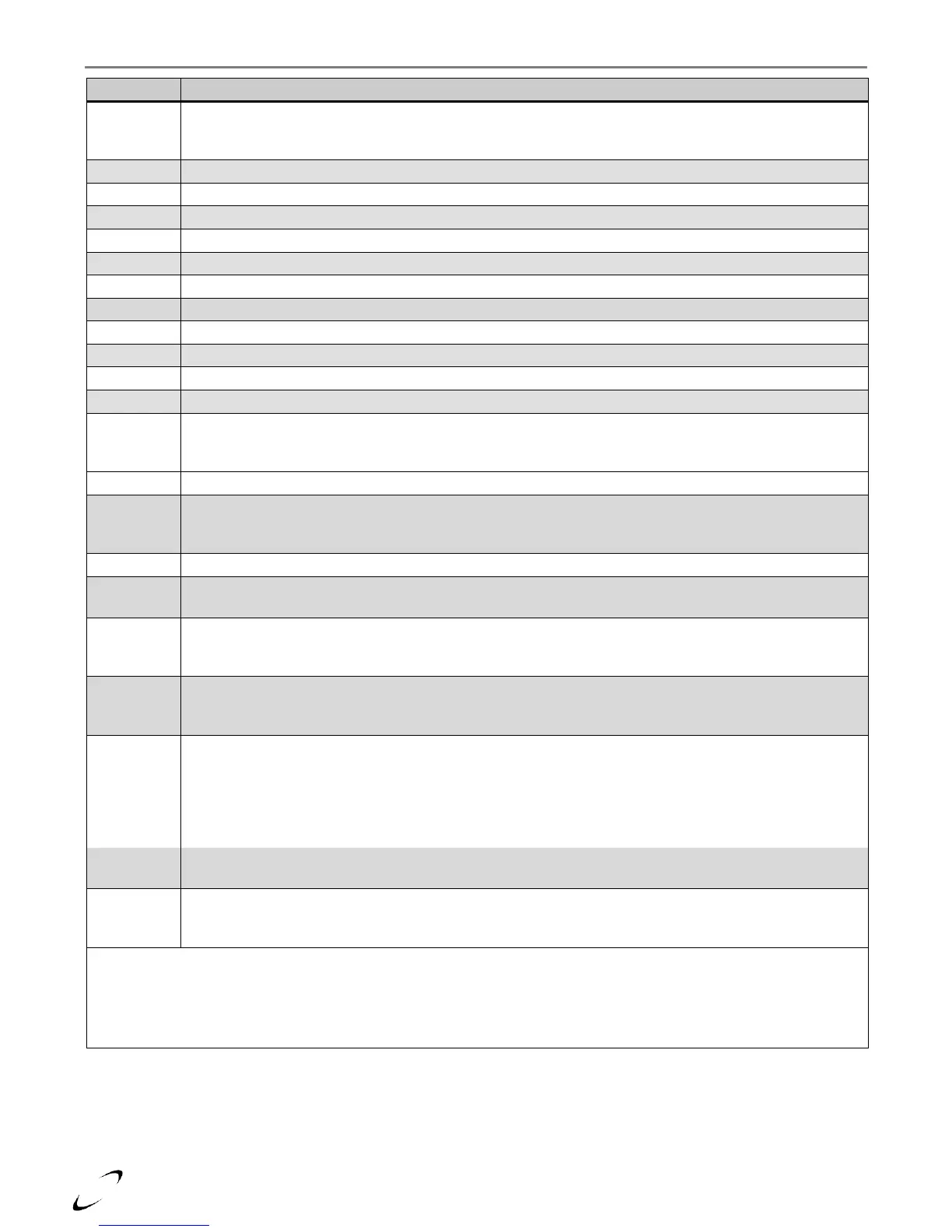
Incorrect Frequency – the controller accepts a line voltage frequency of 60Hz ± 2%; if outside this range
the controller may be damaged or function incorrectly. If using a generator as a power source, install a UPS
(uninterruptible power supply) between the generator and boiler.
Faulty Earth Ground – check grounding of boiler and power supply; replace controller.
Controller Malfunction – contact NTI, check field wiring, replace controller.
Supply Sensor Open – check wiring to supply sensor; replace sensor [see Figure 19-1(a), item 15].
Supply Sensor Fault – check wiring to supply sensor; replace sensor [see Figure 19-1(a), item 15].
Controller Malfunction – contact NTI, check field wiring, replace controller.
Flue Sensor Open – check wiring to flue sensor; replace sensor [see Figure 19-1(a), item 20].
Controller Malfunction – contact NTI, check field wiring, replace controller.
Supply Sensor Shorted – check wiring to supply sensor; replace sensor [see Figure 19-1(a), item 15].
Supply Sensor Shorted – check wiring to supply sensor; replace sensor [see Figure 19-1(a), item 15].
Controller Malfunction – contact NTI, check field wiring, replace controller.
Flue Sensor Shorted – see Err 60.
Reset Button Error – controller has sensed that the “Reset” button (see Figure 17.2) is stuck, inspect
button, try pressing and releasing it to “unstick” it, if necessary remove plastic overlay from display. Turn
power off and on, if problem persists, replace display.
Controller Malfunction – contact NTI, check field wiring, replace controller.
Appliance Type – the appliance type stored in the display does not match the appliance type stored in the
controller. Set the appropriate appliance type using the procedure described under “Controller Replacement
Instructions”; see page 73.
Controller Malfunction – contact NTI, check field wiring, replace controller.
Outdoor Sensor Shorted – controller has sensed a short circuit at the Outdoor sensor; check wiring to
terminals 3 and 5 and outdoor sensor.
DHW Sensor Open – controller has sensed an open circuit at the DHW tank sensor; check wiring to
terminals 3 and 6 and tank sensor. If no tank sensor is being used, set DHW Mode (setting 2-08) to the
appropriate setting; see Table 17-2.
DHW Sensor Shorted – controller has sensed a short circuit at the DHW tank sensor; check wiring to
terminals 3 and 6 and tank sensor. If no tank sensor is being used, set DHW Mode (setting 2-08) to the
appropriate setting; see Table 17-2.
Warm Weather Shutdown (WWSD) Active – when the outdoor temperature (menu reading 1-08)
exceeds the WWSD setting (menu setting 2-04), “Att 6” is displayed during central heat demands, and the
boiler only responds to DHW demands. To avoid this error, increase menu setting 2-04. If the indicated
temperature reading does not match the actual outdoor temperature, inspect the outdoor sensor wiring. If
wiring is fine, disconnect the outdoor sensor, menu reading 1-08 should indicate “OPEn”, if not, replace the
controller, if “OPEn” is indicated replace the outdoor sensor.
Service Reminder – occurs every 365 days; service the boiler and clear the warning by adjusting menu
setting 2-16 to “OFF”.
Low Water Pressure – increase system water pressure to a minimum of 12 PSI. If water pressure reading
at the external pressure gauge exceeds 15 PSI, inspect water pressure sensor and cable – replace water
pressure sensor [see Figure 19-1(a), item 24].
Notes:
1
While displaying a lockout or blocking error, the User and Installer Menus can be accessed to view the status of boiler
sensors and settings.
2
Blocking errors (Err) and some lockouts (Loc) will not clear until the fault is correct.
3
Some lockouts (Loc) can only be cleared by holding the RESET button on the display console.






 To Next Page