The menu structure and Password system is explained on the following
pages.
4.2 Menu options and password assignments
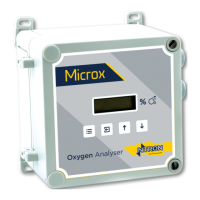
To access the Menus, first press the MENU button on the Analyser keypad.
The Analyser display will show the word PASS. Enter the Password
depending on the menu access required. The numerical Passwords are to be
entered by using the keypad buttons as identified on the previous page.
(e.g. for numerical password 1331, press button ‘B’ then button ‘D’ twice, then
button ‘B’ again.) (Note! At each press of the relevant button, ‘Po’ is displayed
on the screen, not the number value being entered)
Next, press the MENU button again and press the UP arrow button to
advance through the menu levels.
Note! For access to the Level 1 menus, no password entry is required.
*This Menu is protected by an additional factory Password and is not for use by the
end user.
**This Menu is only visible when certain sensor types are fitted.


 To Next Page