- 17 -
Navigating the Menu
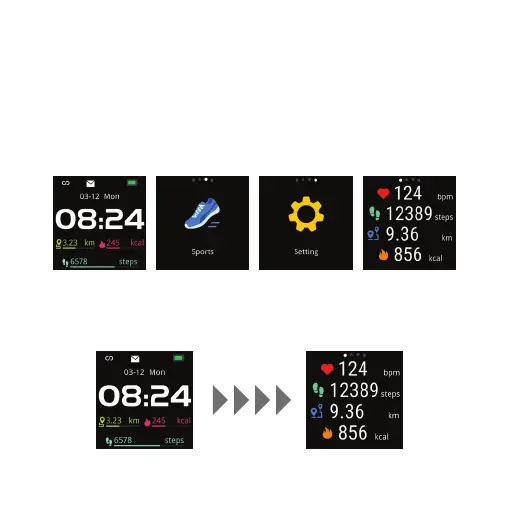
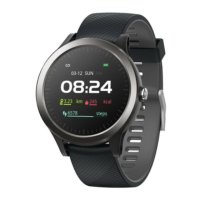
Swipe left the screen of the Nuband Optim.
Interface
Swipe the screen from Home screen to Sports, Setting, Heart Rate
and Activity Data.
Activity Tracking
Swipe the screen to Activity Data to review daily activity.
Home Screen Sports Setting Activity Data
Home Screen Activity Data


 To Next Page